How to Build Your Own AI Agent in 10 Minutes
The Power of AI Agents and Why You Can Build One
Artificial Intelligence (AI) is no longer a futuristic concept; it's a powerful tool accessible to everyone. Among the most versatile applications of AI are AI agents – smart programs designed to perform tasks, make decisions, and interact with their environment. You might be thinking that building such a sophisticated tool requires deep technical expertise and significant time. However, the landscape of AI development has evolved dramatically, democratizing access like never before. This guide is for anyone curious about AI, small business owners looking for efficiency, or individuals seeking to leverage AI for personal projects. In just 10 minutes, you can go from a curious observer to a creator of your very own AI agent. We'll show you how to build an AI agent quickly, proving that advanced technology is within your reach.
What is an AI Agent (in a Nutshell)?
Before we dive into building, let's clarify what an AI agent is. At its core, an AI agent is a system that perceives its environment through sensors, processes that information, and acts upon that environment through actuators. Think of it as a digital assistant capable of understanding context, making decisions, and executing actions to achieve specific goals. These goals can range from simple tasks like scheduling appointments or answering frequently asked questions to more complex operations like analyzing data or automating workflows. The key is that an AI agent is designed to be autonomous, learning and adapting as it operates.
The basic steps to create an AI agent generally involve defining its purpose, choosing the right tools or platform, configuring its parameters, and then testing and refining its performance. The complexity of these steps can vary wildly, but with modern no-code and low-code platforms, the barrier to entry has been significantly lowered.
Choosing the Right Platform: Tools for Rapid AI Agent Creation
The secret to building an AI agent in 10 minutes lies in selecting the right tools. The rise of no-code and low-code AI platforms has revolutionized AI development, making it accessible even for those without extensive coding knowledge. These platforms provide intuitive interfaces, pre-built components, and guided workflows that abstract away the complexities of traditional programming.
Popular Platforms for Building AI Agents
While the specific tools are constantly evolving, here are general categories and examples of platforms that enable quick AI agent creation:
No-Code AI Builders: These platforms offer visual interfaces where you can drag and drop components, define logic through menus, and connect different functionalities without writing a single line of code. Examples often include platforms focused on chatbots, workflow automation, or data analysis.
Low-Code AI Development Environments: For those with a little more technical inclination, low-code platforms offer a balance. They provide visual tools but also allow for custom code snippets for more advanced customization.
Specialized AI Service Providers: Many cloud providers and AI-focused companies offer APIs and services that can be pieced together to form an AI agent. While this might involve some minimal scripting, it's often much faster than building from scratch.
For this 10-minute tutorial, we'll focus on the principles applicable to most no-code or low-code platforms. The core idea is to leverage existing AI models and frameworks to assemble your agent rapidly. For instance, many platforms integrate with large language models (LLMs) that can understand and generate human-like text, forming the brain of your agent.
Step-by-Step: Building Your AI Agent in 10 Minutes
Let's get hands-on. This process assumes you've chosen a user-friendly platform. The exact steps might vary slightly, but the general flow is consistent.
1. Define Your Agent's Purpose and Capabilities (2 Minutes)
This is the most crucial step. What do you want your AI agent to do? Be specific. Instead of "help with tasks," think "answer customer questions about product X" or "summarize daily news articles." This clarity will guide your configuration.
Consider these questions:
What specific problem will your agent solve?
What information does it need to access?
What actions should it be able to perform?
Who is the target user for this agent?
For example, if you want to build a simple AI assistant in under 10 minutes, you might define its purpose as "providing quick answers to common questions about my blog's content."
2. Configure Your Agent's Core Functionality (5 Minutes)
Once your purpose is clear, you'll configure the agent's brain and its connection to data or tools.
Select an AI Model: Most platforms will have options for underlying AI models. For text-based agents, this often means selecting a language model.
Input Data/Knowledge Base: If your agent needs specific information, you'll need to provide it. This could be uploading a PDF of FAQs, connecting to a website, or inputting direct prompts. For a quick agent, simple text input or a small document is best.
Define Triggers and Responses: Set up what prompts or keywords will activate your agent and what kind of responses it should generate. This might involve creating simple rule-based logic or relying on the AI's natural language understanding.
Integrate Tools (Optional but Powerful): Some platforms allow you to connect your agent to other tools like calendars, email, or databases. For a 10-minute build, you might skip complex integrations and focus on core response generation.
This is where you'll quickly assemble the pieces. If you're aiming to build an AI agent without coding, you'll be navigating visual interfaces and dropdown menus. For instance, you might select a pre-trained model and then simply paste in your knowledge base text.
3. Testing and Iterating: Making Your AI Agent Effective (3 Minutes)
After the initial configuration, it's time for a quick test. Interact with your agent as a user would. Ask it questions, give it commands, and see how it responds.
Test with Varied Inputs: Try phrasing questions in different ways to see if the agent understands.
Check for Accuracy: Ensure the responses are correct and relevant to the information you provided.
Identify Gaps: Note any questions it couldn't answer or any confusing responses.
This rapid testing phase is crucial for immediate improvements. You can often make quick adjustments to the prompts or data within the platform. Understanding what makes an AI agent “good” involves looking at its accuracy, consistency, and ability to handle user intent. For this quick build, focus on basic functionality and clarity.
Beyond the 10 Minutes: Next Steps for Your AI Agent
Congratulations! You've just built your first AI agent. This 10-minute exercise is just the beginning. The potential for what an AI agent can do for your business or personal projects is vast. As you move beyond the initial build, consider these avenues for growth:
Expand its Knowledge Base: Add more data, documents, or connect to live data sources to make your agent more comprehensive.
Enhance its Capabilities: Explore integrations with more tools and services to automate a wider range of tasks.
Refine its Responses: Use more sophisticated prompting techniques or fine-tuning (if your platform allows) to improve the quality and nuance of its answers.
User Feedback: If your agent is for others, actively seek feedback to understand how it can be improved.
The democratization of AI development means that personalized AI assistants are becoming increasingly common, offering tailored solutions for individuals and small businesses alike. By mastering the basics of how to make AI agents work for your business, you can unlock significant gains in efficiency and innovation.
The journey of AI agent creation is an iterative one. What you've built in 10 minutes is a functional prototype. With continued learning and experimentation, you can transform it into a powerful tool that serves your specific needs.
Related Articles
View all articlesHow to Build Your Own Agent Harness: A Comprehensive Guide
Learn how to build your own agent harness. This guide covers essential components, frameworks, and step-by-step development for custom AI agent setups.
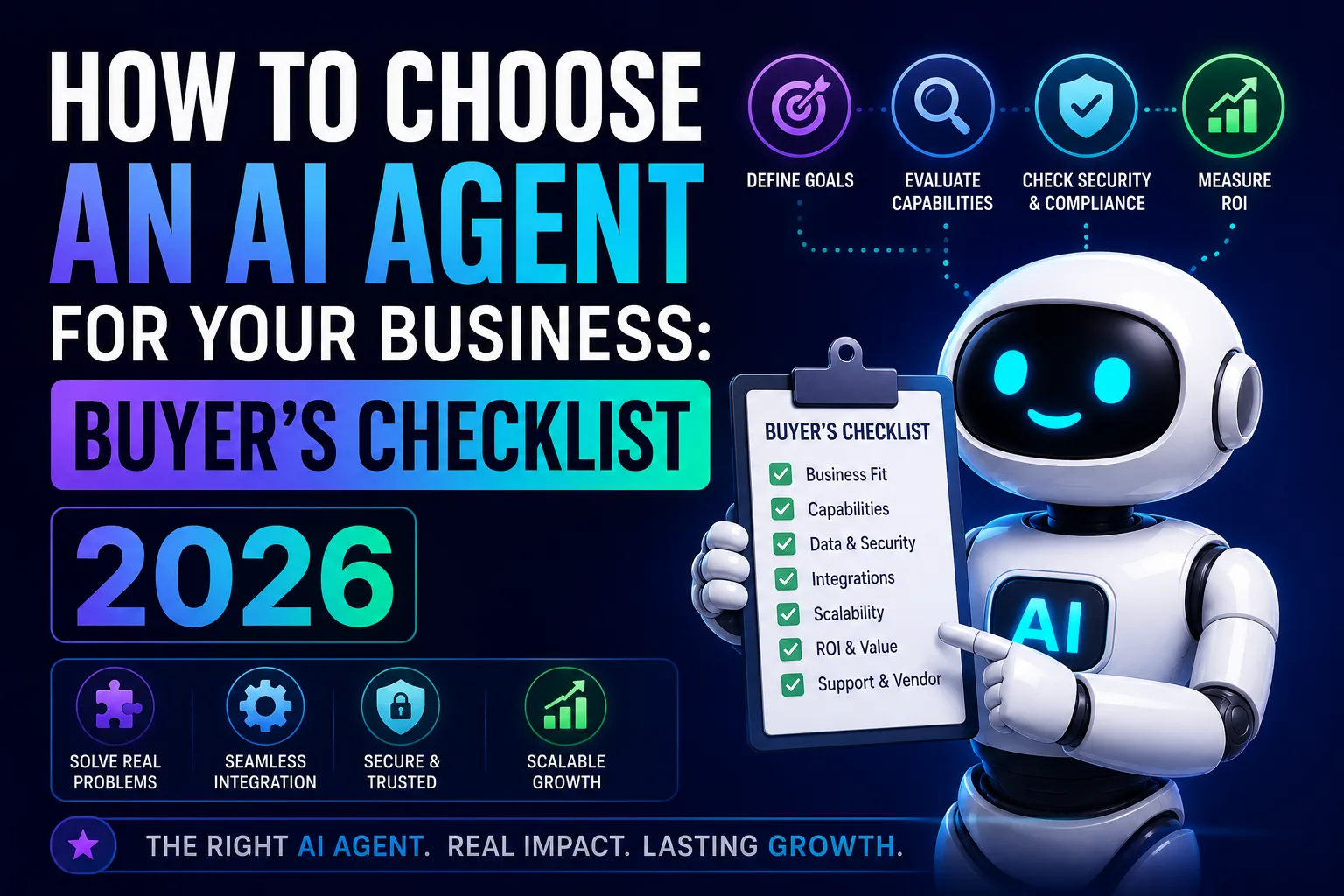
How to Choose an AI Agent for Your Business: Buyer’s Checklist 2026
Navigate AI agent selection for your business with our comprehensive checklist. Discover key criteria, essential features, and how to find the right fit.
Top AI Agent Development Companies for Service Businesses in 2026
Compare top AI agent development companies for service businesses in 2026, including firms building support, scheduling, voice, sales, and workflow agents.
Continue exploring
Find AI agents by workflow
More in Industry Insights
Browse more articles in the Industry Insights category.
AI articles
Explore more guides and insights tagged AI.
Artificial Intelligence articles
Explore more guides and insights tagged Artificial Intelligence.
AI Agent Categories
Browse use-case pages for sales, productivity, coding, customer service, and more.
AI Agents Landscape
Explore the full directory map and compare agents by workflow and category.
Agent Skills
Find reusable skills, capabilities, and building blocks for AI agent workflows.