Scaling Design Systems With Icons8: A Practical Look at Managing Iconography
Building a cohesive user interface often hits a bottleneck at the icon layer. Typography and color palettes are relatively easy to standardize. But maintaining a library of hundreds of icons that share the same stroke width, corner radius, and visual weight? That is a massive undertaking.

Most product teams face a difficult choice: sacrifice consistency across platforms or dedicate a full-time designer to build every icon set in-house.
Icons8 tackles this problem differently. They don't just aggregate uploads from random designers. Instead, they produce massive, single-style libraries internally. With over 1.4 million icons, the focus isn't just on having a symbol for "settings." It’s about having that symbol available in 45+ distinct styles, from strict iOS guidelines to Windows 11 specifications and decorative 3D assets.
The Consistency Problem in UI Design
Open-source icon packs are excellent until they aren't. A developer grabs a free pack and hits a wall after the first 200 standard icons.
Suddenly, the app requires a niche metaphor like "biometric scan" or "invoice processing." The open-source pack runs dry. The designer must then draw a custom icon, often struggling to match the existing set's geometry perfectly.
Icons8 mitigates this through depth. A style like "Material Outlined" or "iOS 17" contains thousands of icons, not just a starter set. This depth stops fragmentation. Teams can adhere to platform-specific guidelines (Apple, Android, Windows) without piecing together mismatched assets.
Workflow Scenarios
Let's look at where this library fits in the design stack by examining actual production cycles.
Scenario 1: The Cross-Platform Application
Picture a product team building a fintech application. They are launching simultaneously on iOS and Android. The design system requires strict adherence to Human Interface Guidelines for the iPhone app and Material Design principles for the Android version.
The lead designer avoids drawing two distinct sets of 50 icons. They navigate to the library. For the iOS build, they select the "iOS 17 Outlined" style. They locate every necessary metaphor: transaction history, wallet, bank transfer, and profile settings. Because the library holds over 30,000 icons in the iOS style alone, finding exact matches for niche banking terms is simple.
For the Android build, they don't search again. They simply switch the library filter to "Material Outlined."
The platform provides the same metaphors in the new visual language. Thicker strokes and different corner radii appear instantly to match Google’s interface standards.
The designer creates a Collection within the tool, adding all selected assets. Using the bulk download feature, they export the iOS set as SVGs and the Android set as Lottie JSON files for animated interactions. While the visual language adheres to the specific operating system, the semantic meaning of the icons remains consistent across the product ecosystem.
Scenario 2: High-Fidelity Prototyping for Marketing
A marketing designer needs a landing page for a new SaaS product. The page must look trustworthy and polished. "Glassmorphism" assets are the current trend, but they are difficult to create from scratch.
The designer chooses the "Liquid Glass" style from the library. They need to illustrate a feature list including analytics, cloud storage, and security. They search for these terms and drag the results into the in-browser editor.
The brand color is a specific shade of teal. In the editor, the designer applies a background color adjustment to ensure the icons pop against the landing page’s dark mode. One issue arises: the "security" icon looks slightly too small relative to the "cloud" icon. They adjust the padding directly in the browser to normalize the optical size.
Finally, they need a social proof section. They grab the youtube logo from the "Logo" category, which is free to use. Since the project requires high-resolution assets for retina displays, they export the main feature icons as large PNGs (up to 1600px on the paid plan) and the logos as SVGs. This ensures crisp edges on all devices.
A Day in the Life: The Frontend Implementer
A frontend developer arrives at their desk with a ticket to implement a new footer. They don't have Figma access, just a list of required links.
They open the Pichon Mac app, a desktop client for Icons8. They search for "LinkedIn," "Twitter," and "Email." They select the "Windows 11 Color" style to match the site's corporate aesthetic.
Instead of downloading files, the developer drags the icon directly from the app into their VS Code editor. The tool drops the raw SVG code right into the HTML structure.
For the newsletter signup button, they need a specific arrow. They find one, but it points left. They click the rotate tool in the app, flip it to point right, and drag the updated SVG code into the project. The whole process takes three minutes. No design software required.
Comparison With Alternatives
Teams usually choose between Icons8, open-source packs, or other aggregators.
Open Source Packs (Feather, Heroicons): These are the strongest competitors for developers. They are free, lightweight, and usually SVG-ready. But they are incredibly limited in scope. A pack like Feather might have 280 icons. If you need a "chatbot" or "sushi roll" icon, you won't find it. You are forced to break consistency. Icons8 is the better choice when the UI vocabulary is complex.
The Noun Project: This is a massive aggregator of different designers. It has millions of concepts, but the styles vary wildly. You might find five "dog" icons, but one is a line drawing, one is a solid glyph, and one is hand-drawn. Icons8 creates its assets in-house. Their "dog" icon will visually match the "cat" icon perfectly in terms of line weight and perspective.
Flaticon: This service uses a similar model. The distinction is often in the aesthetic focus. Flaticon leans heavily into illustration and colorful, playful styles. Icons8 tends to focus more rigidly on OS-compliant styles (iOS, Windows, Android) and utility. It is slightly more tuned for application development and strict UI design systems.
Limitations and Trade-offs
The library is extensive, but there are constraints to consider.
Vector Access is Gated: The free plan is generous with PNGs up to 100px. This works for mockups or basic web use. Professional production, however, usually requires SVGs for scalability and code manipulation. You cannot access vector formats without a subscription, except for specific categories like Logos and Popular icons.
Attribution Requirements: Stay on the free plan, and you must provide a link back to Icons8. For commercial projects where you cannot clutter the footer with credits, a paid license is mandatory.
Customization Limits: The in-browser editor is convenient for quick fixes like recoloring or adding a background. But it is not a vector path editor. You cannot grab a specific node on an icon and move it. For deep customization, you still need to download the SVG (unchecking "Simplified SVG" to keep paths editable) and open it in Illustrator or Figma.
Practical Tips for Power Users
Maximize the platform with these workflow adjustments:
Utilize Collections for Design Systems: Don't download icons one by one. Create a collection named after your project. This lets you bulk-recolor every asset simultaneously if the client changes their brand color halfway through.
Check the "Simplified SVG" Toggle: Downloads might simplify the code to reduce file size. If you plan to animate the icon using CSS or JS, or modify the shape in a vector tool, uncheck this option. You need that full path data.
Embed via CDN for Speed: For rapid prototyping or internal tools, use the generated CDN links. It keeps your project repo clean. You can even adjust the icon size or color via the URL parameters without re-uploading files.
Request Missing Assets: If a specific metaphor is missing, use the request feature. While it requires community votes (8 likes) to enter production, the team actively monitors this to fill gaps in their popular styles.
Treat Icons8 as a dynamic external library rather than just a stock photo site. It significantly reduces the overhead of maintaining visual consistency. It bridges the gap between the limited scope of open-source packs and the high cost of custom icon design.
Related Articles
View all articles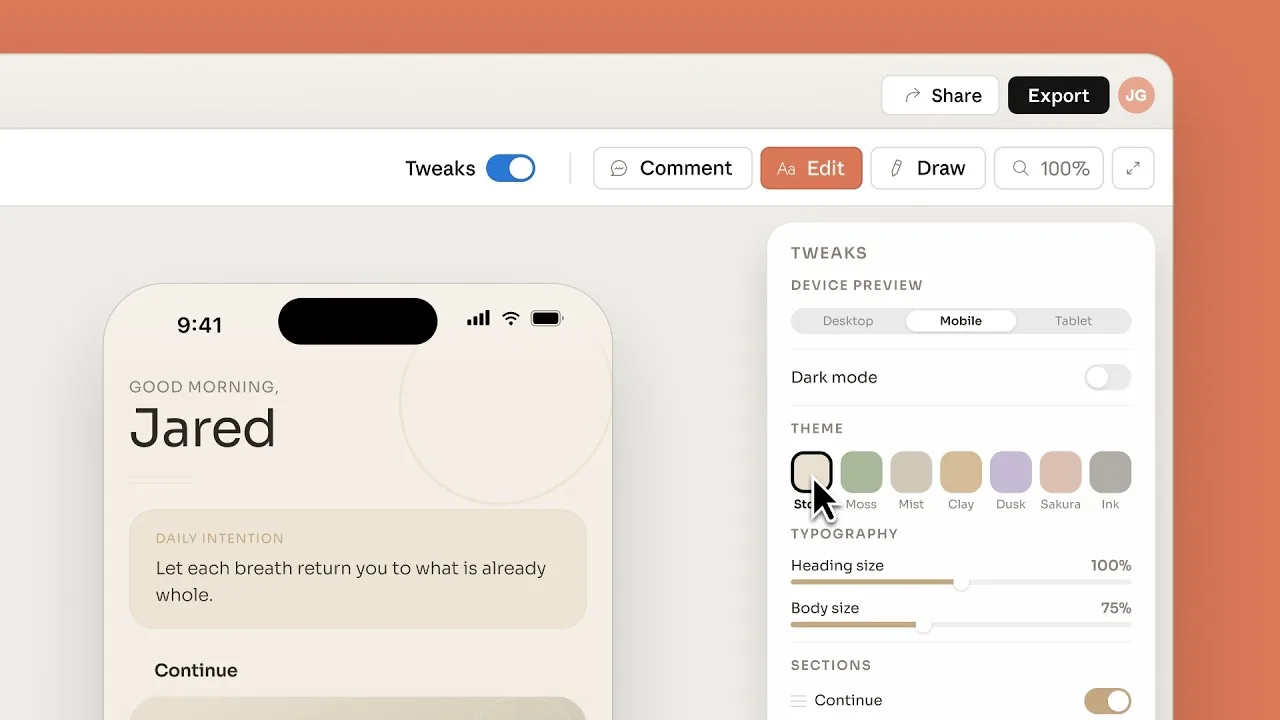
Introducing Claude Design by Anthropic Labs
Explore how Claude Design leverages Anthropic's AI models to assist in UI/UX prototyping, front-end coding, and creative workflows.
Is It Possible to Use AI as a Designer Without Crossing Ethical Lines?
Explore the ethics of AI in design, from authorship and originality to client disclosure, automation, accountability, and responsible AI use.
How to Turn Content Into Revenue With Custom AI Agents
Learn how to leverage custom AI agents to convert your content into scalable revenue streams. Discover strategies for automation, personalization, and sales.
Continue exploring
Find AI agents by workflow
More in Industry Insights
Browse more articles in the Industry Insights category.
AI Agent Categories
Browse use-case pages for sales, productivity, coding, customer service, and more.
AI Agents Landscape
Explore the full directory map and compare agents by workflow and category.
Agent Skills
Find reusable skills, capabilities, and building blocks for AI agent workflows.
Free AI Agents
Discover free AI agents and tools for testing agentic workflows without upfront cost.
Open Source AI Agents
Compare open-source agents, frameworks, and developer-friendly agent projects.