
Adobe brings agentic AI to Firefly, with Claude next
What is Agentic AI in Creative Software?
The landscape of digital design is shifting from a paradigm of manual execution to one of intelligent collaboration. To understand this transition, one must distinguish between traditional generative AI and the emerging field of agentic AI. While generative AI acts as a reactive tool, taking a prompt and producing an output agentic AI operates with a level of autonomy, reasoning, and goal-directed behavior. In a creative context, an agent does not just generate an image; it understands the intent behind a design system, executes multi-step workflows, and iterates based on feedback.
For creative professionals, this means moving away from simply typing prompts into a text box and toward managing a digital assistant capable of handling repetitive, rule-based tasks. By delegating the "grunt work" of asset management, layer organization, and style application to an agent, designers can reclaim their focus for high-level conceptual strategy.
The Evolution of Adobe Firefly
Adobe Firefly began as a specialized generative engine designed to be commercially safe and integrated directly into the Creative Cloud ecosystem. However, the introduction of Adobe Firefly agentic AI capabilities signals a shift from a static image generator to an interactive, autonomous workspace. This evolution aligns with the industry's move toward model-agnostic creative platforms, where the underlying engine is less important than the agent's ability to execute complex directives.
As these tools mature, they are increasingly capable of performing design operations that previously required dozens of clicks. Whether it is adjusting typography across hundreds of artboards or optimizing image assets for web deployment, the goal of Firefly is to function as a bridge between high-level creative vision and low-level execution. This is not just about automation; it is about extending the designer's reach.
Bringing Anthropic’s Claude to the Creative Suite
A major development in this space is the strategic decision to integrate third-party models into Adobe's ecosystem, with Anthropic’s Claude slated for future implementation. This move highlights the growing preference for diverse model ecosystems among power users who require specific reasoning capabilities for their projects. By embracing a multi-model approach, Adobe acknowledges that different creative tasks require different "intelligence" profiles.
Why is this integration significant? Because different LLMs offer varying strengths in reasoning, nuance, and instruction following. As next-generation models continue to push boundaries, having access to these advanced reasoning engines directly within Photoshop or Illustrator allows designers to troubleshoot complex layout problems or generate copy that is contextually aware of the visual elements on the canvas.
Addressing Common Questions: Generative vs. Agentic AI
What is the difference between generative AI and agentic AI? Generative AI creates content from prompts, whereas agentic AI plans and executes sequences of actions to achieve a specific goal.
How does Adobe Firefly use AI to improve design? It automates complex tasks like background removal, content-aware fill, and iterative asset generation, reducing the time spent on manual labor.
Can you use Claude with Adobe Creative Cloud? Adobe is actively working on model-agnostic integrations that will allow users to leverage models like Claude for advanced reasoning and creative assistance.
What are the risks of using autonomous AI agents? The primary risks involve loss of control over brand consistency and the need for human-in-the-loop oversight to ensure the agent's output aligns with professional standards.
How Agentic Workflows Change Design Efficiency
The integration of autonomous agents introduces a new dynamic: the human-in-the-loop creative process. While the agent handles the heavy lifting, the designer acts as the creative director, setting constraints, defining brand guidelines, and providing final approval. This shift reduces repetitive tasks, but it also changes the nature of the designer's day-to-day work.
When utilizing these systems, practitioners should prioritize the following criteria to ensure high-quality outputs:
Clear Constraint Setting: Define the "guardrails" for the AI, such as specific color palettes, font pairings, and layout margins, to prevent off-brand results.
Iterative Feedback Loops: Use the agent to produce drafts, provide specific critique, and allow the model to adjust based on your corrections.
System Monitoring: Keep a close eye on the performance of the model to ensure it isn't hallucinating or drifting from the original project brief.
According to official Adobe documentation on AI ethics and design, the focus remains on keeping the human creator at the center of the process, ensuring that the technology serves as a tool for empowerment rather than a replacement for human judgment.
Preparing for Future AI Model Releases
The pace of change in generative AI is relentless. Staying updated requires a proactive approach to testing new features and understanding performance benchmarks. As we look toward the future, the ability to switch between models will become a core competency for modern designers.
To stay ahead, focus on mastering the principles of prompt engineering and system orchestration. Instead of learning every button in a piece of software, focus on learning how to describe your intent clearly to an agent. By becoming fluent in the language of AI directives, you ensure your relevance in a world where the software does the "how" and you provide the "why."
The era of agentic AI in design is just beginning. By experimenting with these tools now, you position yourself to lead rather than follow as the industry evolves. Stay ahead of the curve in AI-assisted design by subscribing to our newsletter for the latest updates on tool integrations and workflow automation.
Related Articles
View all articles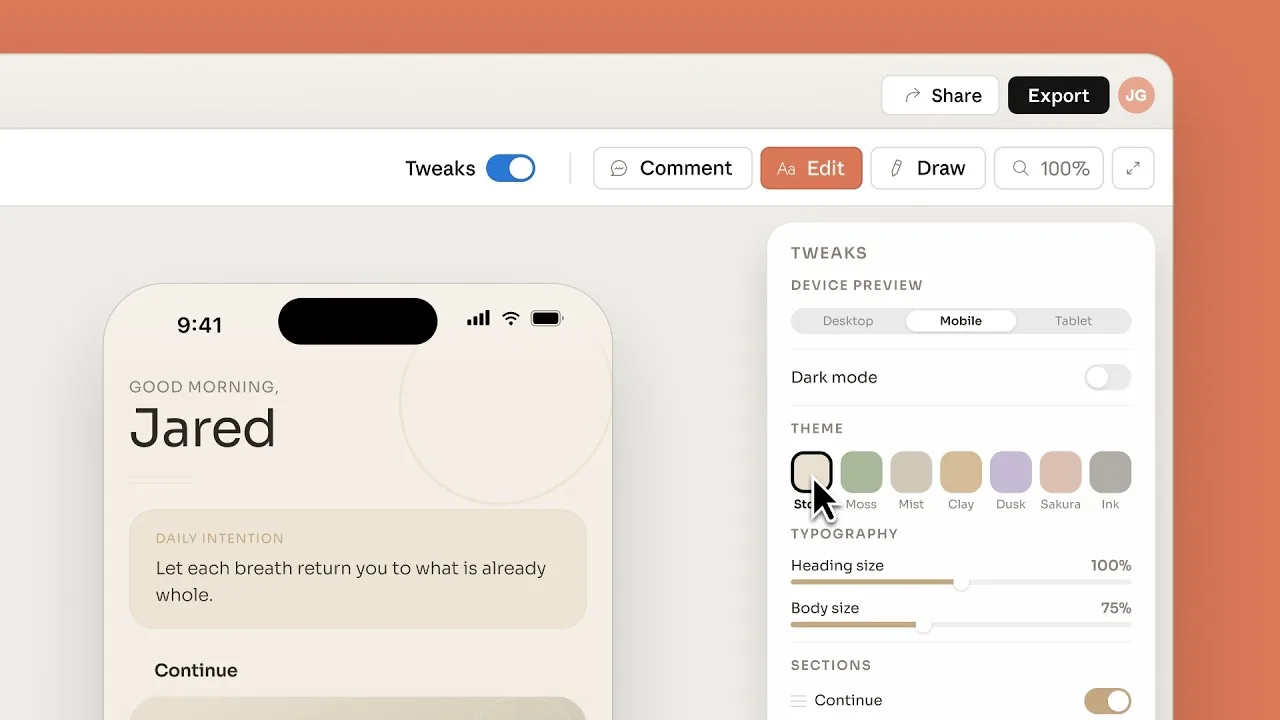
Introducing Claude Design by Anthropic Labs
Explore how Claude Design leverages Anthropic's AI models to assist in UI/UX prototyping, front-end coding, and creative workflows.
Claude Opus 4.8: Anthropic's Leap Forward for Agentic AI
Explore the latest advancements in Anthropic's Claude Opus 4.8, focusing on its capabilities for extended agentic tasks and its impact on AI-powered business...
Anthropic Launches Claude Sonnet 5: What You Need to Know
Explore the key features and advancements of Anthropic's Claude Sonnet 5, a significant update in large language model technology. Learn what this means for AI.
Continue exploring
Find AI agents by workflow
More in Industry Insights
Browse more articles in the Industry Insights category.
Adobe Firefly articles
Explore more guides and insights tagged Adobe Firefly.
Agentic AI articles
Explore more guides and insights tagged Agentic AI.
AI Agent Categories
Browse use-case pages for sales, productivity, coding, customer service, and more.
AI Agents Landscape
Explore the full directory map and compare agents by workflow and category.
Agent Skills
Find reusable skills, capabilities, and building blocks for AI agent workflows.