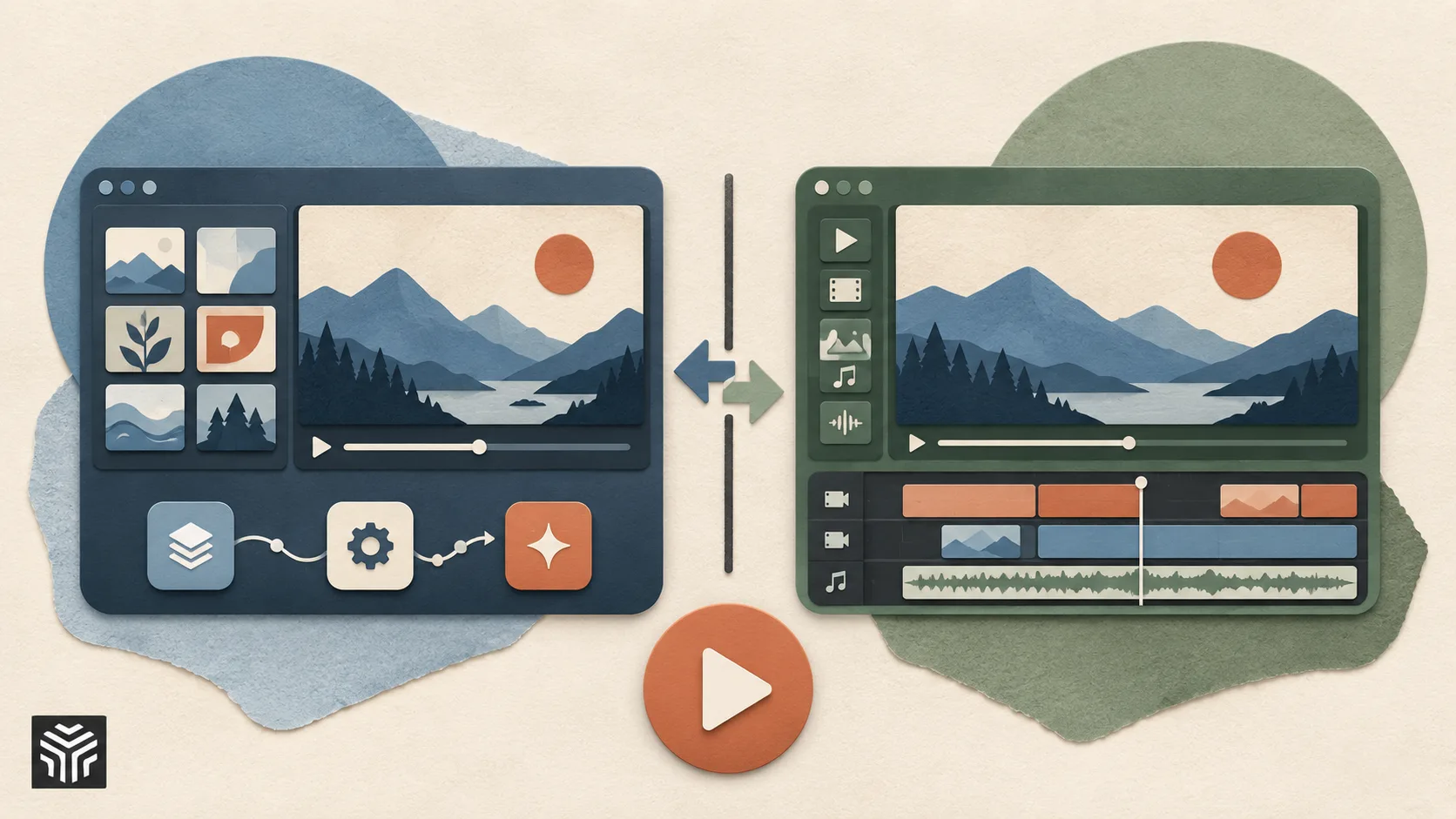
Invideo Editor vs Clipchamp: Which Video Editor Is Better in 2026?
A Complete Comparison Guide for Creators, Marketers, and Teams
Choosing a video editor today is no longer only about trimming clips and adding transitions. Modern creators need tools that help them move faster, manage increasing content demands, and create videos for multiple platforms.
Both invideo editor and Microsoft Clipchamp are designed to simplify video creation, but they approach editing differently.
Clipchamp focuses on making video editing accessible through a simple browser-based interface, templates, and Microsoft ecosystem integration. Invideo editor combines a professional timeline workflow with AI-assisted editing capabilities that help creators handle repetitive editing tasks while keeping full control over the final project.
This comparison looks at editing workflows, AI capabilities, templates, collaboration, ease of use, and pricing to understand where each tool fits best.
1. Overview: What Each Editor Is Best Known For
Invideo Editor
Invideo editor combines a professional timeline editor with AI-assisted workflows designed to help creators work faster. Instead of starting every project manually, creators can upload footage, describe the type of edit they want, and use AI assistance to review footage, organize clips, remove unnecessary sections, and create an editable starting timeline.
Best known for:
AI-assisted editing workflows on an editable timeline
Working with raw footage and creating structured edits faster
Timeline-based editing with manual controls
Supporting creators who need multiple versions of content
Browser-based editing without installing software
Clipchamp
Clipchamp is Microsoft’s browser-based video editor designed for beginners, businesses, and casual creators. It focuses on simple editing workflows with templates, stock media, screen recording, and integration with Microsoft products.
Best known for:
Beginner-friendly drag-and-drop editing
Templates for social media and business videos
Stock videos, images, and audio assets
Integration with Microsoft 365 workflows
Simple browser-based video creation
2. Editing Workflow
Clipchamp
Clipchamp is built around simplicity. Users can upload media, drag clips onto the timeline, trim footage, add text, apply transitions, and export videos quickly.
This workflow works well for beginners creating simple social media videos, presentations, or internal business content.
However, when projects become larger, creators may need more manual organization and editing effort because the platform focuses primarily on straightforward editing rather than complex production workflows.
Invideo Editor
Invideo editor approaches editing from a different starting point. Instead of only providing editing controls, it helps creators work through the early stages of production.
Creators can upload raw footage and provide direction about the type of edit they want. AI assistance can help review clips, identify useful sections, remove unnecessary parts, and create a base timeline that editors can refine manually.
This can be especially useful for creators working with interviews, podcasts, tutorials, or long recordings where reviewing footage takes significant time.
Winner:Depends on the workflow. Clipchamp works well for quick, simple edits. Invideo editor is better suited for creators who want support managing larger amounts of footage before refining the final edit.
3. AI Features
Clipchamp
Clipchamp includes AI-powered features designed around accessibility and speed.
These include:
AI voiceovers
Automatic captions
Text-to-speech
Background removal
AI-assisted templates
These features help beginners create videos faster without requiring advanced editing skills.
Invideo Editor
Invideo editor uses AI more deeply within the editing workflow. Instead of only assisting with individual features, it helps creators handle parts of the editing process itself.
Creators can use AI assistance to analyze footage, identify important moments, organize content, and prepare editable sequences. The timeline remains available for manual refinement, allowing creators to adjust every part of the edit.
Winner:Clipchamp focuses on AI features that simplify creation. Invideo editor focuses more on AI-assisted editing workflows that help creators manage and refine complete video projects.
4. Timeline Editing and Creative Control
Clipchamp
Clipchamp provides a simple timeline designed for beginners. Users can arrange clips, add effects, adjust timing, and create basic edits easily.
For everyday content creation, this approach is effective because it reduces complexity.
Invideo Editor
Invideo editor provides a more advanced timeline experience while keeping AI assistance available. Creators can manually adjust clips, refine pacing, modify sequences, and make detailed changes after AI-assisted editing.
This combination gives creators flexibility: AI can help with repetitive work, while the editor remains responsible for creative decisions.
Winner:Invideo editor for creators who need more control over professional editing workflows.
5. Templates and Ready-Made Content
Clipchamp
Templates are one of Clipchamp’s biggest strengths. Users can choose from ready-made designs for:
Social media videos
Presentations
Advertisements
Business content
Announcements
This makes it easier for beginners to create visually appealing videos quickly.
Invideo Editor
Invideo editor also supports faster content creation, but its workflow focuses more on editing flexibility and AI-assisted production rather than only template-based creation.
Creators can build videos from footage, ideas, references, and existing content while keeping control over the final timeline.
Winner:Clipchamp has an advantage for users who want quick template-based videos. Invideo editor is better suited for creators who want more flexibility during production.
6. Working With Long-Form Content
Clipchamp
Clipchamp works well for shorter projects and simple business videos. However, creators working with large amounts of footage may need to manually review and organize content before editing.
invideo Editor
Long-form content is where invideo Editor’s workflow becomes particularly useful.
Creators working with podcasts, interviews, tutorials, or recorded sessions can use AI assistance to review footage, find useful moments, and create a structured starting point before making detailed edits.
This reduces the time spent searching through hours of recordings.
Winner:Invideo editor for creators handling larger footage libraries and longer projects.
7. Collaboration
Clipchamp
Clipchamp benefits from Microsoft ecosystem integration, making it convenient for users already working with Microsoft tools.
It works well for individual creators, teams creating simple business content, and organizations using Microsoft workflows.
Invideo Editor
Invideo editor is designed around collaborative creative workflows where creators and teams can work with editable projects while keeping the timeline central to the process.
This approach helps teams review, refine, and continue building videos without losing the original project structure.
Winner:Depends on the ecosystem. Clipchamp works well for Microsoft-based workflows, while invideo editor focuses more on creative collaboration around video production.
8. Platform and Accessibility
Clipchamp
Clipchamp runs in the browser and is available through Microsoft platforms. It is accessible for users who want a simple editing experience without downloading complex software.
Invideo Editor
Invideo editor also works in the browser, allowing creators to access projects without managing large software installations.
This makes it suitable for creators who want flexibility while working across different devices.
Winner:Both provide browser-based access, making them easier to start compared with traditional desktop editing software.
9. Pricing
Clipchamp
Clipchamp offers:
Free plan with basic editing features
Premium features through Microsoft 365 subscriptions
Pricing depends on whether users already have access through Microsoft plans.
Invideo Editor
Invideo editor offers different plans based on usage needs, including access to AI-assisted editing workflows and additional creative features.
Pricing may vary depending on the level of AI usage, project requirements, and included features.
Winner:The better value depends on the user’s needs. Clipchamp is suitable for basic editing, while invideo editor is designed for creators who need more advanced AI-supported workflows.
10. Which One Should You Choose?
Choose Invideo Editor if you:
Work with raw footage and need help organizing edits
Create frequent social media or marketing videos
Want AI assistance inside a professional timeline workflow
Need to turn longer recordings into shorter content
Want more control after AI-assisted editing
Choose Clipchamp if you:
Need a simple beginner-friendly editor
Create basic social media or business videos
Prefer template-driven workflows
Already work within the Microsoft ecosystem
Need quick edits without advanced workflows
Final Verdict
Invideo editor and Clipchamp are built for different types of creators.
Clipchamp is a strong option for beginners who want a simple way to create videos using templates, basic editing tools, and Microsoft integration.
Invideo editor is designed for creators who need more support throughout the editing process, especially when working with larger amounts of footage or creating content regularly. Its AI-assisted workflow helps reduce repetitive editing tasks while keeping the timeline editable for creative control.
The right choice depends on how you create videos. For simple projects, Clipchamp offers an accessible experience. For creators looking for a faster workflow around footage review, editing, and refinement, invideo editor provides a more production-focused approach.
Frequently Asked Questions
Is Invideo editor better than Clipchamp?
It depends on the type of editing workflow. Clipchamp is focused on simple, beginner-friendly editing, while invideo editor provides AI-assisted workflows designed for creators handling more complex video projects.
Can invideo editor replace traditional editing software?
For many creator workflows, invideo editor can handle editing, refinement, and production tasks within its timeline. However, users with specialized professional workflows may still prefer dedicated desktop applications.
Does Clipchamp have AI features?
Yes. Clipchamp includes AI-powered features such as captions, text-to-speech, and background removal.
Can beginners use invideo editor?
Yes. invideo editor is designed to make editing easier by helping creators with repetitive tasks while still allowing manual control over the final video.
Related Articles
View all articles
From Raw Clips to Finished Videos: How AI Is Changing Everyday Video Editing
Learn how AI is changing video editing with automatic subtitles, transcription, voice generation, resizing, and faster workflows for creators and businesses.
The Best AI Video Creation Tools to Automate Your Content
Discover the best AI video creation tools that simplify video production. Explore AI video generators, text-to-video AI, and automated editing for engaging content.

AI Video Generation for Social Media & TikTok Creators
Learn how TikTokers and social media creators use AI video generation to post daily: model choice, 9:16 workflows, hooks, captions, and tools like ImagineArt explained.
Continue exploring
Find AI agents by workflow
More in Partner Insights
Browse more articles in the Partner Insights category.
AI Video Editors articles
Explore more guides and insights tagged AI Video Editors.
Invideo articles
Explore more guides and insights tagged Invideo.
AI Agent Categories
Browse use-case pages for sales, productivity, coding, customer service, and more.
AI Agents Landscape
Explore the full directory map and compare agents by workflow and category.
Agent Skills
Find reusable skills, capabilities, and building blocks for AI agent workflows.