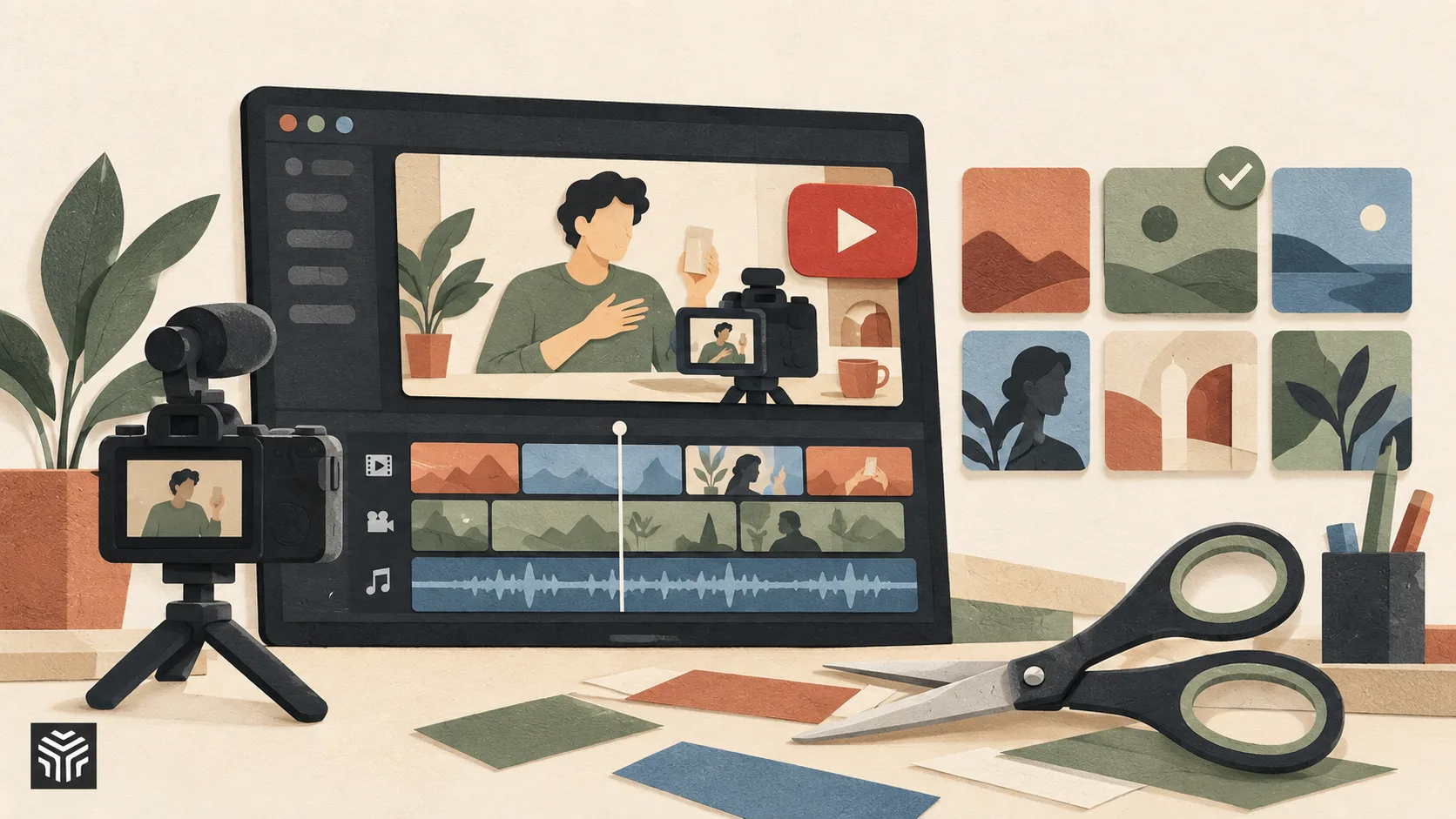
6 Best AI Video Editors for YouTube Creators in 2026
Creating videos for YouTube involves much more than recording and uploading. Creators need to manage raw footage, remove unnecessary sections, improve audio, add captions, create thumbnails, and often turn one long video into multiple pieces of content.
As channels grow, editing becomes one of the biggest time-consuming parts of the process. This is where AI-powered video editing tools are becoming useful. Modern editors can help creators speed up repetitive tasks, organize content faster, and prepare videos for different formats without replacing creative decision-making.
The best AI video editor for YouTube depends on the type of content being created. A podcast creator may need transcript-based editing, while a gaming creator may need fast cutting and effects. Similarly, creators focused on Shorts may prioritize automatic clipping and vertical formatting.
In this guide, we compare six AI video editing tools based on their workflow, YouTube-focused features, and the types of creators they suit best.
How We Compared These AI Video Editors
For this list, we looked at tools based on the areas that matter most for YouTube creators:
Long-form video editing workflows
Shorts and short-form content creation
Automatic captions and subtitles
Thumbnail and visual asset workflows
Repurposing content into multiple formats
Ease of use and editing flexibility
The goal is not to find one tool that works for everyone, but to understand which editor fits different YouTube workflows.
1. Invideo Editor
Best for: YouTube creators who want AI assistance throughout the editing workflow while keeping full timeline control.
Invideo editor combines editing videos with AI assistance within a professional timeline, helping creators move from raw footage to a finished video more efficiently. Instead of only generating videos from prompts, it focuses on helping editors work with their existing footage.
Creators can upload recordings, provide instructions about the type of edit they want, and use AI assistance to review footage, identify useful sections, remove unnecessary parts, and create an editable starting timeline. This makes it useful for creators working on interviews, tutorials, podcasts, documentaries, and long-form YouTube videos.
For Shorts creators, invideo editor can also help repurpose existing content by creating different versions from longer videos while keeping the original project editable. Captions, audio adjustments, pacing changes, and timeline refinements can all be handled within the same editing environment.
Key features:
AI-assisted footage review and timeline assembly
Editable professional timeline
Multi-track editing
Caption and subtitle workflows
Content repurposing for different formats
Audio and visual editing controls
Browser-based editing workflow
Pros:
Helps reduce repetitive editing work
Keeps creators in control of the final edit
Suitable for both long-form videos and short-form content
Combines AI assistance with traditional editing flexibility
Cons:
Creators who only need simple template-based Shorts may find full editing workflows more than they need
Advanced professional editors may still prefer specialized desktop tools for certain workflows
Pricing:
Basic $9/seat/mo (limited “Lite only” agent access), Pro $25/seat/mo and Ultra $60/seat/mo (full agent access, Seedance model access), billed annually
2. Descript
Best for: YouTube podcasters, interview creators, and talking-head channels.
Descript takes a different approach to video editing by allowing creators to edit videos through transcripts. After uploading footage, the platform creates a transcript, and users can edit parts of the video by modifying the text.
This workflow is especially useful for creators who produce interviews, podcasts, educational videos, or commentary content where spoken words are the main focus. Removing filler words, shortening conversations, and creating clips becomes faster because editing is connected directly to the transcript.
For YouTube creators, Descript can also help create shorter clips from longer recordings, making it useful for repurposing podcast episodes or webinars into Shorts.
Key features:
Transcript-based video editing
Automatic transcription
Filler word removal
Caption generation
AI voice tools
Short clip creation
Pros:
Very efficient for dialogue-heavy videos
Makes editing easier for beginners
Good for podcasts and interviews
Cons:
Less suitable for highly visual editing workflows
Not designed for complex cinematic projects
Pricing:
Free plan available with paid plans for additional features and usage.
3. CapCut
Best for: YouTube Shorts creators and social media-focused channels.
CapCut has become popular among creators producing short-form content because of its simple interface and AI-powered editing features. It is especially useful for creators who need to create frequent Shorts, Reels, and vertical videos quickly.
The platform provides tools for automatic captions, background removal, templates, effects, and quick social media edits. For creators who focus mainly on fast-paced content, trends, and mobile-friendly videos, CapCut provides an accessible editing workflow.
However, creators working on longer YouTube videos with complex timelines may eventually need more advanced editing capabilities.
Key features:
Auto captions
AI effects
Background removal
Templates
Vertical video optimization
Social media-focused editing tools
Pros:
Beginner-friendly interface
Strong Shorts workflow
Fast editing for social content
Cons:
Limited compared with professional editing software
Better suited for short-form than complex long-form videos
Pricing:
Free plan available with paid features through Pro plans.
4. Adobe Premiere Pro
Best for: Professional YouTube creators who need advanced editing control.
Adobe Premiere Pro remains one of the most widely used professional video editors. It provides advanced timeline editing, multi-camera workflows, color tools, audio controls, and integration with other Adobe applications.
Its AI-powered features help speed up specific parts of the editing process, such as caption creation, audio improvements, and workflow automation. However, Premiere Pro still follows a traditional editing approach where creators manually build most of the edit.
For experienced YouTubers creating documentaries, tutorials, reviews, or cinematic content, Premiere Pro offers extensive control.
Key features:
Professional timeline editing
Multi-camera editing
Color correction tools
Audio editing features
AI-assisted captions and enhancements
Adobe ecosystem integration
Pros:
Powerful professional workflow
Extensive editing controls
Widely used across creative industries
Cons:
Higher learning curve
Requires more manual editing compared with AI-first tools
Pricing:
Subscription-based Creative Cloud plans.
5. Runway
Best for: Creators who need AI-generated visuals and creative effects.
Runway focuses heavily on generative AI features that help creators create and modify visual content. It is useful for YouTubers who need unique visual elements, AI-generated scenes, background changes, or creative effects.
Rather than replacing a traditional editor, Runway is often used alongside editing workflows to create additional visual assets.
For creators making storytelling videos, explainers, or experimental content, Runway can help expand creative possibilities.
Key features:
AI-generated visuals
Text-to-video capabilities
Background removal
AI visual effects
Image-to-video tools
Pros:
Strong creative AI features
Useful for unique visuals
Helps create additional content assets
Cons:
Not primarily designed as a complete YouTube editing timeline
Best used as part of a larger workflow
Pricing:
Free plan available, with paid plans based on usage.
6. Opus Clip
Best for: Creators who want to turn long videos into YouTube Shorts.
Opus Clip focuses on content repurposing. It analyzes longer videos such as podcasts, interviews, webinars, and livestreams to identify moments that could work as short-form clips.
This makes it useful for creators who publish long videos but also want to maintain a consistent Shorts strategy without manually searching through hours of footage.
The platform can help identify highlights, create vertical clips, and add captions optimized for short-form platforms.
Key features:
AI highlight detection
Automatic Shorts creation
Caption generation
Vertical video formatting
Long-form content repurposing
Pros:
Saves time finding short clips
Useful for podcast and interview creators
Simplifies Shorts production
Cons:
Mainly focused on repurposing rather than complete video editing
Less control compared with full timeline editors
Pricing:
Free and paid plans available depending on usage.
How to Choose the Right AI Video Editor for YouTube
The right tool depends on how you create content.
Creators making long-form videos, tutorials, or interviews may benefit from tools that help organize footage and speed up editing workflows.
Creators focused on Shorts may prefer tools that quickly create vertical clips, add captions, and optimize content for mobile audiences.
Professional creators who want complete control over editing, color, audio, and effects may prefer traditional editors with AI features added into the workflow.
For many creators, the future of YouTube editing will not be about choosing between AI and manual editing. Instead, it will be about combining AI assistance with human creativity to produce better videos faster.
Final Thoughts
AI video editors are changing how YouTube creators approach content production. Tasks that once required hours of manual work, such as organizing footage, creating captions, finding highlights, and preparing multiple versions, can now be completed more efficiently.
However, every creator has different needs. Some need fast Shorts production, others need professional long-form editing, while many need a balance between AI assistance and creative control.
Choosing the right AI video editor comes down to understanding your workflow, the type of videos you create, and how much control you want over the final result.
Related Articles
View all articles
From Raw Clips to Finished Videos: How AI Is Changing Everyday Video Editing
Learn how AI is changing video editing with automatic subtitles, transcription, voice generation, resizing, and faster workflows for creators and businesses.
The Best AI Video Creation Tools to Automate Your Content
Discover the best AI video creation tools that simplify video production. Explore AI video generators, text-to-video AI, and automated editing for engaging content.

The 5 Best AI Video Agents and Tools You Need to Know
Discover the 5 best AI video agents and tools transforming content creation. Enhance video generation, editing, and marketing with cutting-edge AI.
Continue exploring
Find AI agents by workflow
More in Partner Insights
Browse more articles in the Partner Insights category.
AI Video Editing articles
Explore more guides and insights tagged AI Video Editing.
YouTube Tools articles
Explore more guides and insights tagged YouTube Tools.
AI Agent Categories
Browse use-case pages for sales, productivity, coding, customer service, and more.
AI Agents Landscape
Explore the full directory map and compare agents by workflow and category.
Agent Skills
Find reusable skills, capabilities, and building blocks for AI agent workflows.