AI Video Generation for Social Media & TikTok Creators
How to Make AI Video Generation for Social Media Platforms and TikTok Creators
Short-form video has become the fastest way to grow on social media, but it also demands more content than any solo creator can realistically film. TikTok rewards daily posting, Reels and Shorts expect the same, and burnout is the predictable result. AI video generation has quietly become the answer, letting creators produce scroll-stopping clips from text prompts in minutes. This guide walks through how it works, which platforms and formats benefit most, and the exact workflow TikTok creators are using to keep a full posting schedule without a camera crew.
The tools have matured to the point where quality is rarely the bottleneck anymore. What separates creators who win with an AI video generator from those who bounce off it is workflow: choosing the right model for the format, keeping characters and branding consistent across clips, and finishing videos with captions, hooks, and the right aspect ratio before posting. Get those pieces right and AI output becomes genuinely indistinguishable from filmed content in a fast-scrolling feed.
Why Short-Form Video and AI Generation Are a Perfect Match
Short-form is the one format where AI video's current limits simply don't matter:
Clips are short: most platforms cap attention at 15 to 60 seconds, well within what AI models generate cleanly
Motion beats perfection: viewers scrolling at speed forgive minor artifacts that would ruin a film
Volume is the game: posting daily matters more than cinematic polish, and AI removes the production bottleneck
Hooks can be tested cheaply: generate five different openings for the same idea and post the one that performs
A talking-head video requires lighting, a camera, and a good day. An AI-generated product shot, fantasy scene, or stylized b-roll clip requires a prompt and two minutes.
Which Social Media Platforms Benefit Most?
TikTok
The natural home. Trends move in days, and AI generation lets you jump on a sound or format while it's still rising instead of a week later. Faceless channels, in particular, are built almost entirely on generated b-roll, captions, and voiceover.
Instagram Reels
Reels reward the same vertical, fast-paced format, so one AI-generated clip exports to both platforms. Product creators use it for stylized showcase shots that would otherwise need a studio.
YouTube Shorts
Shorts monetize better than most formats, and AI lets longer-form creators spin their ideas into daily Shorts without extra filming.
LinkedIn and X
Less obvious, but AI video dramatically lifts engagement on text-heavy platforms. A single animated explainer clip outperforms plain text posts consistently.
How Do You Actually Generate a Social Video with AI?
The workflow is simpler than most people expect:
Start with a script or hook: 15 to 40 words describing what the viewer sees and why they should care
Pick the right model: fast models for drafts and trend-jacking, premium models for your hero content
Generate variations: run the same prompt two or three times and keep the strongest clip
Set the format before you generate: 9:16 for TikTok, Reels, and Shorts, so you're not cropping later
Finish in the editor: add captions, trending audio, and text overlays, then export
The model choice matters more than beginners think. Video models differ sharply in motion realism, clip length, and how they handle people versus objects, so matching the engine to the job is the difference between usable output and a wasted credit balance.
How ImagineArt Fits the Creator Workflow
This is where dedicated platforms earn their keep. Rather than subscribing to individual models separately, creators can access the major video engines, including families like Kling, Veo, and Seedance, all under one credit pool. The practical benefit shows up mid-project: you can draft a clip on a fast, cheap model, then rerun the winning idea on a premium engine only when it's proven, which cuts cost per finished video dramatically.
The platform also covers what happens after generation:
Multi-model comparison: same prompt, several engines, keep the best clip
Built-in editing: upscale, background removal, and refinement without exporting
Mobile apps: generate and review drafts from your phone, synced with the web
Image and audio support: thumbnails, hooks frames, music, and voiceover in the same workspace
For TikTokers running a faceless channel or a product account, that consolidation is the whole point. One subscription replaces the stitching together of a generator, an editor, and a stock-footage budget.
What Makes AI Videos Perform on TikTok Specifically?
Generation gets you the clip. Performance comes from the packaging:
Hook in the first second: the opening frame must create a question the viewer needs answered
Captions always: a large share of feed viewing happens with sound off
Native pacing: fast cuts every 2 to 3 seconds outperform slow, static shots
Trending audio layered on top: the algorithm reads audio choice as a relevance signal
A repeatable visual style: consistent look and recurring characters build channel identity and followers
That last point is worth dwelling on. AI generation makes visual consistency easy once you lock in prompts and style presets, and consistent-looking channels retain viewers at far higher rates than scattered ones.
What Are the Common Mistakes to Avoid?
Posting raw output: unedited AI clips with no captions or hook structure underperform every time
Ignoring aspect ratio: generating 16:9 and cropping to vertical loses composition; set 9:16 from the start
Overusing premium models on drafts: burn credits on finals, not experiments
Skipping disclosure: most platforms now require labeling realistic AI-generated content, and TikTok enforces it
Chasing photorealism when style would perform better: stylized and animated looks often out-engage realism and hide artifacts entirely
Where Is This Heading?
AI video quality improves every quarter, and the gap between generated and filmed content keeps narrowing. Creators who build the workflow now, model selection, consistent styling, fast packaging, will hold a structural advantage as the tools get better. The creators who wait will be competing against accounts posting five times their volume.
Conclusion
AI video generation has turned short-form content from a production problem into a workflow problem, and workflow problems have clean solutions. Pick a platform with multi-model access, match engines to formats, generate in 9:16, and finish every clip with the hooks, captions, and pacing TikTok's algorithm rewards. Tools like ImagineArt bundle the models, editing, and mobile access into one place, which means a solo creator can now sustain a posting schedule that used to require a small team. The format is not going anywhere. The question is only who can produce for it fastest.
FAQs
Can AI-generated videos perform well on TikTok? Yes. TikTok's algorithm responds to watch time, completion rate, and engagement rather than production method. AI-generated clips with strong hooks, captions, and trending audio perform on par with filmed content, and faceless channels built on generated video are among the fastest-growing accounts on the platform.
What aspect ratio should I generate AI videos in for social media? Use 9:16 vertical for TikTok, Instagram Reels, and YouTube Shorts. Set the aspect ratio before generation rather than cropping afterward, since cropping a 16:9 horizontal clip cuts off subjects and breaks composition.
Do I need to label AI content on social platforms? Yes. TikTok, Instagram, and YouTube all require disclosure of realistic AI-generated content, with built-in labeling tools at upload. Stylized or clearly animated content is generally exempt, but realistic AI footage must be marked to avoid penalties.
Related Articles
View all articles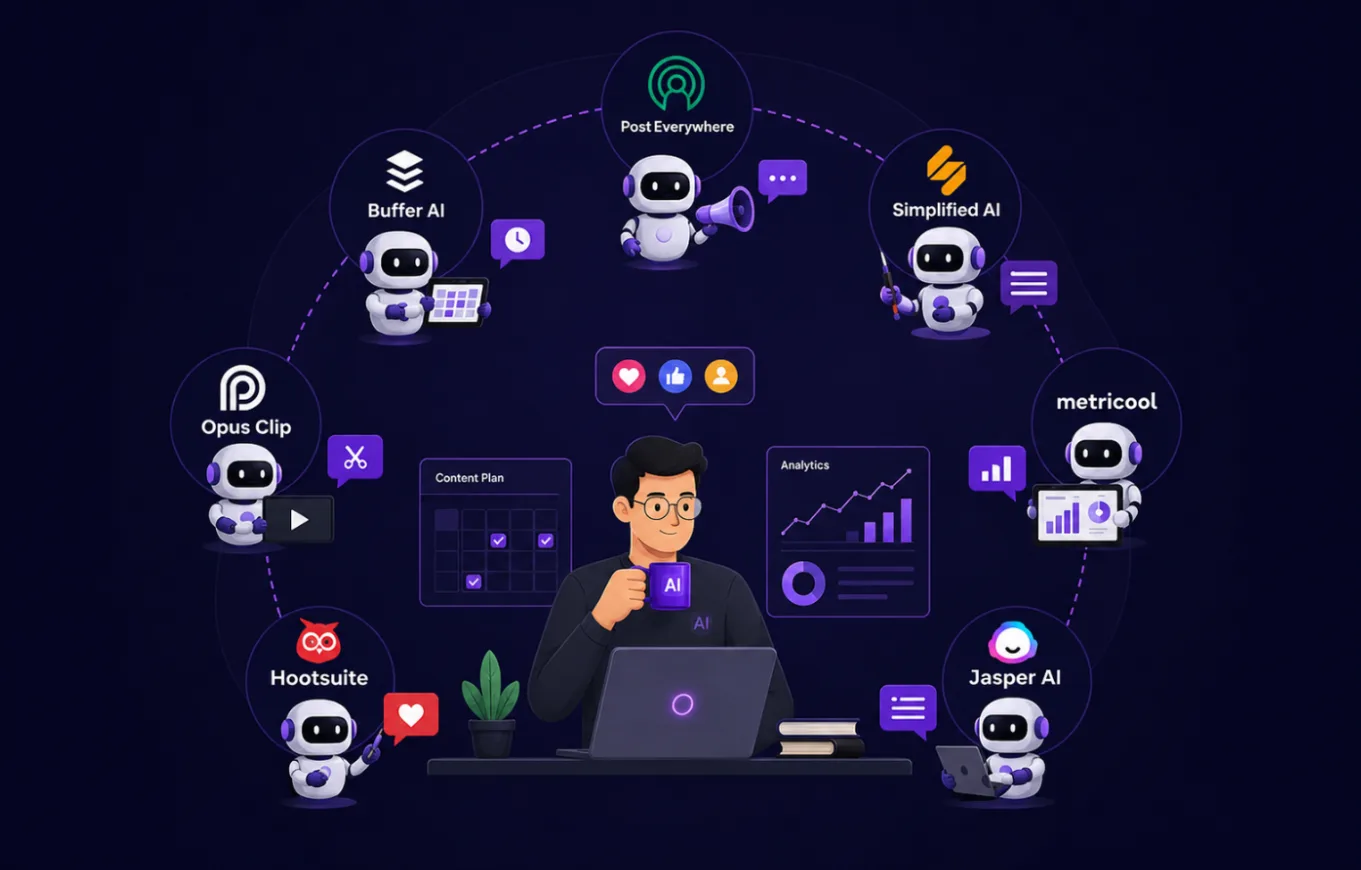
7 AI Agents That Let a Solopreneur Run Social Media Like a Full Team
Discover 7 AI agents that help solopreneurs manage social media content, design, video, scheduling, analytics, engagement, and strategy without a full team.
The Best AI Video Creation Tools to Automate Your Content
Discover the best AI video creation tools that simplify video production. Explore AI video generators, text-to-video AI, and automated editing for engaging content.
Top 5 Best AI Agents and Tools for Content Creators in 2026
Discover the top 5 AI agents and tools revolutionizing content creation in 2026, from text and video generation to SEO optimization and brand consistency.
Continue exploring
Find AI agents by workflow
More in Partner Insights
Browse more articles in the Partner Insights category.
AI video generator articles
Explore more guides and insights tagged AI video generator.
AI video generation articles
Explore more guides and insights tagged AI video generation.
AI Agent Categories
Browse use-case pages for sales, productivity, coding, customer service, and more.
AI Agents Landscape
Explore the full directory map and compare agents by workflow and category.
Agent Skills
Find reusable skills, capabilities, and building blocks for AI agent workflows.