Grok for Excel is Live: Unleash AI-Powered Data Analysis
Grok for Excel is Live: Revolutionize Your Spreadsheets with AI
The world of data analysis has just become significantly more accessible with the official launch of Grok for Excel. Developed by SpaceXAI (formerly xAI), this powerful add-in brings the advanced capabilities of their Grok 4.5 AI model directly into your Microsoft Excel workflow. If you've ever found yourself wrestling with complex formulas, wishing for quicker insights, or needing to generate reports without extensive technical knowledge, Grok for Excel is designed for you. This tool aims to bridge the gap between everyday language and the sophisticated functions of spreadsheets, empowering a wider range of users to unlock the full potential of their data.
In this guide, we'll explore what Grok for Excel offers, its standout features, how to get started, and its advantages over other AI assistants in the productivity space. We'll also cover practical use cases, availability, and pricing considerations, helping you integrate this innovative AI into your analytical processes.
Unpacking the Power of Grok for Excel: Key Features
Grok for Excel integrates a suite of potent features designed to simplify and accelerate data manipulation and analysis within Excel. Leveraging the advanced Grok 4.5 AI model, the add-in provides:
Natural Language Formula Generation: This is a flagship feature. Grok translates your plain English requests into accurate Excel formulas. Describe what you need, such as "Calculate the average sales for Q2" or "Find total revenue from California customers," and Grok generates the formula for you.
Conversational Data Analysis: Engage with your data through dialogue. Grok can identify trends, anomalies, and key drivers, offering insights with direct cell citations for easy verification. This makes understanding complex datasets more intuitive.
Automated Chart Creation: Visualize your data effortlessly. Grok can generate charts based on your natural language prompts, helping you quickly create compelling visual representations of your findings without leaving your workbook.
Financial Modeling & Forecasting: Construct financial models and run scenario tests with greater ease. Grok assists in structuring analyses and generating forecasts based on your input and available data.
Formula Explanation and Debugging: Confused by a complex existing formula? Grok can explain its logic in simple terms and help troubleshoot or fix errors, saving you significant time.
VBA Code Generation: For more advanced automation, Grok can generate VBA macros compatible with various Excel versions and even explain existing VBA code, facilitating custom solutions.
External Data Integration: Grok for Excel can connect with external sources like SharePoint and Google Drive, enriching its analytical context.
Data Privacy: A critical assurance from SpaceXAI is that your data never leaves your workbook, ensuring the security of sensitive information.
How to Use Grok for Excel: From Prompt to Insight
The user experience with Grok for Excel is built around intuitive, natural language interaction. Getting started is straightforward:
Install the Add-in: Grok for Excel is accessible via the Microsoft Marketplace for Microsoft 365 users. Search for "Grok by xAI for Excel" and install it through the Office Add-ins store.
Select Your Data: In your Excel sheet, highlight the range of cells you wish to analyze or manipulate.
Enter Your Prompt: Open the Grok interface and type your request in plain English. For instance, "What are the top 5 performing products by revenue last year?"
Receive and Review Output: Grok will process your prompt and deliver the result. This could be a new formula, an analytical summary, a generated chart, or VBA code. The add-in is designed for instant insights with clear cell references.
This seamless process is powered by the Grok 4.5 model, a sophisticated large language model trained on extensive scientific, engineering, and mathematical datasets. Its ability to understand complex queries and translate them into precise Excel operations means you can focus more on data interpretation and less on formula syntax.
Grok for Excel vs. Microsoft Copilot: Choosing the Right Tool
The introduction of Grok for Excel naturally invites comparison with Microsoft's native AI assistant, Microsoft Copilot. Both aim to boost productivity within the Microsoft ecosystem, but they cater to slightly different needs and offer distinct integration levels.
Core Differences and Strengths
Integration Scope: Microsoft Copilot is deeply integrated across the entire Microsoft 365 suite (Word, PowerPoint, Outlook, Excel). Grok for Excel, while also available for Word and PowerPoint, shines as a specialized add-in for Excel, particularly for complex formula generation and data analysis.
AI Model: Grok for Excel utilizes SpaceXAI's Grok 4.5, known for its real-time information access and conversational acumen. Copilot leverages OpenAI's GPT models.
Formula Generation Focus: Grok for Excel's primary strength lies in its direct translation of natural language to precise Excel formulas, simplifying intricate data manipulation tasks more directly than some Copilot functions.
Availability & Pricing: Copilot is part of specific Microsoft 365 subscriptions. Grok for Excel is free to install as an add-in. While API usage for developers might incur costs, the end-user experience within Excel is free.
For users who frequently work with complex spreadsheets and need to generate sophisticated formulas or perform in-depth data analysis using natural language, Grok for Excel presents a compelling, focused alternative. Its practical and accurate outputs make it a strong contender for many analytical tasks.
Who is Grok for Excel Best For?
The versatility of Grok for Excel makes it suitable for a wide array of users:
Financial Analysts & Accountants: Rapidly build financial models, perform forecasting, and analyze market data using simple English prompts.
Data Analysts & Business Intelligence Professionals: Expedite data cleaning, manipulation, and initial exploratory data analysis by translating analytical objectives into Excel functions.
Business Users & Managers: Generate reports, analyze sales figures, track inventory, and create dashboards without requiring advanced Excel expertise.
Researchers: Analyze experimental data, statistical sets, and survey results more efficiently.
Students: Learn Excel functions and data analysis techniques through an intuitive, conversational interface, similar to how one might use an AI agent like AgentWeb for information retrieval.
The overarching benefit is a significant reduction in the learning curve for advanced Excel features, democratizing data insights for more individuals.
Mistakes to Avoid and Best Practices
While Grok for Excel is a powerful tool, users should be mindful of a few points:
Don't Skip Code Review: Although Grok-generated VBA code is generally safe, always review it before execution to ensure it meets your specific requirements and security standards.
Verify Data Accuracy: Grok's output accuracy depends on your input data. Always double-check critical results.
Understand Regional Availability: While broadly available, there might be slight delays in certain regions. For example, EU users may have experienced a staggered rollout.
Distinguish Add-in from API Costs: The Excel add-in is free to install. Be aware of API pricing structures if you plan to integrate Grok into custom applications or workflows, a different use case than direct Excel analysis.
Don't Overlook Simpler Tools: For basic data organization or customer interaction, agents like Tidio might be more appropriate than a powerful analytical tool like Grok.
Availability and Pricing: Getting Grok for Excel
Grok for Excel is readily available through the Microsoft Marketplace for Microsoft 365 subscribers. The add-in itself is free to install, providing immediate access to its natural language processing and formula generation capabilities.
For developers or organizations looking to integrate Grok's AI into custom applications or extensive workflows, SpaceXAI offers API access with specific pricing tiers. These typically involve costs per million tokens for input and output, alongside per-call pricing for tool invocations like web searches or code execution. However, for the average Excel user, the core functionality of the add-in is accessible at no direct cost.
The add-in is powered by Grok 4.5, a model built on a robust V9 architecture and trained on diverse datasets. While initially there were rollout considerations for users in the EU, full availability was anticipated before the end of July 2026, ensuring global access to this transformative tool.
Related Articles
View all articles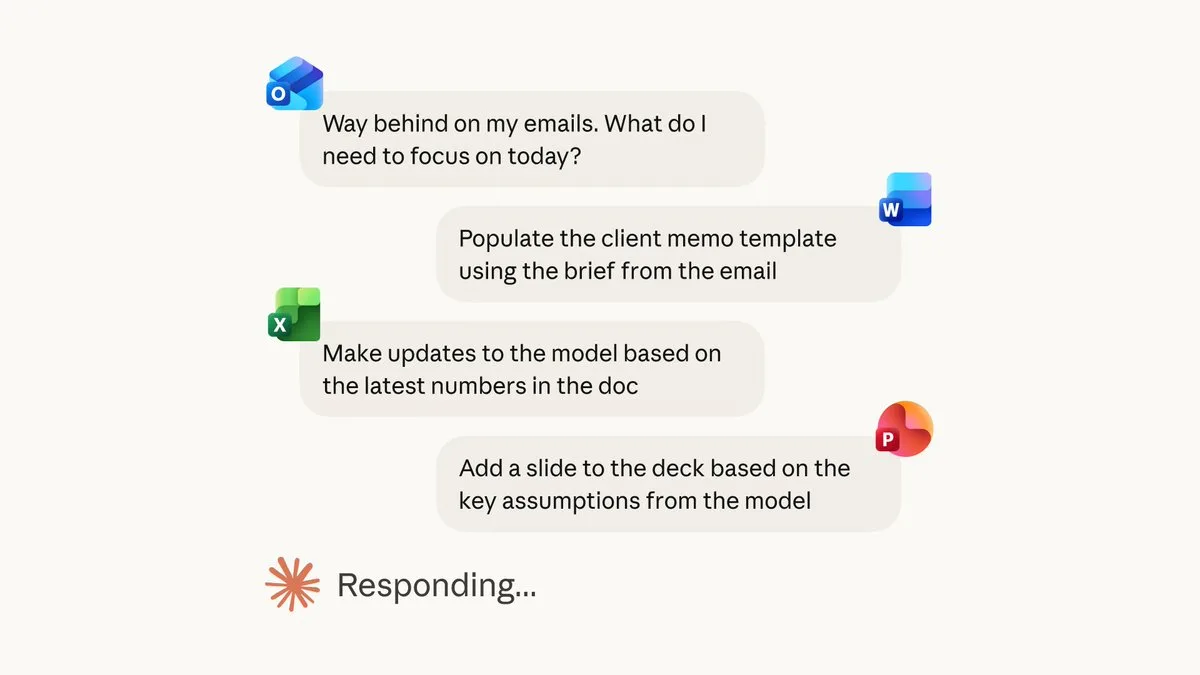
Claude for Excel, PowerPoint, and Word are now generally available
Learn how Claude integrates with Excel, PowerPoint, and Word to streamline your workflow. Explore features, best practices, and security considerations.

Introducing Grok 4.5: What's New in xAI's Latest AI Model
Discover the key advancements and features of Grok 4.5, xAI's latest large language model. Understand its capabilities and what makes it a significant update.

AI Agents in Higher Education: Uses and Best Tools for 2026
Explore how AI agents are transforming higher education in 2026, including 15 use cases, the best tools for students and faculty, benefits, risks, and implementation guidance.
Continue exploring
Find AI agents by workflow
More in Industry Insights
Browse more articles in the Industry Insights category.
Grok for Excel articles
Explore more guides and insights tagged Grok for Excel.
xAI Excel integration articles
Explore more guides and insights tagged xAI Excel integration.
AI Agent Categories
Browse use-case pages for sales, productivity, coding, customer service, and more.
AI Agents Landscape
Explore the full directory map and compare agents by workflow and category.
Agent Skills
Find reusable skills, capabilities, and building blocks for AI agent workflows.