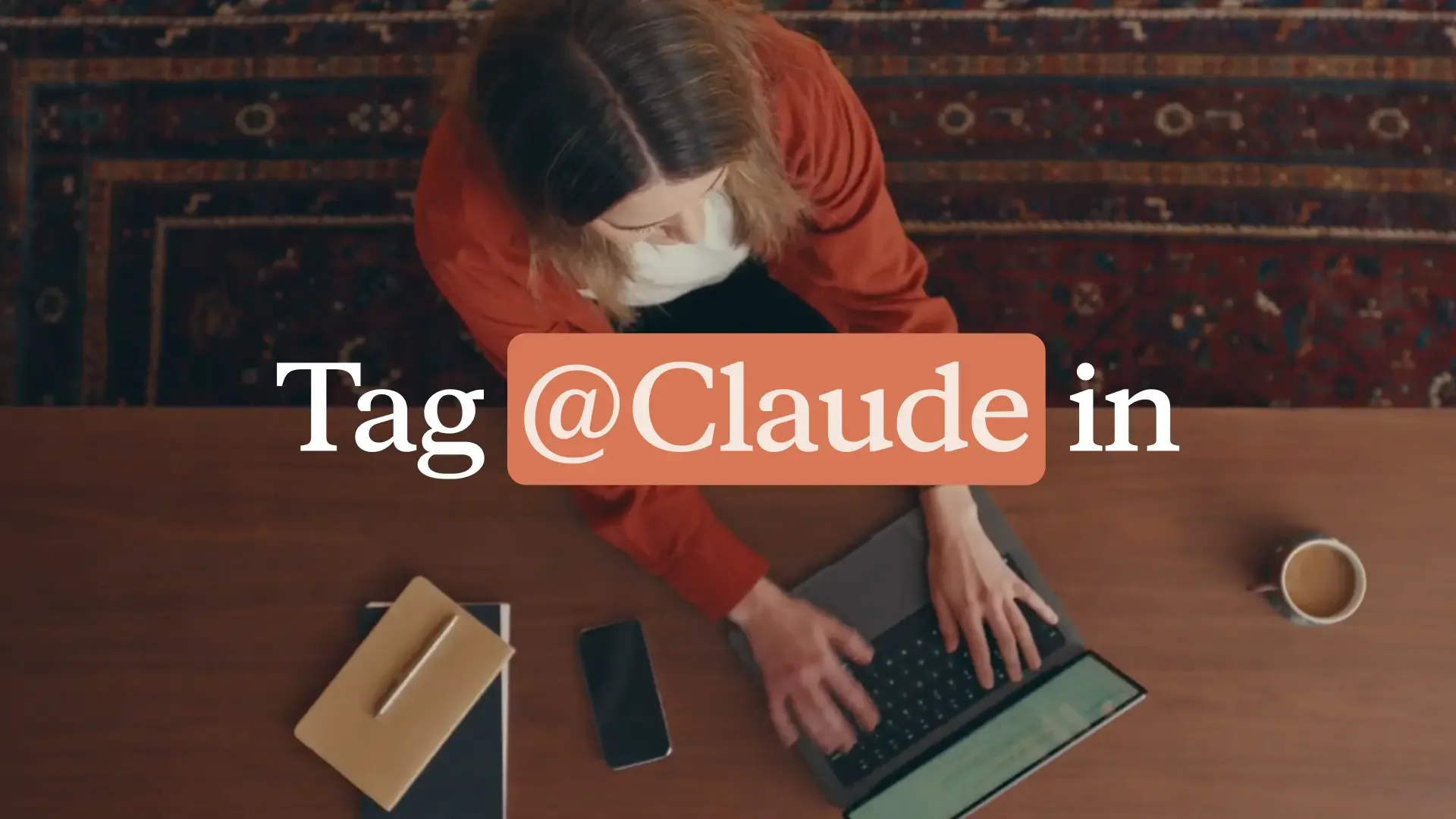
Anthropic launches Claude Tag, a tool that works like a virtual employee within Slack
Introduction to Claude Tag in Slack
The modern digital workspace is often characterized by a fragmented experience. Employees toggle between dozens of browser tabs, project management boards, and communication platforms, frequently losing focus in the process. With the introduction of Claude Tag, Anthropic is addressing this inefficiency by embedding intelligent, agentic capabilities directly into Slack. This tool is designed to act as a virtual employee, allowing teams to collaborate with AI without leaving their primary messaging hub.
For teams looking to streamline operations, Claude Tag for Slack serves as a bridge between conversation and execution. By providing a native interface for Anthropic’s models, it allows users to summarize threads, draft responses, and trigger complex workflows seamlessly. This article explores how this integration functions, the shift toward agentic AI, and how you can implement these tools to reclaim your team’s focus.
How Claude Tag Functions as a Virtual Employee
At its core, Claude Tag is an implementation of Anthropic’s AI designed for high-context environments. Unlike a standard chatbot that requires a user to copy-paste information into a separate web window, Claude Tag operates where the conversation happens. By mentioning the tool in a channel or thread, users can provide immediate context to the AI, which then processes the request based on the history and data available within that specific workspace conversation.
The mechanics of how Claude AI assists in Slack channels are rooted in natural language processing and task-based triggers. When you tag the bot, it reads the relevant preceding messages, understands the intent, and provides an output—whether that is a summary of a 50-message debate, a drafted project brief, or an extracted action item list. This reduces the cognitive load on individual contributors and ensures that no critical information is lost in the noise of a busy channel.
Can Claude Tag automate tasks in Slack?
Yes, the tool is designed to move beyond simple Q&A. By leveraging specific commands, users can automate routine tasks like updating project statuses or drafting follow-up emails based on meeting transcripts. This functionality is essential for reducing context switching, as it keeps the user within the flow of communication while the AI handles the heavy lifting of data synthesis and administrative drafting.
Advancing Agentic Workflows with Anthropic
The transition from passive chatbots to active, agentic virtual assistants represents a major shift in how we approach enterprise software. We are moving away from tools that simply react to prompts toward systems that can plan and execute multi-step processes. For a deeper look at the underlying technology powering these capabilities, see Claude Opus 4.8: Anthropic's Leap Forward for Agentic AI, which outlines how these models are becoming increasingly capable of autonomous reasoning.
As these agents become more sophisticated, their ability to link disparate data sources becomes their greatest value proposition. A virtual employee doesn't just answer a question; it understands the project lifecycle. When teams integrate these models, they shift their focus from manual data entry to higher-level decision-making, effectively using AI to bridge the gap between human strategy and machine execution.
Integrating Claude Beyond the Chat Window
While Slack is the central nervous system for many organizations, work rarely stays contained within a single app. The true power of an AI-integrated workplace is the ability to move information fluidly between platforms. To fully leverage the ecosystem, teams should look at how these models interact with standard office productivity suites. For instance, Claude for Excel, PowerPoint, and Word are now generally available, allowing you to take the insights generated in Slack and immediately apply them to your formal documentation and reporting workflows.
Best Practices for Implementation
Adopting an AI-powered virtual employee requires more than just installing an app; it requires a strategy for safe and efficient use. Follow this checklist to ensure your team sees a positive return on investment:
Define Use Cases: Start by identifying which repetitive tasks (e.g., meeting summaries, Jira ticket drafting) are consuming the most time.
Establish Channel Etiquette: Clearly define which channels are "AI-enabled" to avoid cluttering sensitive or private discussions.
Verify Outputs: Always maintain a human-in-the-loop policy for high-stakes decisions or external communications.
Monitor Performance: Periodically review the quality of AI responses to ensure they align with your team's internal voice and standards.
Privacy and Security Considerations
When asking, "Is Claude Tag secure for business use?" the answer depends on your organization's specific compliance requirements. Anthropic emphasizes data privacy and security, but it is incumbent upon administrators to review official documentation regarding how data is processed, stored, and used to train future models. Users should consult the Anthropic Privacy Policy and your organization's internal data governance guidelines before integrating any AI tool into enterprise Slack workspaces.
Conclusion
Claude Tag represents a significant step forward in making AI an active participant in our professional lives. By reducing the friction of context switching and automating routine administrative tasks, it empowers teams to focus on the work that actually requires human intuition. As you begin your implementation, focus on incremental integration—starting with simple summarization tasks before moving toward complex workflow automation. Ready to streamline your team's communication? Check the official Anthropic documentation to enable Claude Tag in your Slack workspace today.
Related Articles
View all articles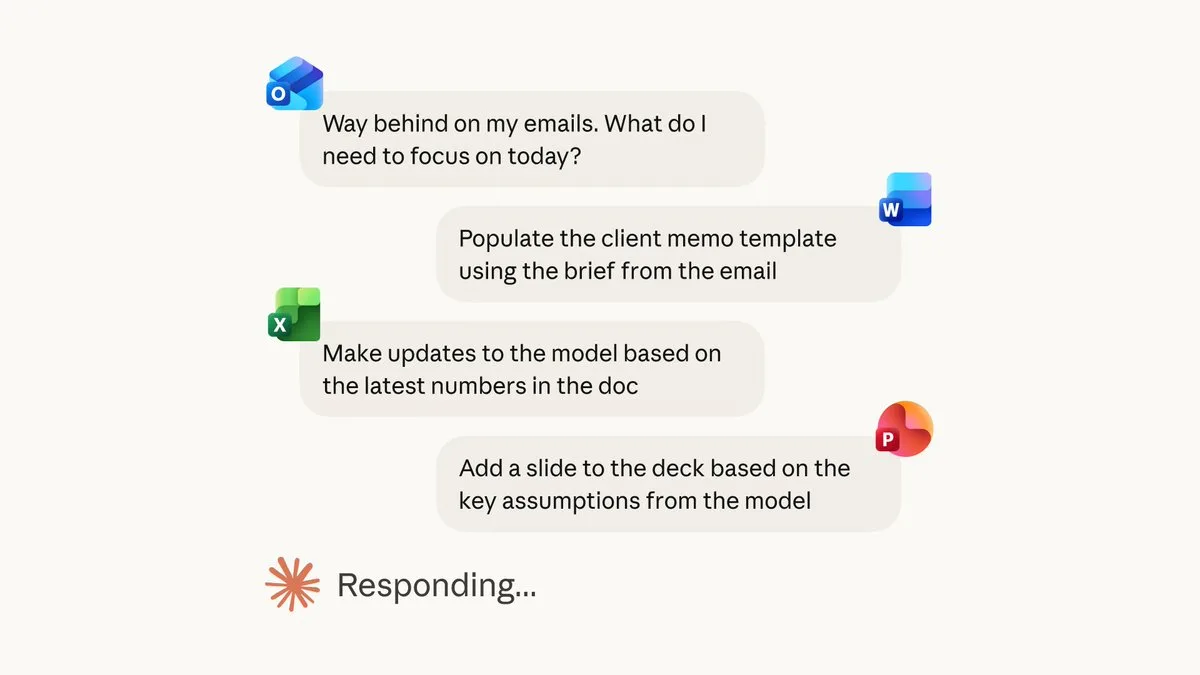
Claude for Excel, PowerPoint, and Word are now generally available
Learn how Claude integrates with Excel, PowerPoint, and Word to streamline your workflow. Explore features, best practices, and security considerations.
The 5 Best AI Agents and Tools for Productivity in 2026
Discover the top 5 AI agents and tools revolutionizing productivity in 2026. Learn how autonomous AI agents can automate tasks and boost your workflow.
Best AI Workflow Automation Tools in 2026
Compare the best AI workflow automation tools in 2026 for no-code workflows, AI agents, SaaS integrations, creative automation, self-hosting, and enterprise use.
Continue exploring
Find AI agents by workflow
More in Industry Insights
Browse more articles in the Industry Insights category.
AI Tools articles
Explore more guides and insights tagged AI Tools.
Slack articles
Explore more guides and insights tagged Slack.
AI Agent Categories
Browse use-case pages for sales, productivity, coding, customer service, and more.
AI Agents Landscape
Explore the full directory map and compare agents by workflow and category.
Agent Skills
Find reusable skills, capabilities, and building blocks for AI agent workflows.