10 Best AI Websites for Studying: What to Use for Each Class
Studying with AI feels great when it saves time and keeps your brain clear. However, it may be rough when it spits out sloppy notes, shaky facts, or a “summary” that misses the point. The difference usually comes from choosing the right site for the class, then using it with a simple routine you can repeat. While AI is a powerful assistant, many students still prefer to use EssayHub and pay for research paper assignments to ensure they receive high-quality, human-verified content.
This list focuses on free AI websites for studying. You’ll learn what each tool is best for, which classes it fits, and what to watch out for. Quick pros and cons will help you to choose fast and move on.
ChatGPT Study Mode
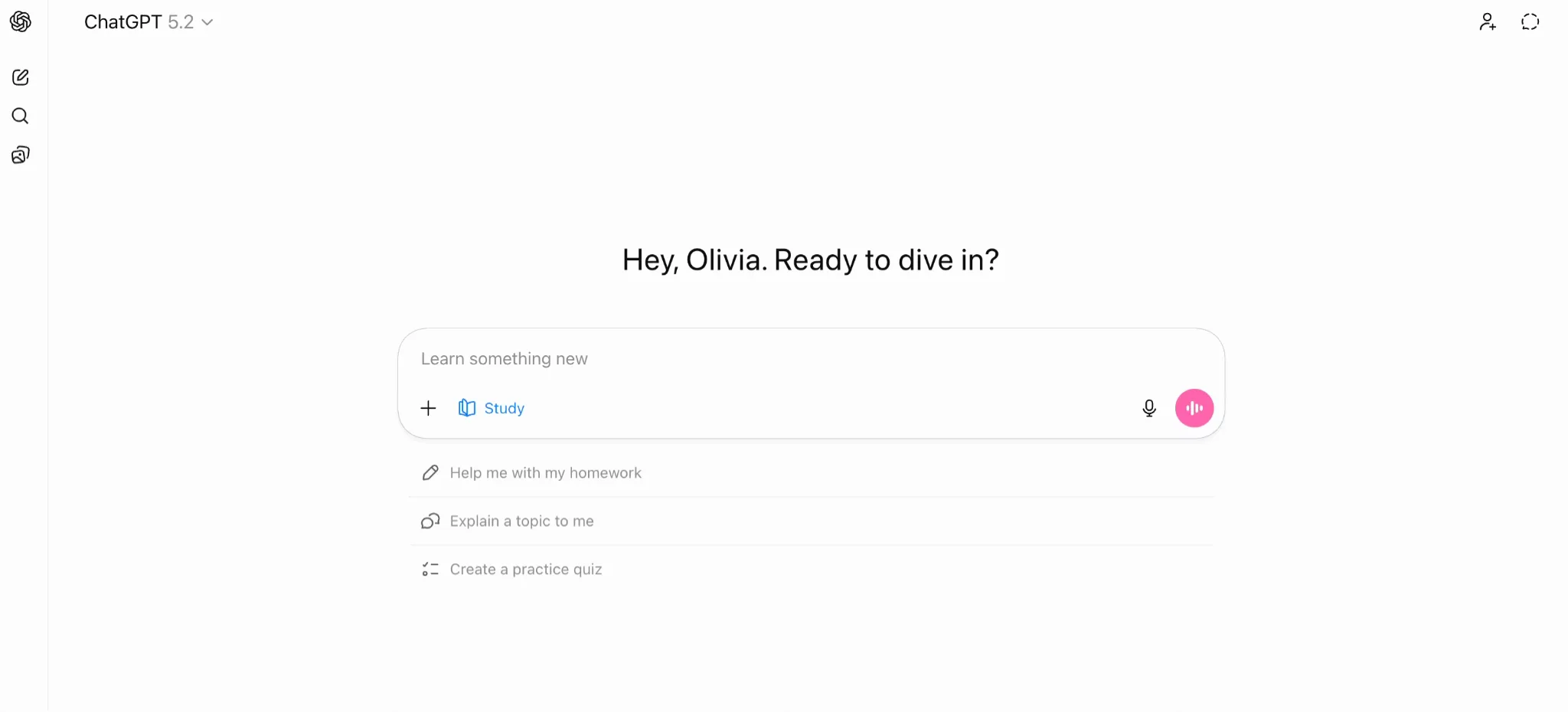
ChatGPT Study Mode is useful when you want a tutor vibe. It can guide you through a topic, ask you questions, and help you practice until your reasoning feels stable. This is great for exam prep, problem solving, outlining essays, and turning lecture topics into practice questions.
This AI for studying can immerse you in interactive sessions if you ask, “Explain this concept, then quiz me,” or “Give me three practice problems and check my steps.” You can also paste your class notes and ask it to organize them into a study plan, then generate mini-tests for each chunk.
Pros
Tutor-style guidance supports learning instead of copying answers
Flexible across subjects, from writing to math explanations
Cons
You still need to verify facts for research-heavy topics
Weak prompts can lead to vague output, so ask specific questions
Quizlet
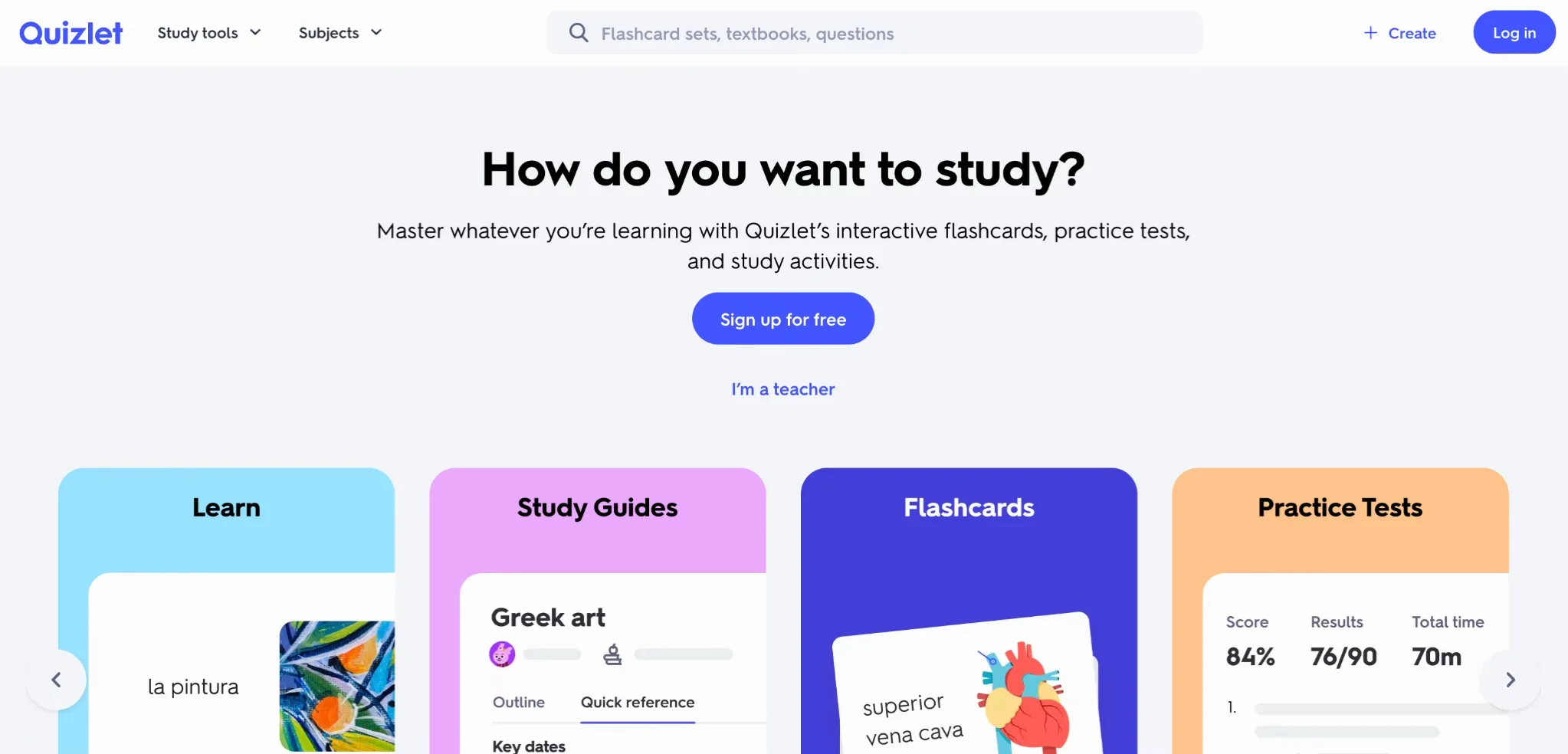
Quizlet is built for memorization and quick review, which makes it perfect for languages, biology terms, anatomy, history dates, and business definitions. It can turn notes into flashcards, then push you into study modes that force repetition. If you need an AI studying tool for recall, Quizlet usually gives results faster than building a deck from scratch.
It also works well for short daily sessions. You can do five minutes between classes, then come back later for a longer round. If you tend to procrastinate, this always-ready format helps because you do not need a perfect setup to begin.
Pros
Fast flashcard creation from notes and study materials
Multiple study modes help with repetition and recall under time pressure
Cons
Some useful features can be locked behind paid plans
User-made decks vary in quality, so spot-check key facts
Khanmigo (Khan Academy)
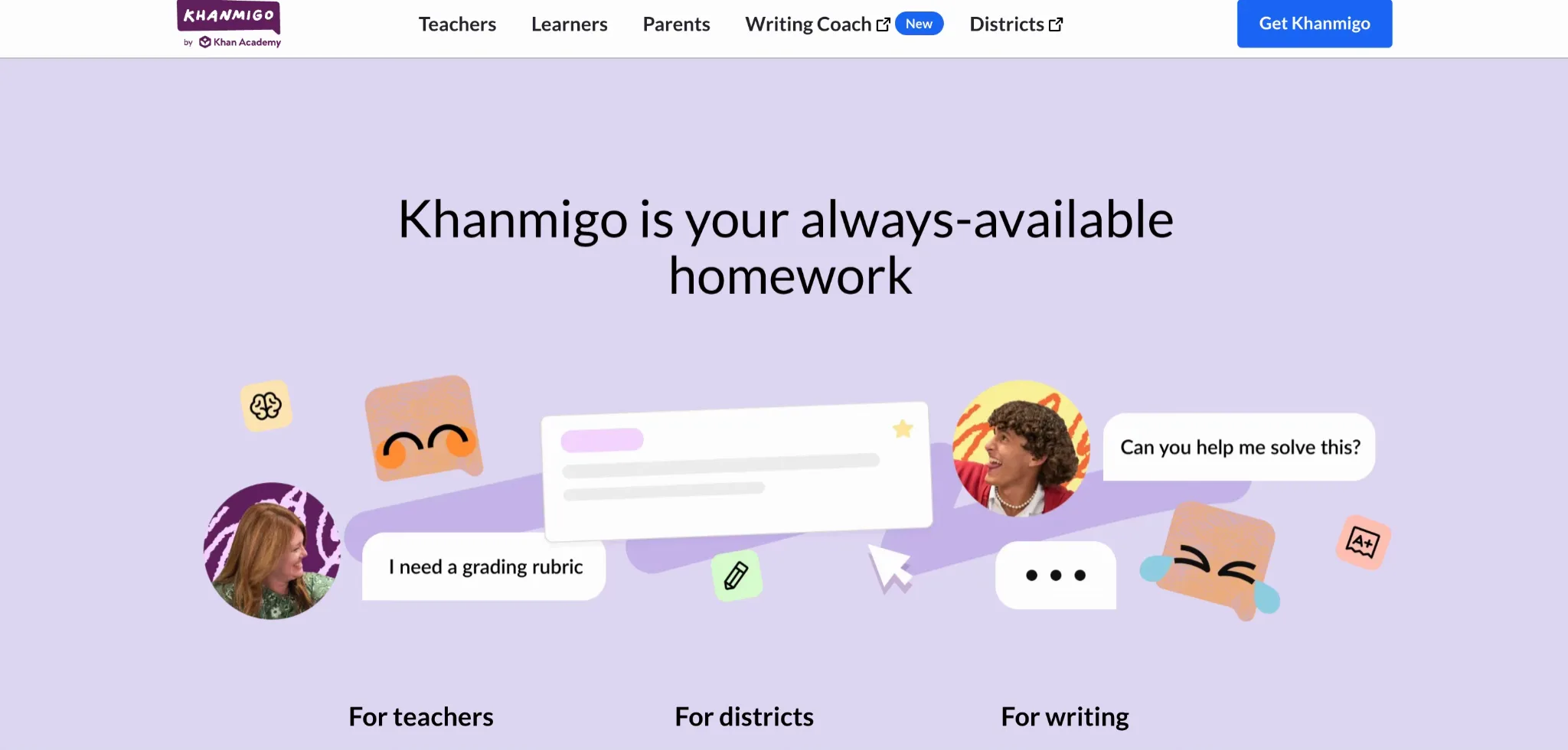
Khanmigo is designed to teach, not just answer. It fits math, chemistry, physics, and structured learning where you need feedback and hints. It is also a good option when you are helping a younger student, since it is meant to be classroom-friendly and guided.
If you need AI studying tools that support genuine learning habits, Khanmigo works well as a practice partner. You can use it after a lesson to confirm you understood the concept, or during practice to get hints without getting the entire solution dumped on you. It is especially helpful for students who freeze when they see a problem, because it can help them start.
Pros
Guided tutoring approach encourages real understanding
Works naturally with Khan Academy practice and lesson structure
Cons
Best results often come when used alongside Khan content
Availability and pricing can depend on plan and region
Google Gemini
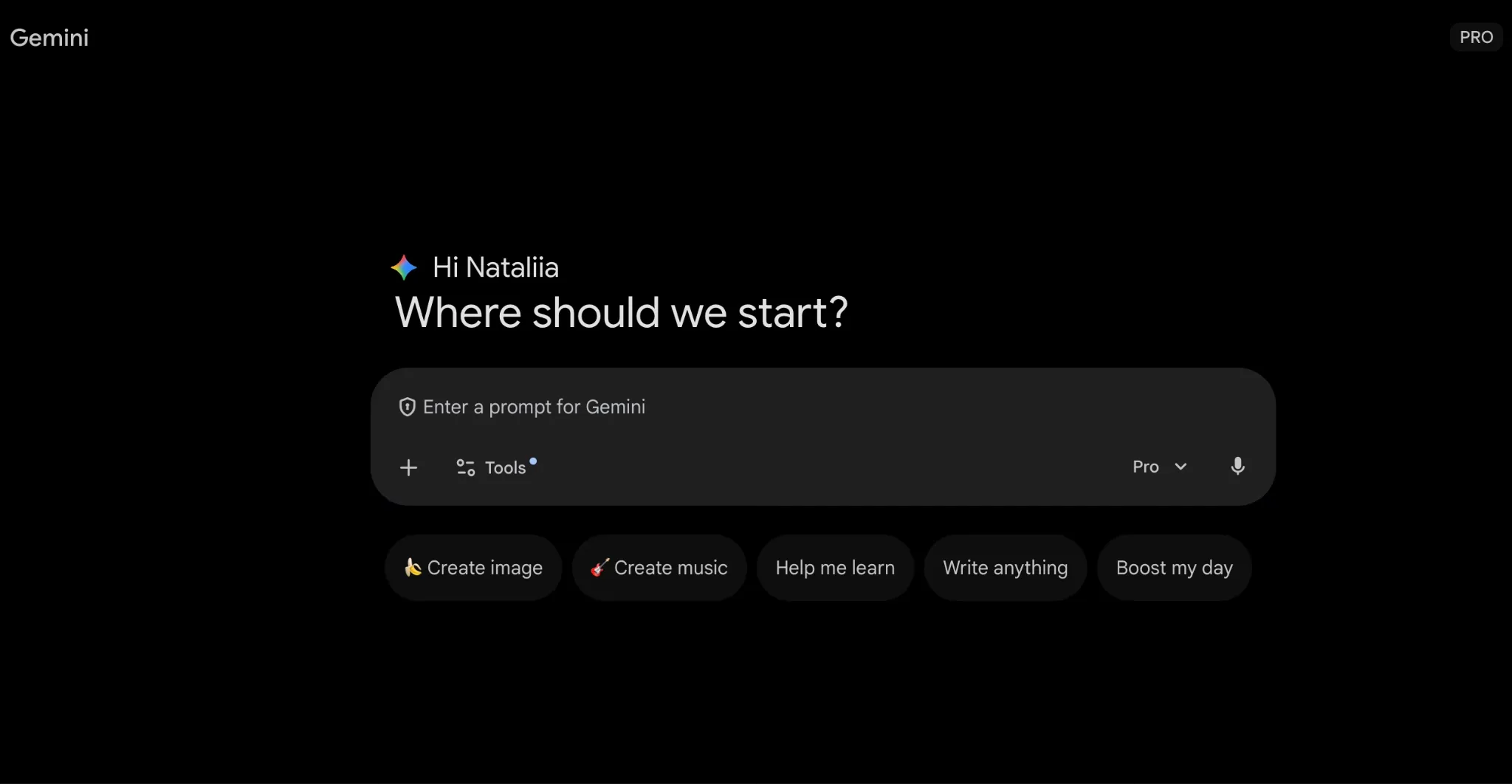
Gemini is a strong choice when your studying starts with your own materials. If you have lecture PDFs, assignment briefs, or reading packets, you can upload them and ask for summaries, key concepts, and practice questions. That workflow saves time because you stay close to your class content instead of drifting into random explanations.
Among free AI tools for studying, Gemini is especially helpful when your biggest enemy is information overload. You can ask it to extract definitions, turn a chapter into a clean outline, and identify what the professor is most likely to test based on headings and repeated terms.
Pros
Works well with uploaded documents, which keeps studying focused
Helpful for summaries, outlines, and quick concept clarification
Cons
File and feature access can depend on product tier or rollout
Summaries can miss nuance, so skim the original sections
NotebookLM (Google)
NotebookLM works like a study workspace. You load your sources, then ask questions inside that source set. That changes everything when you are writing papers or studying from multiple readings, because your answers stay grounded in what you provided.
If you want free AI studying tools that reduce tab chaos, NotebookLM is a great choice. Use it for literature-heavy classes, lecture packets, case studies, and any subject where you need to compare ideas across documents. It is also useful for turning a packet into revision prompts, like “Create five quiz questions from pages 12 to 15.”
Pros
Source-grounded Q&A keeps your studying tied to real materials
Great for review prompts, summaries, and comparing readings
Cons
Output can still contain mistakes, so verify key claims
You need decent source documents; messy inputs lead to messy answers
Notion AI
Notion AI is for students who want their study system to feel organized and searchable. It helps rewrite messy notes into clean pages, generate outlines, and produce study summaries you can revisit later. It is best when your semester includes multiple classes, and you need a central place to store everything.
Notion AI is also helpful for turning a week of scattered notes into a structured review doc. If your notes are chaotic, you can ask it to convert them into headings, key terms, and action items, then create a checklist for what to revise next.
Pros
Great for organizing notes into structured, reusable study pages
Useful for outlines, summaries, and turning raw notes into clean content
Cons
Many features depend on plan level or usage limits
Less helpful for step-by-step math tutoring
Perplexity
Perplexity is useful when you need a fast research direction with sources. It works well for history, sociology, psychology, business, and any class where you need to read widely and cite responsibly. Use it to get an overview, then follow the citations to real pages and articles.
Perplexity is also good for comparing viewpoints. If you are studying a debated topic, you can ask for multiple perspectives and then pull sources that support each side. That saves time when you are writing essays or preparing for seminar discussions.
Pros
Source-based answers make it easier to trace claims
Fast for overviews, definitions, and topic exploration
Cons
You still need to open and read sources for accuracy and nuance
Broad prompts can produce broad answers, so narrow your question
Wolfram|Alpha
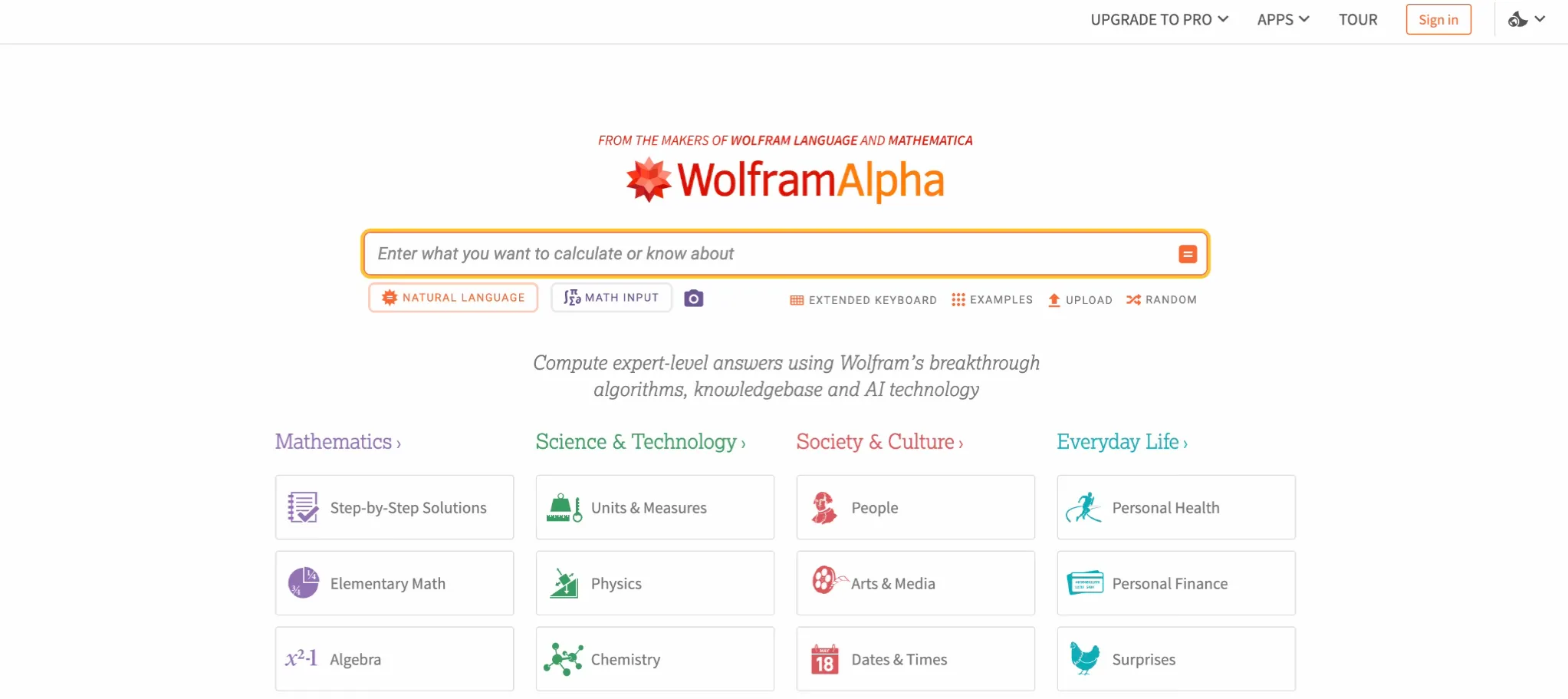
Wolfram|Alpha is the pick for math and science computation. It helps with algebra, calculus, statistics, and some chemistry and physics tasks. It is especially useful when you need to check your work during practice, or when you want to see a correct solution format.
It works best as both a verification and a learning tool. Do the problem yourself first, then compare. If something is off, review the steps and identify where your method differs. This makes your practice sessions much more efficient than relying on guesswork.
Pros
Reliable computation for math and science topics
Step-by-step explanations can help you learn the process
Cons
Step-by-step features may require a paid plan
You need to format inputs clearly; wordy problems take translation
Anki
Anki is not a chat assistant. It is a memory machine. It uses spaced repetition so you review a card right before you forget it, which is perfect for long-term retention. It is a strong choice for languages, medicine, law, and any class where recall matters across months.
Anki can feel intense at first, but once your deck is set, daily reviews become automatic. If you want to remember content past the exam, this is one of the most efficient approaches available.
Pros
Spaced repetition supports long-term memory very well
Huge ecosystem of shared decks and add-ons
Cons
Setup takes time, especially for custom decks
It drills knowledge rather than explaining concepts
Elicit
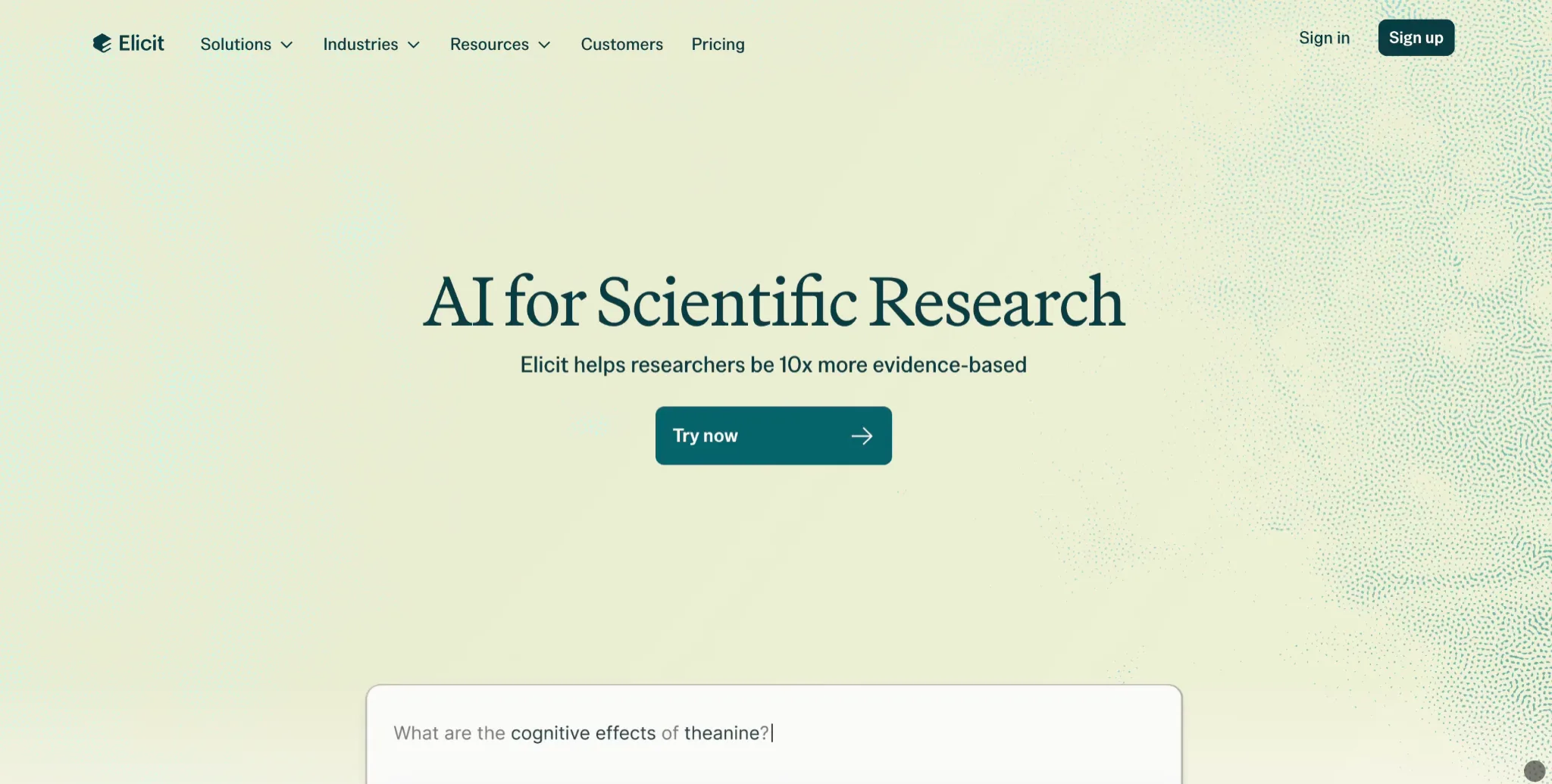
Elicit is designed for research tasks, especially when you need academic papers. It can help find studies, summarize findings, and extract useful details. This is valuable for psychology, education, public health, and any class where you need evidence-based writing.
Elicit is best when you start with a clear research question. For example, “What does research say about sleep and exam performance?” Then you can scan papers faster, identify patterns, and collect citations to follow up with deeper reading.
Pros
Helpful for finding papers and summarizing research efficiently
Useful for extracting key details from multiple studies
Cons
You still need to read original papers for context and limits
Best results require precise questions and smart filtering
Conclusion: Build a Small Stack for Each Class
The easiest way to make AI help is to keep your stack small and intentional. Use Quizlet or Anki when the class is recall-heavy. Use ChatGPT Study Mode or Khanmigo when you need guided practice and feedback. Use Gemini or NotebookLM when your studying starts with PDFs, lecture notes, or reading packets. For research writing, Perplexity and Elicit speed up discovery, as long as you still verify sources. Once you choose your set, stick with it for a week, then adjust based on what actually improves your scores and your stress levels.
Related Articles
View all articles
AI Agents in Higher Education: Uses and Best Tools for 2026
Explore how AI agents are transforming higher education in 2026, including 15 use cases, the best tools for students and faculty, benefits, risks, and implementation guidance.
5 Best AI Leadership Courses for Managers Building AI-Ready Teams in 2026
5 Best AI Leadership Courses for Managers Building AI-Ready Teams in 2026
Grok for Excel is Live: Unleash AI-Powered Data Analysis
xAI (SpaceXAI) launches Grok for Excel, an AI add-in that lets you analyze data, build formulas, and forecast using plain English. Discover its features, ben...
Continue exploring
Find AI agents by workflow
More in Partner Insights
Browse more articles in the Partner Insights category.
AI Websites for Studying articles
Explore more guides and insights tagged AI Websites for Studying.
AI Agent Categories
Browse use-case pages for sales, productivity, coding, customer service, and more.
AI Agents Landscape
Explore the full directory map and compare agents by workflow and category.
Agent Skills
Find reusable skills, capabilities, and building blocks for AI agent workflows.
Free AI Agents
Discover free AI agents and tools for testing agentic workflows without upfront cost.