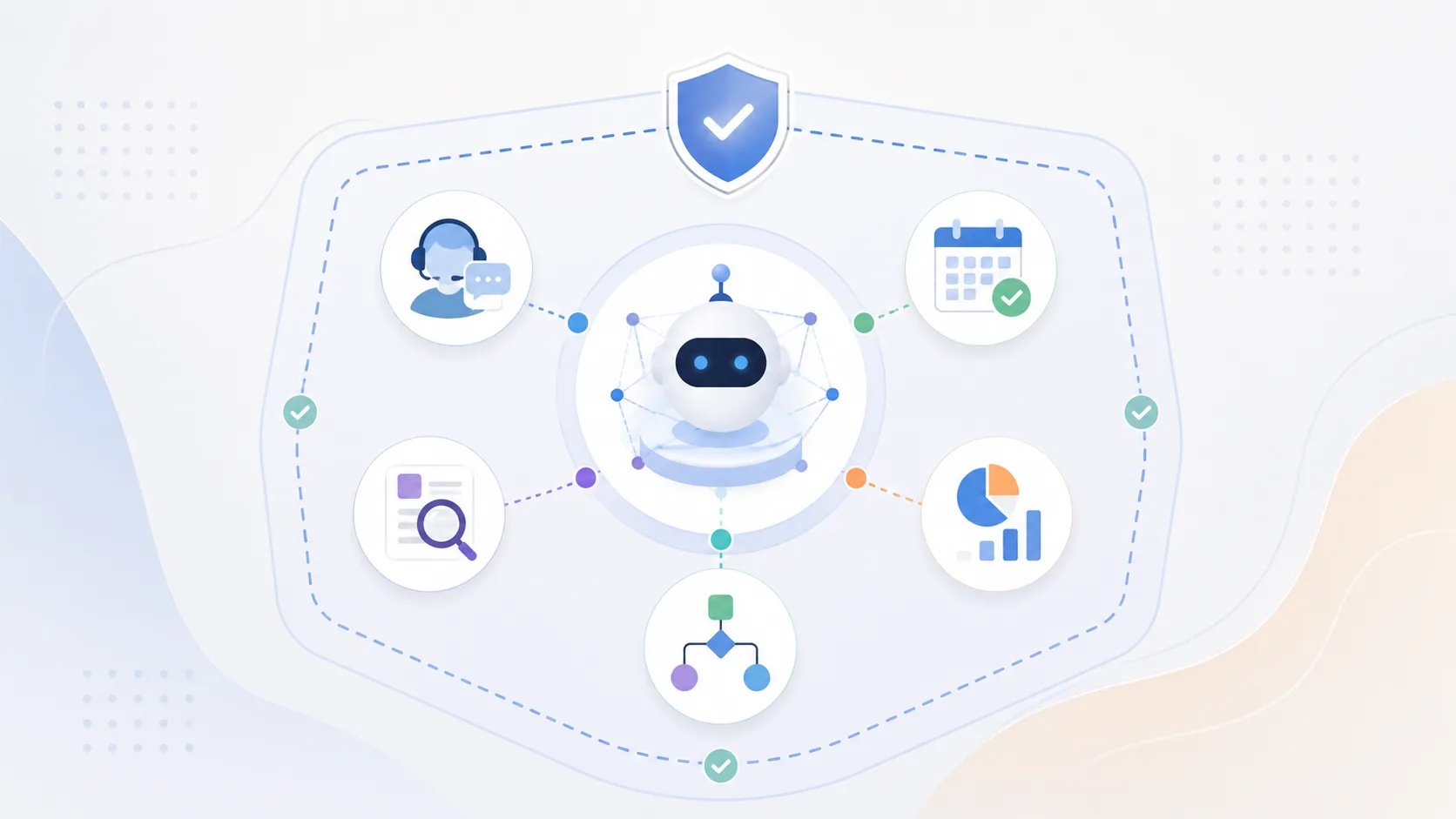
Where AI Agents Actually Work: Practical Use Cases and Guardrails
Picture a customer asking why a replacement order has not shipped. A chatbot can explain the returns policy. An AI agent can check the order, look up warehouse status, update the support ticket, and prepare the next action. If the case exceeds its authority, it can hand the work to an employee with the relevant records attached.
That ability to act is what makes agents interesting. It also explains why they need more care than a question-and-answer bot. Giving a model access to customer records, email, billing software, or production systems creates useful shortcuts, as well as new ways to make expensive mistakes.
The best AI agent use cases are usually quite ordinary: a recurring task, scattered information, and a decision that can be checked. The first goal is to remove one stubborn piece of operational work.
What Makes an AI System an Agent?
An AI agent combines a model with instructions, tools, and an operating environment. It receives a goal, chooses an action, observes the result, and decides what to do next. Anthropic describes this as a self-directed loop of planning, acting, observing, and adjusting. Its guide to trustworthy AI agents treats the model, tools, guardrails, and environment as separate parts of the system. A capable model connected to an overly permissive tool can still cause trouble.
Most production agents do not retrain themselves after every task. They may retain conversation state, retrieve previous cases, or collect feedback for later evaluation. Engineers still decide when prompts, rules, tools, or models should change.
Multi-agent systems divide a job among several specialized agents. There are legitimate reasons to use them, but they add handoffs, latency, and more places for errors to hide. One agent with a small toolset is enough for many first deployments.
Customer Service: Useful When the Boundaries Are Visible
Support is a natural fit because the work already lives in tickets, policies, and account systems. An agent can classify a request, find the customer’s order, suggest a reply, and update a case record. With carefully limited permissions, it may also reschedule a delivery or approve a routine refund within a company-set threshold.
“Resolve billing problems” leaves too much room for interpretation. “Prepare eligible refunds under the approved limit and request confirmation before submission” gives the team something it can test.
Microsoft’s documentation for its Case Management Agent shows how it can create cases from authenticated conversations and update selected fields. Administrators choose which fields are available, enable audit history, and run simulations on historical cases before production. Its job and access are specific.
Revenue and Internal Operations
Sales teams lose time to small gaps in the CRM. Notes remain in call transcripts, follow-up dates go missing, and account risks sit in email until someone notices. An agent can read an approved set of sources, extract commitments, suggest CRM changes, and draft a follow-up. Contract terms, discounts, and final forecasts should remain visible to the people accountable for them.
The same pattern works inside the company. An employee asks how much parental leave is available; the agent finds the policy for that employee’s country and cites the relevant section. Another request is for design software; the agent checks role data, opens the service ticket, and sends it to the correct approver. These tasks are unglamorous, which is part of their appeal. The result is easy to inspect, and a mistake can often be reversed.
Agents can also prepare weekly operational reports: retrieve the same metrics, flag movements outside agreed ranges, and attach the underlying records. Managers can spend their time on the unusual cases.
Software, IT, and Security Work
Development agents can reproduce a bug, search a repository, edit code and run tests. IT agents can collect logs from an alert, identify the affected asset and draft a remediation ticket. Security teams may use an agent to enrich an incident with identity, endpoint and threat-intelligence data before an analyst begins the investigation. For these workflows to remain secure, AI agents should operate alongside endpoint threat protection solutions that continuously monitor devices, detect suspicious behavior, and help contain threats before they spread across the environment.
Early deployments are safer when the agent begins with read access. A later phase might allow it to open a pull request or isolate a low-risk test device. Deploying code, deleting data and disabling user accounts need explicit approval and a clear record of who authorized the action.
Location-based access rules deserve their own test. Suppose a support agent is available only to staff in approved markets, while a login from another country should trigger stronger authentication or block access. A VPN lets QA change the test device’s public IP and check how the controls respond in different locations.
These checks may need to be repeated whenever authentication rules, regional permissions or agent tools change. Once they become part of regular release testing, VPN access becomes a recurring QA cost. NordVPN’s discounted plan options may reduce that cost, provided the service covers the locations and number of test devices the team requires.
Supply Chain Agents Have a Real Information Problem to Solve
Logistics teams often move between an ERP, transportation software, warehouse records, carrier APIs and spreadsheets to answer one question about a delayed purchase order. That is exactly the kind of fractured workflow an agent can improve.
AWS ProServe and Singapore’s A*STAR built a Logistics Agent that pulls from ERP, TMS, WMS and customer-facing systems. It gathers shipment information and can recommend or carry out selected actions. AWS reports up to 50% less manual lookup and reconciliation work and a 3% to 5% reduction in expedite costs as a share of logistics spend. Those figures come from this project, not an industry-wide benchmark.
A planner asks about a purchase order; the agent identifies the relevant systems, retrieves current data and returns the supporting information. The planner can concentrate on a missed sailing or supplier failure, where commercial judgment matters.
Choosing a First AI Agent Use Case
Look for work that happens often enough to measure and annoys the people doing it. The agent needs reliable source data, limited actions and an obvious point where a person takes over. If nobody agrees on the process, automation will expose the disagreement.
A useful pilot can be measured with a short scorecard: completion rate, correction rate, time per case and the number of escalations. Review the actual action trail as well. A fast agent that chooses the wrong customer record is performing badly even if its final message sounds polished.
Run historical cases through the agent before giving it live tools. Then place it in shadow mode, where it proposes actions without executing them. Compare those proposals with what employees did and inspect the disagreements. Limited production access comes after the common failures are understood.
Governance should be part of the build. The NIST AI Risk Management Framework covers trustworthiness across the design, development, use and evaluation of AI systems. For an agent, that becomes a practical checklist: named owners, documented data sources, least-privilege access, approval points, monitoring and a way to stop or roll back actions.
Prompt injection also needs testing whenever the agent reads email, web pages or uploaded documents, since those sources can contain instructions designed to misuse its tools.
Conclusion
AI agents are most valuable when they can finish a bounded piece of work across systems. Customer cases, CRM maintenance, internal requests, incident preparation and logistics inquiries all have that shape.
Start with a process employees can describe from memory because they do it every week. Give the agent limited access, replay real cases and watch the decisions it makes. Broader autonomy can follow once the evidence supports it.
Related Articles
View all articles
AI Task Management: How AI Agents Are Changing the Way Teams Organize Work
Discover how AI task management and AI agents help teams automate tasks, prioritize work, manage projects, streamline workflows, and improve productivity.
Top AI Agent Development Companies for Service Businesses in 2026
Compare top AI agent development companies for service businesses in 2026, including firms building support, scheduling, voice, sales, and workflow agents.
How to Build Your Own Agent Harness: A Comprehensive Guide
Learn how to build your own agent harness. This guide covers essential components, frameworks, and step-by-step development for custom AI agent setups.
Continue exploring
Find AI agents by workflow
More in Partner Insights
Browse more articles in the Partner Insights category.
ai agents articles
Explore more guides and insights tagged ai agents.
use cases articles
Explore more guides and insights tagged use cases.
AI Agent Categories
Browse use-case pages for sales, productivity, coding, customer service, and more.
AI Agents Landscape
Explore the full directory map and compare agents by workflow and category.
Agent Skills
Find reusable skills, capabilities, and building blocks for AI agent workflows.