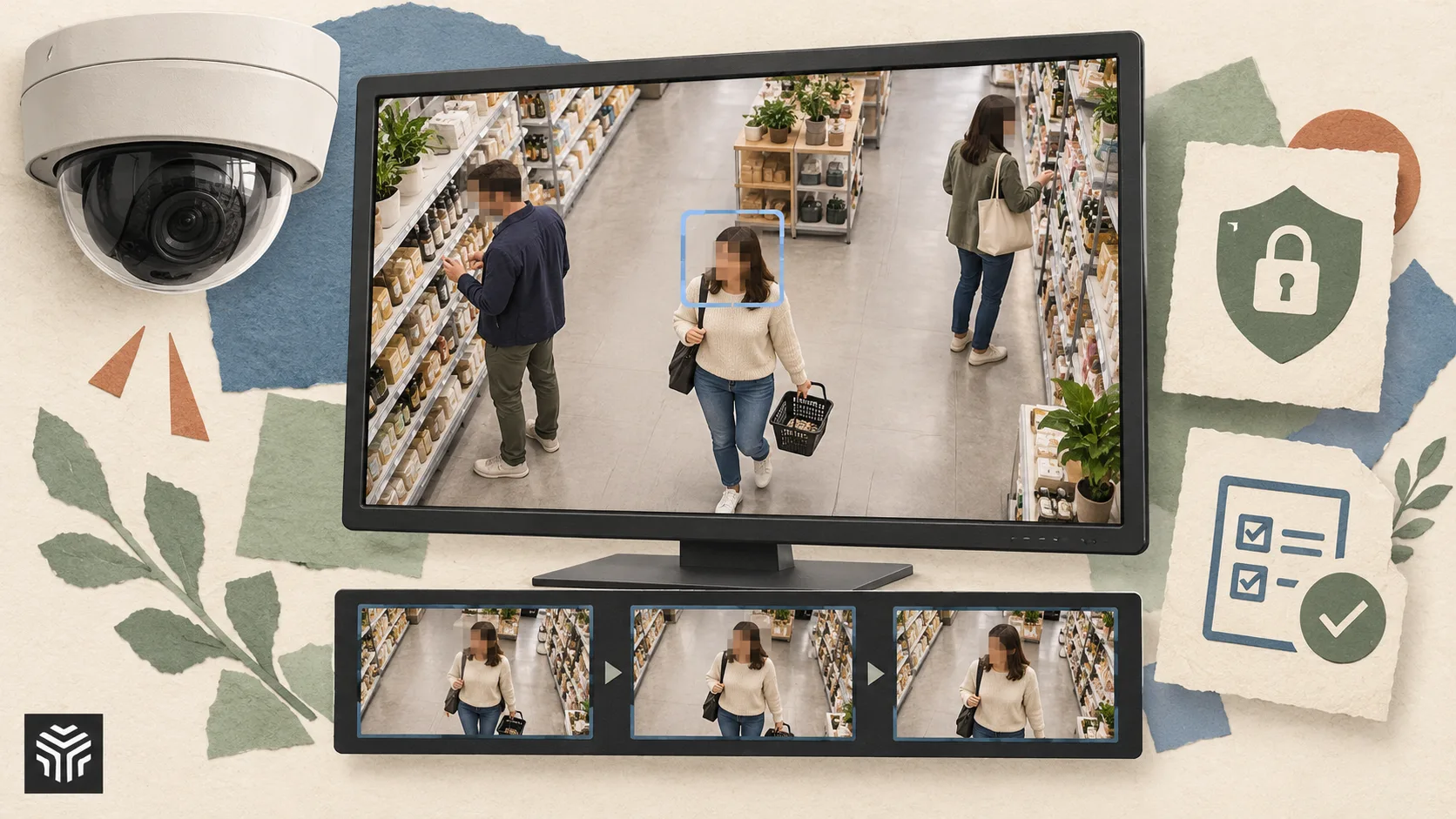
What to Look for in CCTV Redaction Software for Retail Loss Prevention Teams
Retail loss prevention teams rely on CCTV footage to investigate theft, antisocial behaviour, staff safety incidents and fraudulent returns. However, using that footage outside the control room creates an important challenge: it often contains identifiable images of customers, employees and members of the public who are not relevant to the investigation.
That is where CCTV redaction software becomes essential. The right platform can help teams prepare footage for internal sharing, police requests, insurance claims, subject access requests and incident reviews, while reducing the risk of unnecessarily disclosing personal data.
For retailers, the decision is not simply about finding a tool that can blur faces. Loss prevention teams need software that fits real investigation workflows: footage may be lengthy, incidents may be time-sensitive, and the final output needs to remain clear enough to be useful as evidence.
This guide explains the key features to look for in CCTV redaction software for retail loss prevention, including the areas worth reviewing when considering AI-led solutions such as Secure Redact.
CCTV Redaction Software Comparison Checklist
Priority | What to Look For | Why It Matters for Retail Loss Prevention | What Good Looks Like |
1 | Automated detection | Reduces the time spent manually editing footage | AI detection of faces, people, vehicles or number plates |
2 | Accurate redaction controls | Protects irrelevant individuals without obscuring key evidence | Adjustable masks, tracking and review options |
3 | Fast processing | Supports urgent incident investigations and disclosure deadlines | Efficient handling of lengthy CCTV clips |
4 | Evidential clarity | Footage must remain useful after redaction | Clear view of relevant actions, items and subjects |
5 | Privacy and compliance support | Helps limit unnecessary disclosure of personal data | Redaction designed for responsible footage sharing |
6 | Simple review workflow | Investigators need to check edits before exporting | Easy-to-use timeline, previews and edits |
7 | Secure output and sharing | Sensitive footage should not be distributed carelessly | Controlled exports and secure handling processes |
8 | Scalability | Multi-site retailers need a solution that works beyond one store | Suitable for regular, repeatable redaction work |
1. Automated Detection That Reduces Manual Editing
One of the most important features in CCTV redaction software is automated detection. A typical retail incident may involve dozens of customers passing through a store, queue area, shopping centre entrance or car park. If an investigator has to manually draw masks over every uninvolved person frame by frame, preparing even a short clip can become a time-consuming task.
Look for a platform that uses AI to identify the types of information that commonly require redaction, such as faces, people, vehicles and vehicle registration plates. This is particularly useful when a loss prevention team needs to share footage showing a suspect while obscuring customers, colleagues or passers-by.
Secure Redact’s offering is focused on AI-assisted video redaction, which is the kind of approach retailers should assess when looking to reduce the repetitive work associated with protecting third-party identities. Automation should not remove human oversight, but it can significantly improve the starting point for an investigation team.
Key Features to Look For
Face detection and redaction
Person detection and tracking
Vehicle and number plate redaction where relevant
Automated masking across a video sequence
The ability to review and amend detected areas
Why It Matters
Loss prevention departments often have competing demands: responding to live incidents, supporting store teams, dealing with police requests and reviewing historical footage. Automated detection allows investigators to focus their attention on the event itself rather than spending hours on routine frame-by-frame edits.
2. Redaction That Preserves the Important Evidence
Privacy protection is vital, but redaction should not make CCTV footage unusable. In a retail theft investigation, the key evidence may include a suspect’s route through the shop, interaction with a product display, actions at a self-checkout, behaviour at the exit or the vehicle used to leave the site.
The software should therefore allow users to redact irrelevant people while retaining a sufficiently clear view of the relevant subject and incident. An overly broad blur can cover stolen items, conceal a suspect’s actions or make it difficult to understand what happened. On the other hand, insufficient masking can expose the identities of people with no connection to the case.
A strong CCTV redaction workflow combines automated detection with practical editing controls. Teams should be able to check the proposed masks, alter them where needed and make deliberate decisions about what remains visible in the final export.
Key Features to Look For
Adjustable redaction areas
Options to apply blur, pixelation or solid masking
Object tracking through movement and camera angles
Frame-by-frame correction where needed
Preview tools before the final video is created
Why It Matters
The objective is not to anonymise every detail of a scene indiscriminately. It is to disclose only what is necessary for a legitimate purpose, while keeping the footage intelligible and useful to the intended recipient.
3. A Workflow Suitable for Time-Sensitive Retail Investigations
Retail incidents rarely arrive at convenient times. A store may need footage prepared quickly after an assault, theft, confrontation or suspected fraud. Delays can affect internal investigations, make it harder to respond to law enforcement requests and create unnecessary pressure around data protection deadlines.
When comparing CCTV redaction software, ask how quickly a user can upload or import video, identify the relevant portion, run redaction, review it and export the finished clip. The answer will depend on video length, quality, camera count and the number of people in frame, but the workflow should be designed to avoid avoidable delays.
Secure Redact is worth considering for teams seeking an AI-led approach to this process, particularly where large volumes of footage or frequent requests make manual redaction impractical. The right solution should help teams create a repeatable process rather than relying on specialist editing skills every time a request arrives.
Key Features to Look For
Straightforward video upload or import process
Ability to trim clips before processing
Batch or repeatable processing options
Clear progress indicators during redaction
Efficient review and export stages
Why It Matters
Fast processing is not just an operational benefit. It can also help retailers respond more consistently to legitimate requests for footage while maintaining a sensible level of control over personal data.
4. Support for GDPR-Conscious Footage Sharing
CCTV footage is likely to contain personal data whenever individuals can be identified directly or indirectly. For retail businesses, this can include customers, staff, delivery drivers, contractors and people walking past a store entrance.
Redaction software cannot replace a retailer’s wider data protection policies, retention periods or decision-making process. However, it can be an important practical control. It enables the business to share footage that is relevant to an incident without routinely disclosing the identities of everyone else captured by the camera.
When evaluating software, consider whether it makes it easier to follow a “minimum necessary” approach. For example, can the user trim footage to the relevant time period, redact third parties, and produce a version appropriate for the recipient? These capabilities are particularly useful for subject access requests, internal HR investigations, insurance matters and evidence disclosures.
Key Features to Look For
Redaction of third-party faces and identifiers
Video trimming and clip selection
Review before release
Export options suited to controlled sharing
A workflow that supports consistent internal processes
Why It Matters
A shop-floor incident can involve many people who have no connection to the allegation or investigation. Redaction helps loss prevention teams share relevant footage more responsibly and reduces the chance that unnecessary personal information is included in the final file.
5. Easy Review and Quality Control Tools
AI can save time, but it should not be treated as a substitute for checking the final video. Detection quality can vary according to lighting, camera position, crowd density, motion blur, obstructions and the resolution of the original footage. Retail environments are especially challenging because people move quickly, disappear behind fixtures and pass through busy checkout areas.
For that reason, review tools are as important as automation. The person preparing the footage should be able to inspect the video before release, identify missed faces or incorrect masks, and amend the output where necessary.
A platform designed with a clear visual workflow can help loss prevention professionals carry out these checks without requiring advanced video-editing knowledge. This matters when responsibility for CCTV requests is shared between security teams, store management, compliance staff and external investigators.
Key Features to Look For
Timeline-based review
Playback and zoom controls
Clear visibility of redaction masks
Manual additions and corrections
Pre-export quality assurance checks
Why It Matters
The best CCTV redaction software supports good judgement. It should make it easier for a trained user to verify that relevant evidence is visible and third parties are appropriately protected.
6. Output That Is Suitable for Different Recipients
Retailers may need to provide redacted CCTV footage to several different audiences. These could include an individual making a subject access request, an insurer reviewing an incident, a solicitor, police officers, a shopping centre management team or an internal HR department.
Each request may require a different level of disclosure. A clip for internal learning may need employee identities protected, while footage provided for a formal investigation may need to preserve particular details. The software should allow the retailer to create an appropriate version for the purpose rather than relying on one unredacted master file being circulated repeatedly.
It is also sensible to consider practical output requirements. Can the finished video be exported in a usable format? Is the output clear enough to view without specialist software? Can the retailer retain an original source file separately while sharing a carefully redacted copy?
Key Features to Look For
Practical export formats
Separate handling of originals and redacted copies
Ability to create purpose-specific clips
Clear file naming and version management options
Output that remains viewable and understandable
Why It Matters
A well-managed export process helps retailers avoid a common mistake: sending more footage, for a longer time period, or with more personal data than is needed for the request.
7. Scalability Across Stores, Cameras and Incident Types
A single independent shop may only prepare footage occasionally. A national retailer, convenience chain, shopping centre operator or retail park security team may handle requests every week or even every day. In these cases, the software must be practical at scale.
Consider how the platform will fit into your wider CCTV operation. Can it support footage from different stores and camera systems? Is it straightforward enough for several authorised users to follow the same process? Can teams maintain consistency when handling incidents across multiple regions or business units?
Scalability is not only about volume. It is also about consistency. A repeatable redaction process can help ensure that store teams do not make ad hoc decisions about sharing raw footage, particularly when an incident feels urgent.
Key Features to Look For
A workflow suitable for recurring requests
Support for multiple users or teams where required
Consistent redaction settings and procedures
Clear handover between loss prevention, legal and compliance teams
Compatibility checks with existing CCTV export processes
Why It Matters
As a retailer grows, informal processes become harder to manage. Purpose-built CCTV redaction software can help turn a sensitive, manual task into a more controlled operational procedure.
8. A Supplier That Understands the Balance Between Privacy and Investigation
Finally, choose a provider whose product is aligned with the realities of video evidence. Retail loss prevention is not simply a privacy function, and it is not simply a security function. Teams need to protect people’s personal information while still investigating incidents effectively and fairly.
When requesting a demonstration, use a representative sample of your own footage where possible. Busy aisles, self-service tills, entrances, loading bays and external car parks will give a clearer picture of whether the software works for your environment than a polished generic example.
Ask practical questions about what the platform detects, what needs reviewing manually, how footage is processed and how final outputs are controlled. A transparent answer is generally more useful than broad claims about accuracy or automation.
Key Features to Look For
A clear explanation of the redaction workflow
Demonstrations using realistic footage types
Practical controls for review and correction
Support for retail CCTV use cases
A product roadmap that reflects video privacy needs
Why Choose Secure Redact
For retail loss prevention teams that want to assess AI-assisted CCTV redaction,Secure Redact is a relevant option to explore. Its focus on automating the redaction of identifiable information in video footage aligns with the need to share incident footage while protecting uninvolved customers, employees and members of the public.
Buying Guide: Choosing CCTV Redaction Software for a Retail Business
Before selecting a CCTV redaction platform, start by mapping the requests your team receives most often. Do you mainly need to respond to subject access requests? Are police evidence requests the priority? Does your team frequently share clips internally following theft, violence or health and safety incidents? The right software should suit the situations that create the greatest workload and risk for your organisation.
It is also important to test the software against your real camera footage. Retail CCTV varies widely in quality. Some stores may have high-definition cameras positioned above tills, while others rely on older systems with wide-angle views, low-light conditions or compressed exports. A tool that performs well on a clean sample video may need more manual input when used on busy, real-world store footage.
Do not choose a solution based on automated detection alone. Review controls are essential. Your team needs confidence that it can see what has been redacted, identify any errors and make corrections before footage leaves the business. Build a quality assurance step into the process, especially for disclosures involving legal, employment or police matters.
Another common mistake is treating redaction software as a complete compliance solution. It is a valuable tool, but it should sit alongside clear CCTV policies, retention schedules, access controls, staff training and procedures for responding to requests. Decide who can access original footage, who is authorised to create redacted copies and who gives final approval for disclosure.
Finally, consider ownership and implementation. The best system is one that loss prevention staff can use confidently without relying on a single technical specialist. A clear workflow, documented processes and a short internal training programme will usually deliver more value than a feature-rich platform that is difficult to use under pressure.
Frequently Asked Questions
What is CCTV redaction software?
CCTV redaction software is used to conceal personal information in video footage, such as faces, people, vehicle number plates or other identifying details. It allows organisations to share relevant footage while reducing unnecessary disclosure of third-party personal data.
Why do retail loss prevention teams need CCTV redaction?
Retail CCTV often captures customers and staff who are not involved in an incident. Redaction helps teams provide footage for legitimate purposes, such as investigations or access requests, without exposing the identities of unrelated individuals.
Can AI redact CCTV footage automatically?
AI can help identify and track faces, people, vehicles and other objects across video frames, reducing the amount of manual editing required. However, the footage should still be reviewed before it is shared, as camera quality and busy environments can affect results.
Does CCTV redaction affect the quality of evidence?
It can if redaction is applied too broadly or without review. Good software should allow users to obscure irrelevant people while keeping the relevant incident, actions and subjects sufficiently clear for the intended purpose.
Is redacted CCTV footage suitable for subject access requests?
It can be, depending on the circumstances. Redacting third parties is often an important step when responding to a subject access request, but retailers should assess each request carefully and follow their own data protection procedures.
What should retailers ask in a CCTV redaction software demonstration?
Ask the provider to show how the system handles your typical footage, including busy areas, poor lighting, moving subjects and multiple people in frame. You should also ask how users can review, amend and export the final redacted video.
Related Articles
View all articlesPreventive Maintenance Software Features Teams Should Prioritize
Discover which preventive maintenance software features matter most. Differentiate between scheduling, asset records, inventory, integrations, and more.

From Raw Clips to Finished Videos: How AI Is Changing Everyday Video Editing
Learn how AI is changing video editing with automatic subtitles, transcription, voice generation, resizing, and faster workflows for creators and businesses.

AI Video Generation for Social Media & TikTok Creators
Learn how TikTokers and social media creators use AI video generation to post daily: model choice, 9:16 workflows, hooks, captions, and tools like ImagineArt explained.
Continue exploring
Find AI agents by workflow
More in Partner Insights
Browse more articles in the Partner Insights category.
CCTV Redaction articles
Explore more guides and insights tagged CCTV Redaction.
Retail Loss Prevention articles
Explore more guides and insights tagged Retail Loss Prevention.
AI Agent Categories
Browse use-case pages for sales, productivity, coding, customer service, and more.
AI Agents Landscape
Explore the full directory map and compare agents by workflow and category.
Agent Skills
Find reusable skills, capabilities, and building blocks for AI agent workflows.