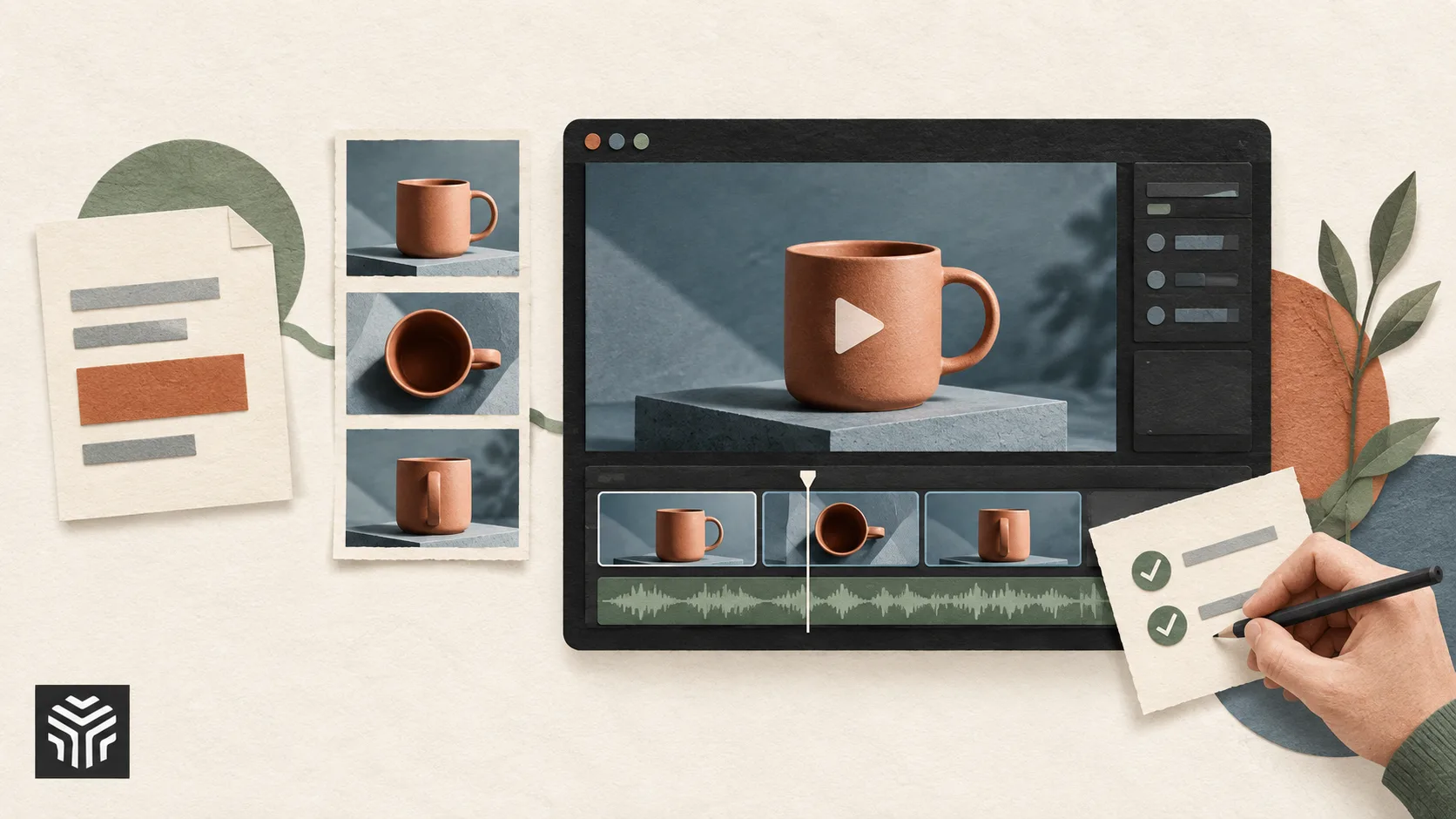
What Makes an AI Video Creation Agent Actually Useful?
The easiest way to overestimate an AI video agent is to judge it by a finished demo.
A polished sixty-second video can look impressive without revealing much about the process that produced it. The difficult questions appear later, when a real user changes the brief, rejects one scene, needs a different opening, notices that the character looks different halfway through, or discovers that one part of the production has failed.
That is where the difference between an interesting demonstration and a useful production system becomes visible.
Imagine a marketing team creating a short product launch video. The brief includes a target audience, a product benefit, several visual references and a request for five connected scenes. The first version is reasonably good, but the opening feels slow, the third scene misrepresents the product, and the final call to action needs to change.
A simple generator may still be capable of producing every individual asset required for the project. The practical question is how much work the team must do to turn those assets into the video it actually wants.
When assessing an AI video creation agent, the quality of the first output is only one part of the evaluation. CrePal, for example, is built around an AI Director workflow in which users can watch the system develop scripts, images and video, then intervene through natural-language feedback as the project develops. Its broader workflow is designed to move beyond isolated clip generation toward a finished video that can include voiceover, subtitles and background music.
For buyers and creative teams, the more revealing test is not whether an agent can produce an attractive video once. It is how well the system behaves while the work is still unfinished.
A Good Result Can Hide a Bad Workflow
A demo normally shows the shortest path through a product.
The brief is clear. The generation succeeds. Nobody changes their mind. Every scene looks acceptable, and the final result appears without the interruptions that define most real creative projects.
Production rarely works that way.
The marketing team in our example may decide after the first review that the product needs to appear earlier. Legal may request a wording change. The brand manager may approve four scenes and reject one. A client may like the pacing but want the visual treatment to feel less cinematic and more practical.
The quality of an agent becomes easier to judge at this stage.
If every change requires starting the entire project again, the system may be powerful at generation but expensive to use. If the team has to export the results and rebuild the video manually elsewhere, much of the promised workflow advantage disappears.
A useful evaluation should therefore include the work between the first draft and final approval.
A demo can show | Production work reveals |
A strong first output | How easily weak sections can be revised |
Attractive individual scenes | Whether scenes belong to the same video |
Fast generation | What happens when part of the process fails |
Automated creation | How much control users retain during the process |
Several generated assets | Whether the system delivers a usable finished video |
The second column usually matters more once a tool becomes part of recurring work.
Watch What the Agent Does With an Imperfect Brief
Real briefs are rarely complete.
A user might ask for a “confident but approachable” product video without explaining what either word means visually. The audience may be described too broadly. Several benefits may compete for attention. References may point in slightly different directions.
An effective agent should be able to turn this material into a workable production plan without treating every sentence as an isolated instruction.
For the product launch example, the most useful early output may not be the video itself. It may be the proposed structure.
Perhaps the agent decides to open with the customer problem, introduce the product in the second scene, demonstrate the main benefit in the middle and close with proof before the call to action. That structure gives the team something concrete to review before expensive or time-consuming generation continues.
The team can then identify a strategic problem while it is still cheap to fix. If the main benefit has been placed too late, the sequence can be adjusted before all five scenes are produced.
This is an important distinction in agent evaluation. An agent that immediately generates whatever it has inferred may appear faster, but a system that exposes enough of its interpretation for users to correct the direction can be more useful over an entire project.
The relevant capability is not simply prompt understanding. It is whether the system turns a broad intention into a plan that remains understandable to the people responsible for the final result.
Revisions Reveal More Than the First Draft
The third scene in our hypothetical product video is wrong.
Perhaps the generated demonstration shows the product being used in a way the real product does not support. The other four scenes work well.
What happens next tells the team a great deal about the agent.
A practical workflow should make it possible to correct the problematic section without unnecessarily sacrificing approved work. The replacement scene also needs to fit the surrounding video. A technically better shot is not useful if the lighting, character appearance or visual tone suddenly makes the new scene feel as though it came from another campaign.
Revision granularity is therefore one of the most valuable things to test before adopting a video agent for regular production.
Try changing a single scene.
Then change one line of narration.
Ask for a different ending without changing the opening.
Adjust the visual direction in one section and see whether the rest of the project remains intact.
These tests reveal how the system treats a video internally. Some workflows effectively behave like one large generation request. Others preserve enough project structure for users to make targeted changes.
For teams producing videos repeatedly, the difference affects far more than convenience. It influences review time, compute cost and the willingness of stakeholders to experiment. Creative iteration becomes much harder when every small request threatens work that has already been approved.
Continuity Is Easier to Judge Across Five Scenes Than One
A beautiful individual clip says very little about whether a system can manage a complete video.
Multi-scene work creates additional responsibilities. The same character may need to remain recognizable. A product should not change shape between shots. Wardrobe, environment and color treatment may need to remain stable enough that viewers experience one continuous piece rather than a collection of unrelated generations.
Narrative continuity matters as well.
Suppose the first scene establishes that the customer has a particular problem. The third scene should not introduce an entirely different problem simply because the generated imagery looks good. The final call to action should feel connected to the benefit demonstrated earlier.
Evaluating continuity therefore requires watching the entire sequence rather than scoring each clip individually.
One useful test is to remove the transitions and look at several representative frames side by side. Obvious changes in the product, character or visual world become much easier to notice.
Then review the video again for informational continuity. Each scene should either advance the idea or support something already established. A scene that looks impressive but contributes nothing to the argument is still a weak scene.
An agent that manages complete video production needs to preserve both kinds of continuity. Visual consistency keeps the world believable; narrative consistency keeps the video understandable.
The Workflow Should Remain Legible When Something Goes Wrong
Failures are part of generative production.
A scene may fail to render. A model may return an unusable result. A network interruption may affect one part of the job. A generation may technically succeed while producing an asset that cannot be used.
The important question is whether the user can understand what happened and continue working.
Consider a five-scene project in which scene four fails after the first three scenes have already been approved. An effective workflow should preserve the useful work, identify the problem clearly and provide a sensible path for retrying or replacing the failed section.
Users should not have to guess whether the entire project is still running, whether a generation has been lost or whether they are about to pay for another full attempt.
Visibility becomes part of usability.
CrePal’s current workflow, for instance, allows users to preview the AI Director while it works through scripting and generation, making the production process more observable than a system that simply accepts a prompt and returns later with an unexplained result. Natural-language feedback also gives users a way to redirect the work without having to understand the technical implementation behind each generation step.
For teams comparing agents, it is worth deliberately testing an awkward project rather than only a straightforward one. Complicated briefs and revision-heavy work reveal weaknesses that polished demos rarely expose.
A Finished Video Is More Than a Set of Generated Clips
Some AI video workflows end at generation.
The user receives several clips and still has to organize them, trim them, add narration, create subtitles, source music, adjust pacing and export the final piece in another application.
For teams that want to retain more control during this stage, an AI video editor can turn generated clips and existing footage into a structured first cut through natural-language instructions, while keeping the timeline available for targeted revisions.
There is nothing inherently wrong with that approach. For professional editors, raw assets may be exactly what they want.
An agent positioned around complete video creation should be evaluated differently.
The team should decide what “finished” means for its own workflow. A social media team may need a ready-to-publish vertical video with captions. A training team may require narration and clear scene sequencing. An agency may prefer editable intermediate assets because client revisions are expected.
The agent should be judged against that actual destination.
In the product launch example, success is not five attractive clips sitting in a folder. The project is complete when the scenes form a coherent sequence, the audio and text elements support the message, and the team can export something appropriate for its publishing workflow without rebuilding the whole piece from scratch.
This is also where broader systems such as CrePal differ from a single clip generator. Its current product experience extends through script development, scene generation, conversational revisions and final HD export with supporting elements such as subtitles, voiceover and music.
The distinction matters most to users whose bottleneck is production coordination rather than access to another generation model.
Test the Workflow With a Revision Brief, Not Just a Creation Brief
A useful evaluation process can be surprisingly simple.
Give several video agents the same small project: perhaps a 45- to 60-second product explainer requiring four or five connected scenes.
Once the first version is complete, introduce realistic revisions.
Ask for the opening to become shorter while preserving the rest of the story. Replace one scene because the product is represented incorrectly. Change the call to action. Request a different tone in the middle without changing the approved ending.
Then observe the work required to reach the second acceptable version.
The comparison should include output quality, but it should also account for how much approved material survives each change, how clearly the project state is presented, whether continuity deteriorates during revision and how much manual assembly remains at the end.
This method produces a more realistic picture than comparing first-generation demo reels.
Teams rarely spend most of their time creating perfect first drafts. They spend it negotiating the distance between a first draft and something everyone is willing to publish.
A genuinely useful video agent should reduce that distance.
Choose for the Work You Actually Produce
There is no single definition of the best AI video agent.
A solo creator making experimental short clips may value speed and visual novelty above everything else. An agency handling client approvals may care much more about targeted revisions and project continuity. A marketing department producing explainers every week may prioritize a repeatable path from brief to finished export.
The evaluation should begin with that workflow rather than a feature list.
Before choosing a system, take one recent real project and identify where the team spent time. Perhaps scripting took too long. Perhaps assembling scenes across several tools created delays. Perhaps revisions were difficult because changes had to be repeated in multiple places.
Then test whether the agent actually improves those parts of the process.
A product can have impressive generation technology and still be the wrong fit if it solves a problem the team does not have.
The most useful AI video agent is therefore not necessarily the one that produces the most dramatic first demo. It is the one that remains useful after the first version is rejected, one scene goes wrong, the brief changes and the deadline is still approaching.
That is the environment in which real creative work happens, and it is the environment in which an agent earns its place in the workflow.
Related Articles
View all articles
The Best AI Video Creation Tools to Automate Your Content
Discover the best AI video creation tools that simplify video production. Explore AI video generators, text-to-video AI, and automated editing for engaging content.

The 5 Best AI Video Agents and Tools You Need to Know
Discover the 5 best AI video agents and tools transforming content creation. Enhance video generation, editing, and marketing with cutting-edge AI.
What Makes an AI Agent “Good”? A Practical Evaluation Framework
Learn how to evaluate AI agents beyond simple accuracy. Discover a practical framework for measuring reliability, decision-making, and operational success.
Continue exploring
Find AI agents by workflow
More in Industry Insights
Browse more articles in the Industry Insights category.
AI Video Agents articles
Explore more guides and insights tagged AI Video Agents.
AI Video Creation articles
Explore more guides and insights tagged AI Video Creation.
AI Agent Categories
Browse use-case pages for sales, productivity, coding, customer service, and more.
AI Agents Landscape
Explore the full directory map and compare agents by workflow and category.
Agent Skills
Find reusable skills, capabilities, and building blocks for AI agent workflows.