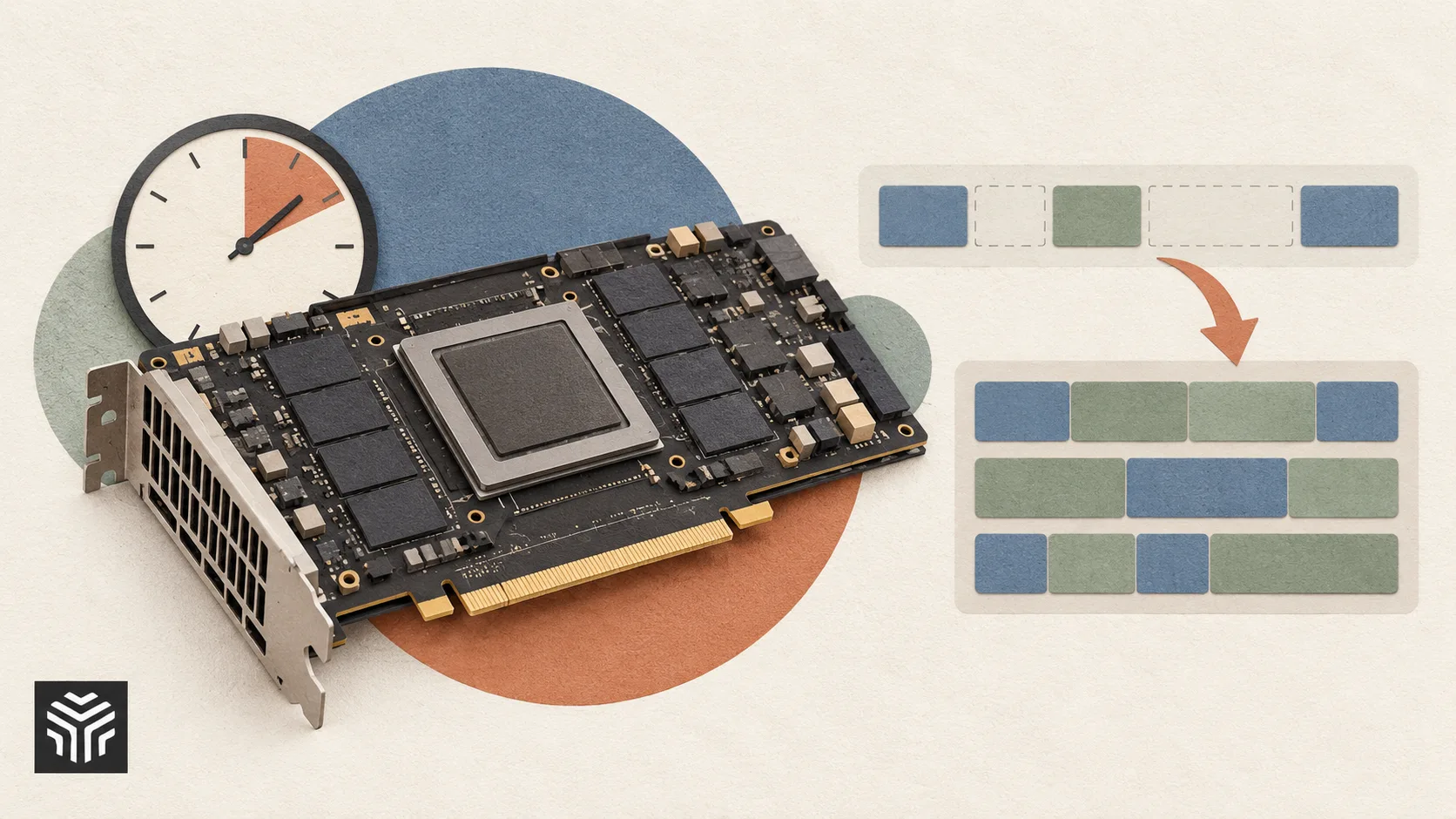
Maximizing GPU Utilization: Practical Techniques to Get More From Every Compute Hour
For any team running AI workloads, the gap between theoretical hardware capability and actual delivered performance is often larger than expected. A cluster of powerful accelerators can still produce disappointing results if the surrounding software, data pipeline, and job scheduling aren't tuned to keep those chips genuinely busy. Utilization — the percentage of time GPUs spend doing productive work rather than sitting idle or waiting on other parts of the system — is one of the most underappreciated levers for controlling AI infrastructure costs, and improving it often delivers savings that dwarf what can be gained by simply negotiating a better hourly rate.
This matters just as much whether hardware is owned outright or accessed through a service. When a team turns to gpu rental to handle training or inference, every hour of low utilization is an hour of paid capacity delivering less value than it should. Small, cumulative inefficiencies across a training run — data loading delays, poorly sized batches, unnecessary synchronization between processes — can silently erode the cost advantage that flexible provisioning was meant to provide.
Why Utilization Is Easy to Overlook
Utilization problems are often invisible unless a team is specifically monitoring for them. A training job that completes successfully looks the same whether the GPUs were busy 95% of the time or only 60%, unless someone is tracking the underlying metrics. This makes utilization one of those problems that quietly accumulates cost without triggering an obvious alarm, unlike a failed job or an outage that demands immediate attention.
Several factors commonly contribute to low utilization without teams realizing it:
Data loading bottlenecks, where the CPU and storage pipeline can't feed data to the GPU fast enough to keep it continuously busy.
Suboptimal batch sizes, either too small to fully use available memory and compute, or too large in ways that trigger inefficient memory management.
Excessive synchronization, particularly in distributed training, where GPUs wait idle for slower nodes to catch up.
Poorly scheduled jobs, leaving gaps between one workload finishing and the next one starting on the same hardware.
Left unaddressed, these issues can leave a meaningful share of paid compute capacity essentially wasted.
Measuring Utilization Accurately
Before optimizing anything, it's important to measure utilization correctly. Simple metrics like average GPU load over a training run can be misleading if they don't account for how that load is distributed over time. A GPU that alternates between 100% and 0% utilization in short bursts may show a respectable average while still suffering from real inefficiency.
More meaningful measurement typically includes:
Time-series utilization tracking rather than single aggregate averages, to catch intermittent idle periods.
Memory utilization alongside compute utilization, since underused memory often signals an opportunity to increase batch size.
Per-stage breakdowns that separate data loading, forward pass, backward pass, and synchronization time, making it clear exactly where time is being lost.
Cross-job comparisons, tracking utilization trends across similar workloads over time to catch regressions early.
Investing in proper monitoring tools pays for itself quickly once utilization issues start surfacing that would otherwise have gone unnoticed.
Techniques for Improving Utilization
Once utilization bottlenecks are identified, several well-established techniques can address them.
Optimizing the Data Pipeline
Since GPUs can process data far faster than many storage and preprocessing systems can supply it, ensuring the data pipeline keeps pace is often the single highest-leverage fix. Techniques include prefetching data ahead of when it's needed, parallelizing preprocessing across CPU cores, and using storage formats optimized for fast sequential reads.
For teams that collect training data from the web, collection reliability also affects dataset preparation. Our proxy provider checklist covers connection quality, session control and pricing before you commit to a service. Complete and validate collection jobs before starting paid GPU runs so accelerators are not left waiting for missing data.
Tuning Batch Size and Memory Usage
Batch size has a direct impact on both throughput and memory efficiency. Systematically testing different batch sizes — rather than defaulting to whatever configuration was used in a reference implementation — often reveals meaningful headroom for better hardware utilization without sacrificing training stability.
Reducing Synchronization Overhead
In distributed training, minimizing the time GPUs spend waiting on each other is critical. This can involve better load balancing across nodes, choosing communication strategies suited to the specific interconnect topology, and avoiding unnecessary synchronization points in the training loop.
Scheduling Jobs Efficiently
Keeping hardware continuously occupied across multiple jobs — rather than leaving gaps between one workload ending and the next beginning — requires deliberate scheduling. Automated job queues that immediately assign new work to freed-up capacity help close these gaps, particularly important when capacity is billed by the hour.
A Simple Framework for Ongoing Optimization
Improving utilization works best as a continuous process rather than a one-time fix:
Establish baseline utilization metrics for representative workloads before making changes.
Identify the largest source of idle time first, since fixing the biggest bottleneck typically delivers the most value.
Apply targeted fixes rather than broad, unfocused changes that make it hard to isolate what actually helped.
Re-measure after each change to confirm the fix worked as intended before moving to the next issue.
Build monitoring into standard workflows so utilization regressions are caught early rather than discovered after a project concludes.
This iterative approach tends to compound over time, with each round of optimization building on lessons learned from the last.
The Financial Case for Prioritizing Utilization
It's tempting to treat utilization as a purely technical concern, but the financial implications are significant. A team paying for compute by the hour that improves utilization from 60% to 90% is, in effect, getting roughly 50% more useful work out of the same budget. Over the course of a year of active AI development, that difference can represent substantial savings — often far more than what could be gained through provider negotiation alone.
This is particularly relevant for teams relying on flexible, on-demand infrastructure, where cost tracks usage closely and inefficiencies show up directly on the bill rather than being absorbed into a fixed capital expense that's harder to attribute to specific waste.
Conclusion
Raw hardware capability sets the ceiling for what's possible, but utilization determines how much of that ceiling a team actually reaches in practice. By measuring utilization carefully, addressing common bottlenecks in data pipelines, batch sizing, and job scheduling, and treating optimization as an ongoing discipline rather than a one-time task, teams can extract significantly more value from every hour of compute they pay for. In a field where compute costs remain one of the largest line items in any AI budget, few investments deliver a better return than simply making sure the hardware already in use is working as hard as it possibly can.
Related Articles
View all articles
Best MCP Servers for AI Agents in 2026
Choosing the right MCP servers for AI agents is crucial. Explore key hardware factors, configurations, and considerations for optimal AI performance in 2026.
GitLab Rebuilds Software Infrastructure for Agent Speed
Discover how GitLab's infrastructure rebuild boosted agent speed, enhanced developer productivity, and optimized CI/CD. Learn key strategies.

Mastercard Builds Payment Rails for Machine-to-Machine Commerce
Explore how Mastercard is building payment rails for machine-to-machine (M2M) commerce, enabling automated transactions for IoT devices and the future of digital interactions.
Continue exploring
Find AI agents by workflow
More in Partner Insights
Browse more articles in the Partner Insights category.
GPU Optimization articles
Explore more guides and insights tagged GPU Optimization.
AI Infrastructure articles
Explore more guides and insights tagged AI Infrastructure.
AI Agent Categories
Browse use-case pages for sales, productivity, coding, customer service, and more.
AI Agents Landscape
Explore the full directory map and compare agents by workflow and category.
Agent Skills
Find reusable skills, capabilities, and building blocks for AI agent workflows.