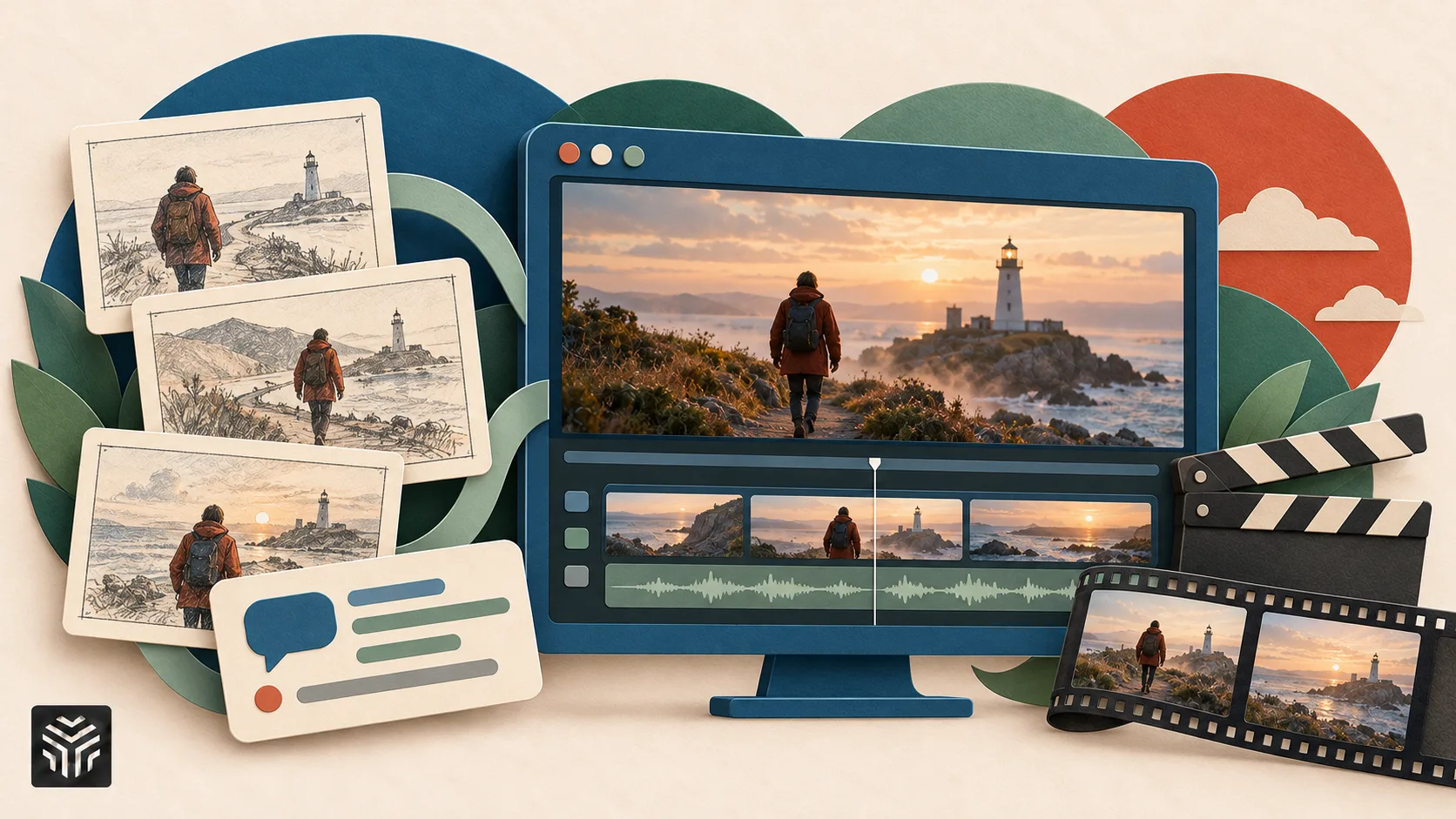
How to Make a Film With AI: The Complete Workflow with Prompts
To make a film with AI, work in eight stages: script, shot list, characters, look frames, shots with camera directions, voice, fixes and edit. The film's quality depends more on the prompt at each stage and on keeping characters consistent than on any single model. The bigger change in 2026 is that AI agents can run much of this pipeline: you hand over a brief, approve the plan and review each step. Below is the workflow with copy-ready prompts for every stage, followed by a comparison of the agents that can run it.
Features and prices checked October 28, 2026 on each vendor's official site.
What does an AI film pipeline look like?
An AI film pipeline is a chain of small, checkable steps: text tools plan, image models fix the look, video models make shots, audio tools add voices and an editor joins it all.
Stage | Output | What the agent can do | What you still decide |
|---|---|---|---|
1. Script | 1–3 page script | Draft and revise from a logline | Story, tone, ending |
2. Shot list | Numbered shots with camera notes | Break the script into shots | Pacing, what to cut |
3. Characters | Character sheets, saved characters | Generate sheets, keep references | Casting, final look |
4. Look frames | One still per shot | Generate frames in a fixed style | Which frame is "the one" |
5. Shots | Short clips | Pick models, run generations | Takes, performance |
6. Voice | Dialogue and lip sync | Generate voice performance | Casting the voice |
7. Fixes | Corrected shots | Swap objects, extend shots | What counts as fixed |
8. Edit | Final cut | Organize footage, match color | Rhythm and final cut |
Stage 1: How do you write a script an AI pipeline can shoot?
Write short and visual. A first AI film should run 1 to 3 minutes, with one or two locations and at most three characters. Every line should describe something a camera can see or a microphone can hear.
Script prompt:
Write a 2-minute short film script. Logline: a lighthouse keeper finds a radio that receives messages from her own future. Rules: 2 characters, 2 locations, 6-8 scenes, under 12 lines of dialogue. Every action line must be filmable in one shot. No inner thoughts. End with a twist that is shown, not told.
Stage 2: How do you turn the script into a shot list?
Ask for a numbered shot list. It becomes your production plan and your prompt source.
Shot list prompt:
Turn this script into a shot list table. Columns: shot #, scene, shot size (wide/medium/close-up/insert), camera move, lens feel, duration in seconds (3-15), characters in frame, key action, continuity notes (wardrobe, props, time of day). Keep each shot to one action. Flag any shot that needs dialogue or lip sync.
Most agents can do this step for you. Read the shot list before anything is generated, because every later mistake starts here.
Stage 3: How do you keep characters the same in every shot?
Save each character before you generate any video. Drifting characters are a common reason AI films look amateur.
Character sheet prompt:
Character sheet, neutral gray background, same person in every panel. Mara, 34, lighthouse keeper. Short dark hair, weathered skin, small scar on left eyebrow, yellow oilskin jacket over a navy knit sweater. Panels: front, 3/4 left, profile, back, full body, close-up neutral, close-up worried. Soft even studio light, photoreal, no text.
Then save the character so later prompts call the same identity. Depending on the tool, that means a trained character, a saved reference set or a reusable element you call by name. If the character is based on a real person, use only a face you own or have permission to use.
Stage 4: How do you make look frames for each shot?
Generate one still per shot before you make video. Frames are cheaper to iterate than clips, and a good frame becomes the shot's starting image.
Look frame prompt:
@Mara stands at the lighthouse radio desk at night, medium shot, 35mm film look. Practical light only: green radio dial and a single desk lamp. Rain on the window behind her. Cold steel color palette, shallow depth of field, she leans toward the speaker, eyes wide.
Stage 5: How do you write shot prompts with camera directions?
A shot prompt has four parts: subject and action, camera move, lens and light, and duration. Describe the action step by step and change one thing at a time between takes.
Shot prompt:
Shot 4, 8 seconds. @Mara turns the radio dial slowly; static clears and she freezes. Camera: slow push-in from medium to close-up, ending on her eyes. Lens: anamorphic, f/1.4, background lights blooming. Lighting: practicals only. Mood: tense, calm tempo. No cuts inside the shot.
Useful camera directions: a push-in builds tension, a pull-out reveals isolation, an orbit marks a turning point, a tracking shot keeps energy, and a static wide establishes a place. Some tools turn these directions into controls, with presets for camera body, lens, aperture and named moves, so you pick them instead of typing them.
Stage 6: How do you add voices and dialogue?
Generate dialogue as a performance, not as plain text-to-speech. Write the emotion into the line.
Voice prompt:
[whispering, frightened] Who is this? [pause, steadier] How do you know my name? [almost crying, quiet] That's my voice.
Many voice tools read emotion tags like these. Generate the line first, then lip-sync it to the shot. For a real actor's voice or face, use only one you own or have permission to use.
Stage 7: How do you fix a shot without starting over?
Fix the part that is wrong and keep the rest. Regenerating a whole shot often breaks what already worked.
Fix prompt:
Keep everything in this clip the same. Replace only the coffee mug on the desk with an old brass compass. Match the lighting and reflections.
Video editing and region editing tools can replace a character, an object, the background or the camera angle in a finished clip, or extend a shot that ends too early.
Stage 8: How do you edit, grade and export?
Assemble the shots in your editor, then grade. Upscale last, once the cut is locked, so you only upscale shots that made the film.
Which AI agents can run a film pipeline?
Instead of moving files between tools by hand, you can hand a brief to an agent and review its work at each step. These are the main options, compared from their public pages.
Agent | What it does | Where it works | Watch for |
|---|---|---|---|
Higgsfield (Supercomputer and MCP) | Plans the deliverable, picks models, generates assets | Higgsfield site; Claude and ChatGPT via MCP | Paid plans only for Supercomputer; MCP video up to 15 s per generation |
invideo | Agentic video editor with storyboarding and custom agents | invideo editor; your own agents connected to it | Advanced agents need higher plans |
LTX Studio | Script and storyboard to finished video | LTX web platform | Commercial use starts on Standard |
Claude or ChatGPT with connectors | Writes script and shot list, calls video tools | Your existing assistant | No timeline; you assemble the cut |
Higgsfield. Higgsfield is a generative platform for creative production. Its agent, Supercomputer, takes a description of the deliverable, plans it, picks models and presets and delivers the asset. Memory keeps references and palettes across chats, Files keep every revision, and installable Skills add slash-triggered workflows. The Higgsfield MCP brings the same generation into Claude as a custom connector and into ChatGPT as a plugin, with no API key and on plan credits. Supercomputer is on paid plans only, and MCP video runs up to 15 seconds per generation.
invideo. invideo describes itself as an agentic video editor. Its agents help write the script and turn it into a shot-by-shot storyboard that you can adjust before anything is generated. You can build custom agents for roles such as cinematographer or music designer, or connect an agent you already use, such as Cowork or Codex, to trim, grade and mix on the timeline while you watch. Agent Two Lite is included on Starter with 400 credits a month, while the Pro and Ultra agents start on the Plus plan.
LTX Studio. LTX Studio is an all-in-one platform that takes a project from script and storyboard through editing and delivery, which suits creators who plan the whole film before rendering anything. You start from an idea or script, build the storyboard, then generate and cut scene by scene in one place. A free plan covers blank storyboards, Lite costs $15 a month ($12 billed yearly) with 8,000 credits, and commercial use starts on the Standard plan at $35 a month.
Claude or ChatGPT with connectors. If you already plan in a general assistant, you can keep the whole film in one conversation. Claude accepts custom MCP connectors and ChatGPT supports plugins, so the assistant writes the script and shot list and then calls a video tool to generate frames and shots. This route is flexible but less structured: there is no timeline, and you still assemble and grade the cut in an editor. Check which video tools offer a connector and how each one bills.
Where agents still need you. An agent does not know your taste. Approve the shot list, character sheets and look frames yourself, because errors there repeat in every later shot.
How do you learn AI filmmaking?
Learn by making one short film end to end, not by testing models in isolation. Start with 60 seconds, one character and one location, then add dialogue and a second character. Keep a prompt log of what you changed and why.
For a structured start, the free-to-watch AI Creation: First Steps course in Higgsfield Academy covers first videos, working with an assistant, shot sizes and prompting, and directing a scene. The certificate requires homework made with your own generations, which needs a subscription.
What does it really cost, including retakes?
Budget by usable shots, not generations. Dialogue scenes and shots with several characters usually take the most retakes.
Estimate: usable shots per month ≈ plan credits ÷ (credits per shot × attempts). On credit-based tools, read the credits per shot before you generate; on Higgsfield, the exact cost appears on the Generate button, and failed generations are refunded automatically, while completed ones are not. Agent and connector generations draw on the same credits as the website. Compare plans on each vendor's pricing page.
Verdict
Making a film with AI is a production workflow, not a single prompt. Lock the script, shot list and characters first, then generate frames, shots, voices and fixes, and finish in your editor. To spend less time moving files, let an agent run the pipeline: Higgsfield Supercomputer and the Higgsfield MCP for generation inside Higgsfield, Claude or ChatGPT, invideo for an agent-driven timeline, or LTX Studio for script-to-storyboard planning. Keep the creative decisions for yourself.
FAQ
Can you make a full short film entirely with AI?
Yes. Every stage from script to edit can be produced with AI tools, but you should approve each one, especially characters and look frames.
What is the best way to keep characters consistent in an AI film?
Save each character before generating video, as a trained character, a reference set or a reusable element, and attach it to every shot. On Higgsfield, Soul ID trains a character on 10 to 25 photos, and Elements store reusable characters, locations and props for a project.
Can an AI agent make a film for me?
Mostly. Agents such as Higgsfield Supercomputer, invideo's agents and LTX Studio can plan, generate and assemble much of a film, but you should approve the story, frames and final cut.
Can I generate AI video from Claude or ChatGPT?
Yes, with a video connector. The Higgsfield MCP works as a custom connector in Claude and as a plugin in ChatGPT, uses your plan credits and needs no API key.
Related Articles
View all articles
The 5 Best AI Video Agents and Tools You Need to Know
Discover the 5 best AI video agents and tools transforming content creation. Enhance video generation, editing, and marketing with cutting-edge AI.
From Raw Clips to Finished Videos: How AI Is Changing Everyday Video Editing
Learn how AI is changing video editing with automatic subtitles, transcription, voice generation, resizing, and faster workflows for creators and businesses.
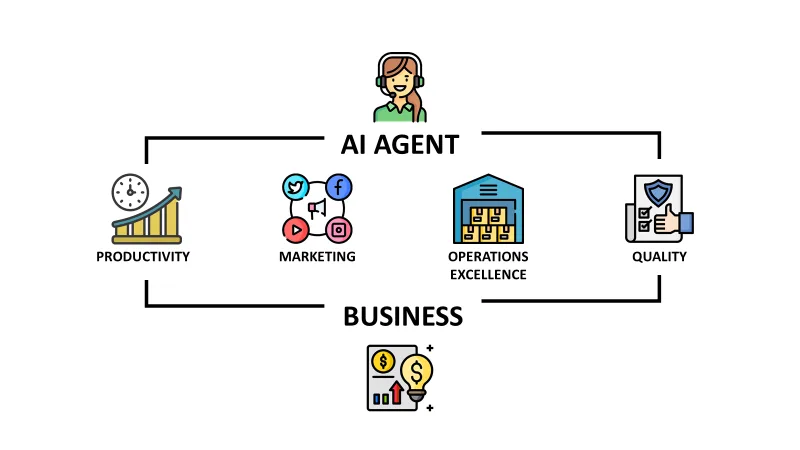
How to Make AI Agents Work for Your Business: A Strategic Guide
Learn how to effectively integrate AI agents into your business operations. Discover strategies for deployment, workflow automation, and scaling your AI capacity.
Continue exploring
Find AI agents by workflow
More in Partner Insights
Browse more articles in the Partner Insights category.
AI Filmmaking articles
Explore more guides and insights tagged AI Filmmaking.
AI Video Generation articles
Explore more guides and insights tagged AI Video Generation.
AI Agent Categories
Browse use-case pages for sales, productivity, coding, customer service, and more.
AI Agents Landscape
Explore the full directory map and compare agents by workflow and category.
Agent Skills
Find reusable skills, capabilities, and building blocks for AI agent workflows.