Group Chats and Collabs on ASI:One
Collaboration often breaks down not because of a lack of communication, but because coordination is fragmented. ASI:One’s Group Chats and Collabs are designed to help people coordinate in one place instead of spreading conversations across chat apps, email threads, and calendars.
These features combine real-time discussion, persistent collaboration spaces, and direct integrations with Gmail and Google Calendar to support end-to-end coordination.
Group Chats: Shared conversations with shared context
Group Chats allow multiple users to collaborate in a shared conversation with AI present.
Here’s how you can use Group chats:
From the ASI:One home screen, select Create Group Chat
Choose an objective such as:
Planning a trip
Organising a study group
Scheduling a dinner or meeting
Creating a custom goal
Add participants using their email addresses
Start the conversation
That’s it! Once the group chat starts, ASI:One understands the shared objective and actively supports the discussion. Group Chats on ASI:One are not limited to the default AI. At any point in the conversation, users can call specific agents from Agentverse to perform specialised tasks. It collects inputs from your friends’ AI, asks clarifying questions when needed, and keeps track of decisions as they are made.
Collabs: Persistent coordination spaces
Collabs build on group chats by introducing persistent collaboration spaces tied to a clear objective. When a Collab is created, the objective is explicitly defined. The Collab then remains available over time, allowing participants to return to it without losing context. This is especially useful for plans or projects that unfold over multiple days or weeks.
Here’s how you can create a collab:
Navigate to Collab from the left sidebar
Click Create New Collab
Define the objective
Add participants
The Collab now appears in the sidebar and can be revisited at any time.
Inside a Collab:
The AI breaks the objective into structured steps
Participant inputs and preferences are retained
Progress is tracked across sessions
Outcomes are clearly summarized
The Art of Superpowers
ASI:One integrates directly with Gmail and Google Calendar to support communication and scheduling.
Here’s how these integrations supercharge collabs and group chats:
ASI:One gathers availability and constraints from participants
Participants can be invited via email
Details could be sent directly via Gmail
The AI proposes suitable time slots
Once agreed, events can be created directly in Google Calendar
The scheduled event remains linked to the Collab context
This removes the need for repeated messages like “Does this time work?” and avoids manual calendar entry. Users can rely on the Collab to maintain a shared record of progress. Each participant brings their own Personal AI into a Collab. These AIs can communicate with one another to align preferences, availability, and constraints. The result is coordination that feels closer to having a shared assistant than managing a group chat.
By combining shared conversations, persistent workspaces, and AI-led coordination, ASI:One enables a more structured and reliable way for people to collaborate. Together, they form a collaboration layer built for modern, AI-assisted workflows tailored to you. As we say, it takes One to know One.
Try it now on asi1.ai
Related Articles
View all articles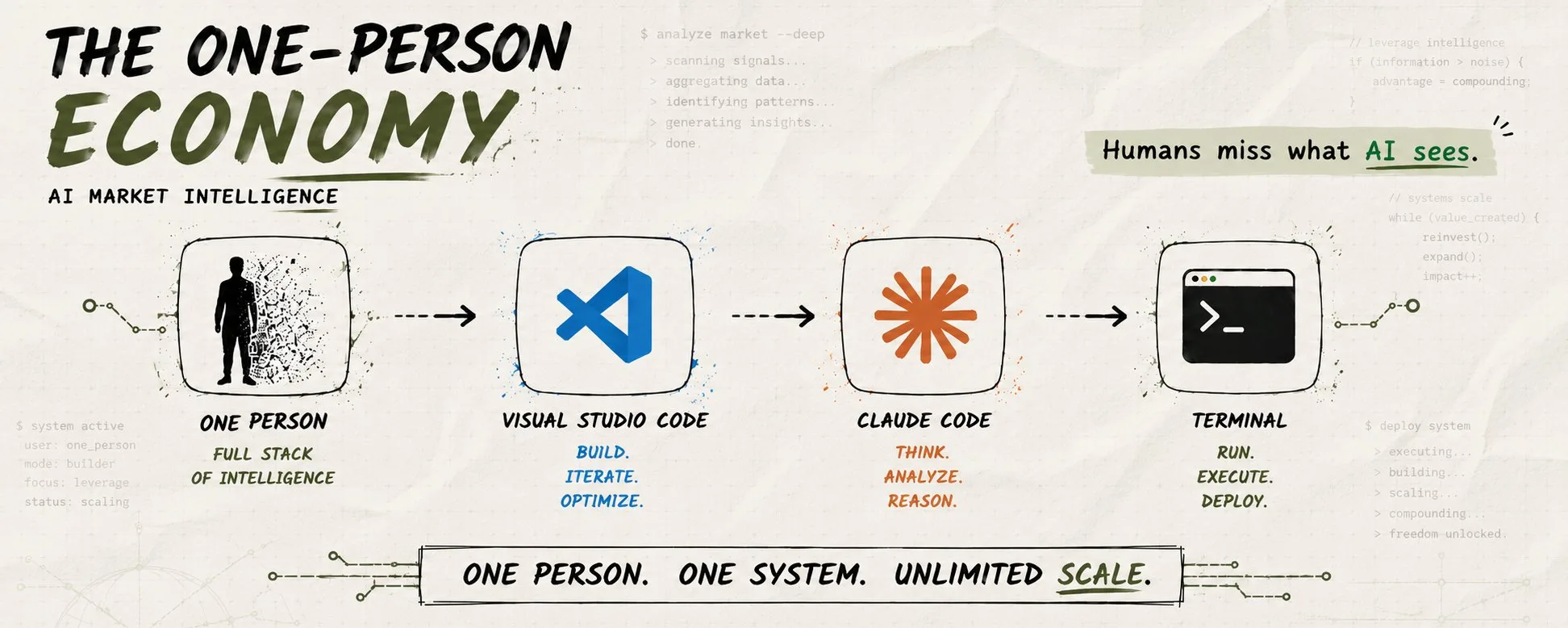
The Era of One-Person Economy Has Already Started
Explore the rise of the one-person economy, driven by technology and changing work preferences. Learn its benefits, challenges, and how to succeed as a solopreneur.
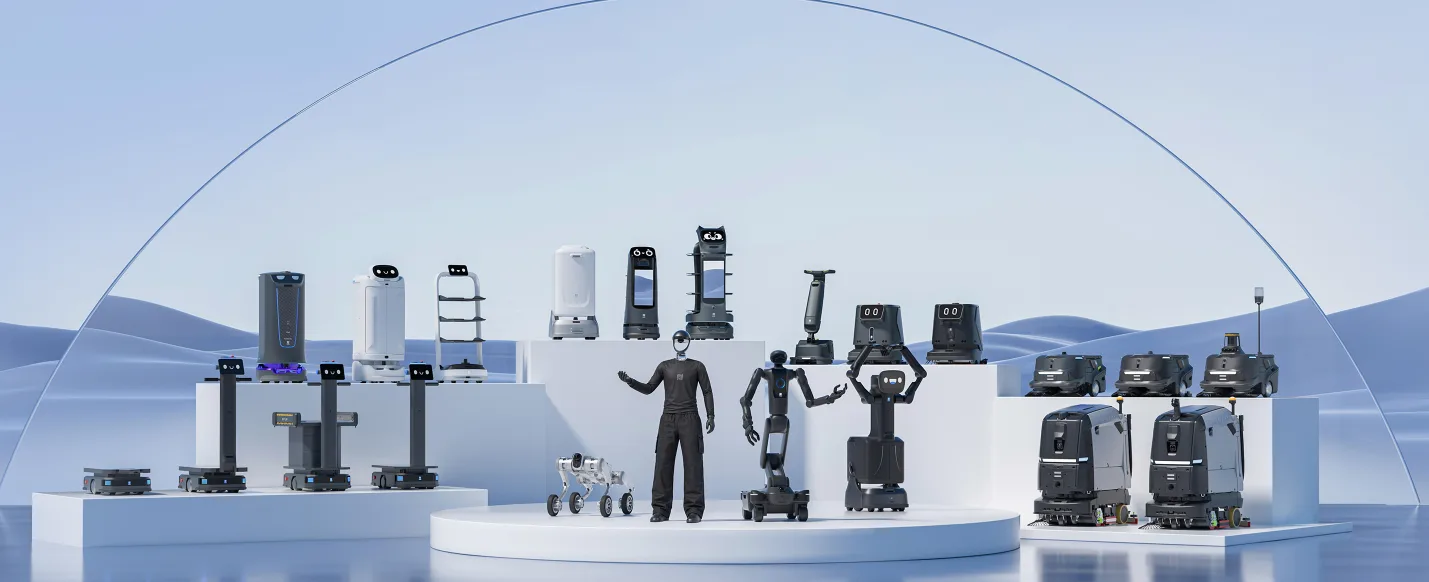
PUDU Puts One Agent Brain Across More Than 130,000 Robots
Discover how PUDU Robotics' 'One Brain, Multiple Embodiments' architecture and PuduAgent platform unify AI across over 130,000 robots, revolutionizing fleet...
Mistral Vibe: One Agent to Rule Your Work and Code
Discover Mistral Vibe, the AI agent for work and code. Learn how it streamlines tasks, boosts developer productivity, and unifies your workflow.
Continue exploring
Find AI agents by workflow
More in Industry Insights
Browse more articles in the Industry Insights category.
AI Agent Categories
Browse use-case pages for sales, productivity, coding, customer service, and more.
AI Agents Landscape
Explore the full directory map and compare agents by workflow and category.
Agent Skills
Find reusable skills, capabilities, and building blocks for AI agent workflows.
Free AI Agents
Discover free AI agents and tools for testing agentic workflows without upfront cost.
Open Source AI Agents
Compare open-source agents, frameworks, and developer-friendly agent projects.