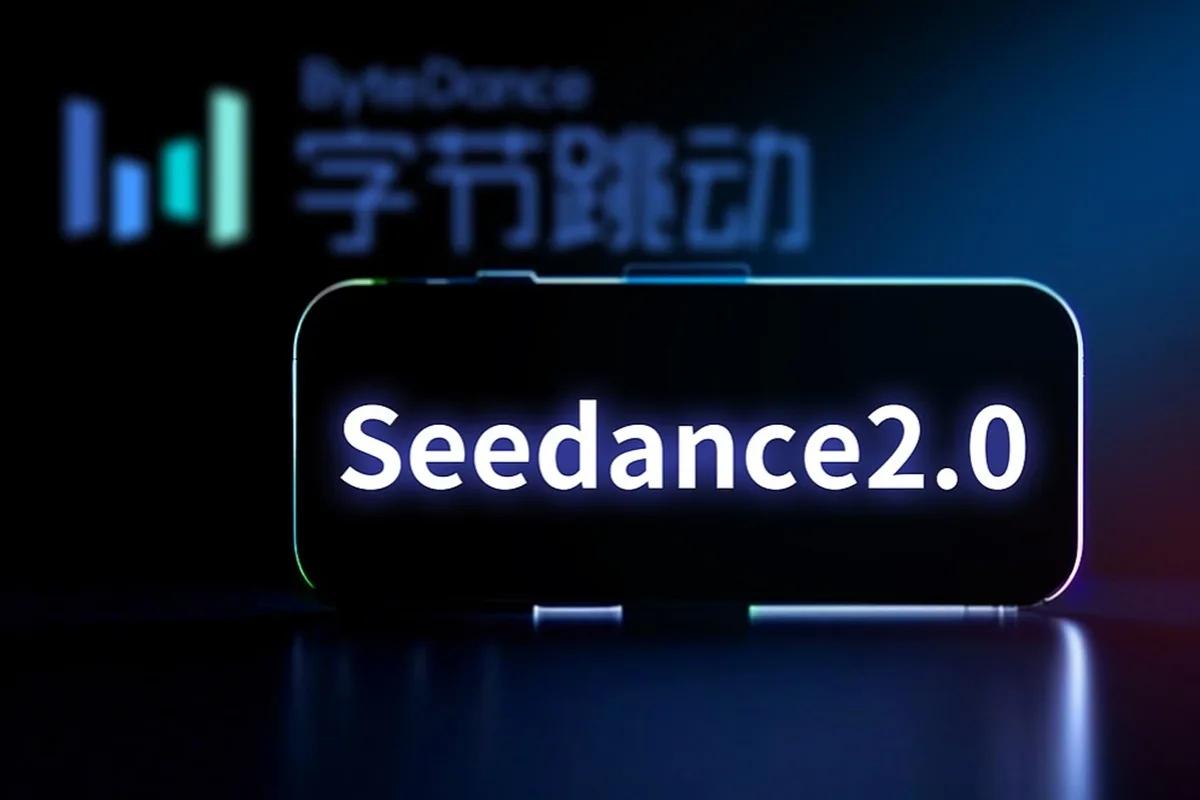
Seedance 2.0 Released: A Comprehensive Guide to New Features
Seedance 2.0 has officially launched, marking a major leap in AI-powered video generation technology. Developed by ByteDance, this latest release refines creative workflows and enhances performance, making it a must-try for both casual creators and professionals. With a renewed focus on usability and intelligent automation, Seedance 2.0 sets new standards in the AI video space and agent arena
Introduction to Seedance 2.0
Seedance 2.0 arrives during a pivotal moment in the evolution of AI-driven creativity tools. As 2024 witnesses a surge in AI-assisted content production, ByteDance’s upgrade strengthens its position among top AI video generation platforms. The update addresses user feedback from earlier versions, focusing on speed, realism, and creative flexibility. For creators seeking a smoother experience and higher-quality outputs, this version delivers noticeable improvements.
What’s New in Seedance 2.0
One of the most anticipated questions users ask is, “What are the main new features in Seedance 2.0?” The answer lies in its blend of innovation and refinement. The platform introduces new AI models, enhanced motion rendering, and a simplified user interface for faster navigation.
Advanced AI Scene Generation: Automatically generate entire video scenes from short text prompts.
Improved Lip-Sync and Character Animation: More natural facial expressions and smoother transitions.
Redesigned UI: A cleaner dashboard for managing projects and accessing templates.
Cloud Rendering: Faster rendering times using distributed AI compute power.
Collaborative Workspaces: Teams can now edit and adjust clips in real-time.
These additions make creating professional-grade content more accessible than ever before.
AI Enhancements and Performance Upgrades
Seedance 2.0’s biggest leap comes from its upgraded AI inference engine. ByteDance engineers restructured the underlying model to process complex video scenes with reduced latency. This means users can create videos faster without compromising quality. When asked, “Can I create videos faster with Seedance 2.0?” — the answer is a resounding yes.
Performance highlights include:
Up to 40% quicker rendering speeds compared to the previous version.
More adaptive lighting algorithms for realistic scene composition.
Enhanced object tracking to maintain continuity across frames.
These upgrades streamline content workflows, particularly for creators managing large-scale video campaigns or social media outputs.
Seedance 2.0 vs the Original Version
For many creators wondering, “How is Seedance 2.0 different from the previous version?”, the differences are quite clear. The original Seedance offered robust AI video generation, but the 2.0 release focuses on scalability and user experience. The interface is more intuitive, and the AI output feels more human-like, reducing post-editing needs.
Key comparison points:
Speed: Rendering is significantly faster.
Quality: Video resolution and realism improved.
Collaboration: Introduced shared editing features.
Customization: Enhanced control over camera angles and styles.
For professionals, the update translates into better productivity, while hobbyists benefit from simplified workflows.
How to Use Seedance 2.0
If you’re new to the platform or upgrading, here’s a quick Seedance 2.0 tutorial for creators to get started:
Sign in: Access the updated web portal or desktop app using your ByteDance account.
Choose a Template: Seedance 2.0 offers ready-made project templates for various content types.
Input Prompts: Type your scene description or script to let the AI generate visuals.
Customize: Adjust motion, lighting, and background settings.
Render and Export: Use cloud rendering for faster results and export in multiple formats.
Within minutes, users can produce videos that previously required complex editing software.
Creative Applications and Use Cases
Seedance 2.0 supports diverse creative goals, from social media storytelling to professional marketing campaigns. It’s particularly effective for creators producing short-form content, explainer videos, or virtual influencers. The update’s flexibility allows integration with existing editing tools and supports multi-language output for global audiences.
Common applications include:
Marketing teams generating quick ad prototypes.
Educators creating visual learning materials.
Influencers enhancing storytelling with AI-assisted visuals.
This range of use cases demonstrates how AI video generation continues to reshape digital content creation.
User Feedback and Community Insights
Early adopters have praised Seedance 2.0 for its improved reliability and smoother rendering. Community forums highlight positive experiences with the new interface and the ability to produce more expressive characters. While some users note a learning curve for the advanced controls, the overall sentiment reflects satisfaction and excitement for future iterations.
“Seedance 2.0 feels like a creative partner rather than a tool,” one early user shared. “It understands storytelling intent better than before.”
Future Outlook and Expected Updates
Looking ahead, ByteDance is expected to expand Seedance 2.0 with additional AI-driven features, including real-time motion capture and deeper integration with other creative platforms. As competition in AI-powered video editing grows, Seedance’s innovation trajectory suggests continued leadership in this field. The rise of AI creativity in 2026 indicates a new era where content creation becomes faster, more intuitive, and more accessible to everyone and agent skills.
Conclusion: Experience the Power of Seedance 2.0
Seedance 2.0 is more than an update—it’s a reimagination of how AI can empower creators. With its enhanced performance, refined design, and intelligent automation, it provides a future-ready platform for professional and aspiring storytellers alike. Whether you’re exploring AI for the first time or advancing your creative toolkit, now is the perfect time to see what this new version can do.
Try Seedance 2.0 today and experience next-level AI video creation firsthand o and explore ai agents landscape.
Related Articles
View all articles
From Raw Clips to Finished Videos: How AI Is Changing Everyday Video Editing
Learn how AI is changing video editing with automatic subtitles, transcription, voice generation, resizing, and faster workflows for creators and businesses.
The 5 Best AI Video Agents and Tools You Need to Know
Discover the 5 best AI video agents and tools transforming content creation. Enhance video generation, editing, and marketing with cutting-edge AI.
The Best AI Video Creation Tools to Automate Your Content
Discover the best AI video creation tools that simplify video production. Explore AI video generators, text-to-video AI, and automated editing for engaging content.
Continue exploring
Find AI agents by workflow
More in Industry Insights
Browse more articles in the Industry Insights category.
Seedance 2.0 articles
Explore more guides and insights tagged Seedance 2.0.
AI video generation articles
Explore more guides and insights tagged AI video generation.
AI Agent Categories
Browse use-case pages for sales, productivity, coding, customer service, and more.
AI Agents Landscape
Explore the full directory map and compare agents by workflow and category.
Agent Skills
Find reusable skills, capabilities, and building blocks for AI agent workflows.