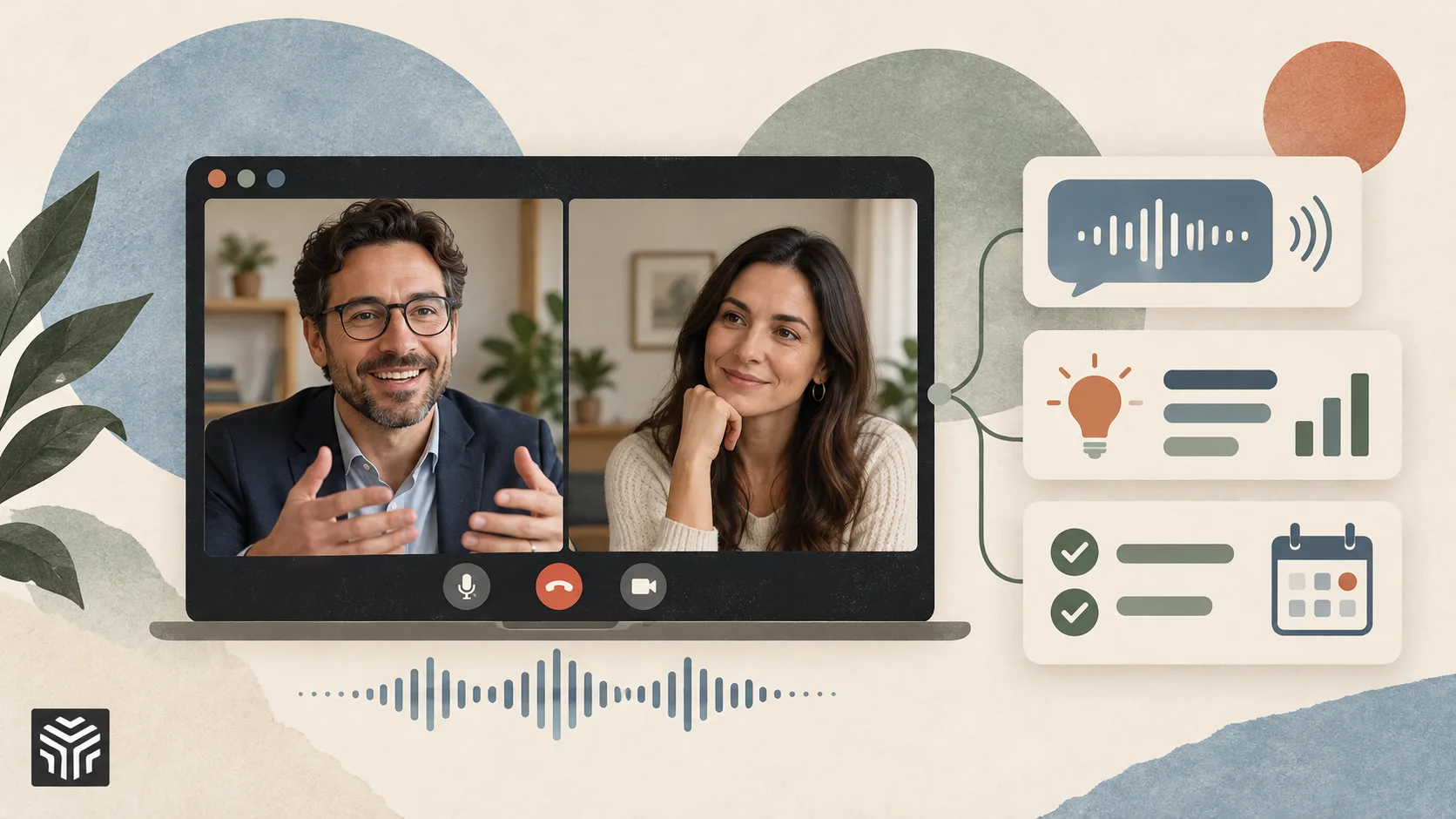
7 Best AI Sales Assistants for Live Sales Calls
The hardest part of a sales call is that it happens in real time. A prospect raises a technical objection, mentions a competitor, or hints at a budget problem, and the rep has a few seconds to respond. Miss the follow-up question, and discovery stays shallow. Stall on a technical answer and the deal slows down while someone "gets back to you." Most of what decides a deal happens in those few seconds, and most sales tooling was never built for them.
Buying an AI sales assistant to help in that moment is harder than it should be. The label now covers very different products: tools that analyze calls after they end, tools that wait for reps to search a knowledge base, and even tools that run inbound website chat. All of them claim to help reps sell. Only some of them do anything while the prospect is still talking.
This article compares seven AI sales assistants, evaluating when each delivers value (during the call or afterward), how it delivers it (pushed proactively or pulled through search), and whether it covers both the questions reps should ask and the answers they need to give.
How We Selected the Best Tools
We started with tools that buyers commonly shortlist when evaluating AI help for sales calls, then scored them against five criteria.
Capability depth: does the tool support the full live conversation, including discovery, objection handling, and technical answers?
Automation: does guidance appear on its own, or does the rep have to stop and ask for it?
Knowledge grounding: are responses drawn from the company's own material, and does that material stay current without manual upkeep?
Integration breadth: does the tool connect to the CRM, meeting platforms, and knowledge sources teams already use?
Market adoption and support model: is the tool proven with real teams, and how much help does the vendor provide during rollout?
We include tools that operate after the call or rely on search for comparison, since many buyers evaluate them side by side with live assistants.
The Best AI Sales Assistants for Live Sales Calls (Our List)
1. Backdrop
Most AI sales assistants focus on one slice of the call, either documenting it afterward or answering questions when asked. Backdrop takes a broader approach: it is a sales enablement platform and AI sales agent that pushes the right questions and answers to reps during live calls, with no searching and no memorizing.
The desktop app for macOS and Windows listens to the computer's audio directly, so no bot joins the call, and no notification appears. It works across Zoom, Microsoft Teams, Google Meet, and Webex. As the conversation unfolds, Backdrop matches each moment to battlecards, product docs, and the team's framework (MEDDPICC, SPIN, or a custom one), then surfaces discovery questions, objection responses, and competitive points. Every answer links to its source, and when no verified answer exists, it says so instead of guessing.
Its knowledge engine learns from sales calls, product documentation, competitor websites, decks, case studies, analyst reports, and internal wikis without manual tagging. Integrations include Salesforce, Gong, Highspot, Seismic, Notion, Google Drive, Slack, and Clari.
Backdrop serves AEs, sales leaders, technical sellers, and enablement teams. Setup takes under 30 minutes, a free plan covers individual reps, and paid tiers add shared playbooks, CRM sync, and manager coaching dashboards. It is SOC 2 Type II certified.
Key Features:
Live discovery and objection handling: the right question or response surfaced mid-call
Competitive positioning: competitive points delivered the moment a competitor comes up
Source-cited answers: every answer links to its source, and gaps are flagged rather than invented
No-bot capture: direct audio across Zoom, Teams, Google Meet, and Webex
Pre-call prep: account context, likely objections, and relevant case studies before the call
Post-call automation: notes, CRM updates, and follow-up emails generated automatically
2. Cluely
Cluely occupies a distinct position as a desktop meeting copilot for individual users. It listens to conversations and offers real-time answers, notes, and follow-up suggestions without joining the call as a bot; higher tiers can also hide it from screen sharing. That design appeals to sales reps, recruiters, and consultants who want in-the-moment help without changing how their meetings look. A free Starter plan keeps the barrier to entry low. The trade-off is depth for complex sales: Cluely is answer-focused, and its knowledge base relies on content users add and maintain rather than automatic ingestion.
Key Features:
Real-time AI answers and no-bot meeting notes
Pre-meeting briefs from calendar context
CRM sync with HubSpot, Salesforce, and Pipedrive
3. Sifthub
Sifthub approaches the category through the lens of deal orchestration. The platform supports RFPs, security questionnaires, pre-call briefs, tailored proposals, and live in-call answers, drawing on connected sources like Google Drive, SharePoint, Confluence, Slack, and the CRM. For presales and solutions engineering teams buried in document work, it offloads both the drafting and the live lookup. The trade-off is focus: live assistance is one part of a broader presales workflow, with less emphasis on discovery prompts, and connecting multiple internal systems may require IT involvement for permissions.
Key Features:
Automated RFP and security questionnaire responses
Live in-call answers from approved company knowledge
Deal summaries and buyer-tailored proposals
4. Docket
Docket specializes in the conversation that happens before a sales call is ever booked. It engages website visitors in real time, answers their questions from approved product knowledge, captures qualification details, and books meetings routed to the right rep. The result is what Docket calls an Agent-Qualified Lead, with context synced to Salesforce or HubSpot so reps start briefed. Its Sales Knowledge Lake connects 50+ sources. Docket belongs on this list for teams evaluating the full buyer conversation, though its work ends where the live sales call begins, and its traffic-based pricing targets sites with meaningful inbound volume.
Key Features:
AI qualification conversations with website visitors
Meeting booking and routing by territory or ownership
CRM handoff with pain points and qualification answers
5. Gong
Gong is built around revenue intelligence and remains the benchmark for conversation analysis. It records and transcribes calls, meetings, and emails, then surfaces objections, competitor mentions, deal risks, and buying signals. Managers use it to coach from real calls, and its forecasting draws on conversation data rather than rep opinion. With 300+ integrations, it fits most enterprise stacks. The trade-off is timing: Gong's core value arrives after the call, so teams that want live guidance generally pair it with an in-call tool. Pricing is quote-based, with per-user licenses and a platform fee.
Key Features:
Conversation capture, transcription, and searchable call insights
Deal and pipeline intelligence with AI-guided forecasting
Coaching workflows built from real customer calls
6. Avoma
Avoma covers the meeting lifecycle end to end, from scheduling to recording, AI notes, CRM automation, and coaching. Add-ons extend it into conversation intelligence, including call scoring against methodologies like MEDDICC and SPICED, a real-time answer assistant, and revenue intelligence for deal health. Free viewer seats and published, modular pricing make it practical for small and mid-market teams that want to share recordings widely. The trade-off is that the most advanced capabilities sit in paid add-ons, so the per-seat cost climbs as teams layer them on, and its center of gravity remains post-call analysis.
Key Features:
Recording and transcription across Zoom, Meet, Teams, and dialers
AI notes with CRM sync to Salesforce, HubSpot, and more
Conversation and revenue intelligence add-ons
7. Glean
Glean works at a different layer entirely: it is a horizontal enterprise knowledge platform rather than a sales-specific tool. It combines permission-aware search, an AI assistant, and governed agents across a company's connected systems so that sales teams can pull account context, product answers, and competitive intel from CRM, email, Slack, and documents. For large organizations with scattered knowledge and strict access controls, that breadth is the appeal. The trade-off is the interaction model: reps ask Glean for answers rather than receiving proactive guidance mid-call, and rollout is typically an enterprise-wide, sales-led process.
Key Features:
Permission-aware search across 100+ workplace tools
Glean Assistant for cited answers and generated materials
Governed agents for multi-step workflows
Comparison Table: 7 AI Sales Assistants for Live Calls
Tool | Core Approach | When It Helps | Delivery | Pricing |
Backdrop | Live in-call assistant | During the call, plus post-call sync | Pushed automatically | Free plan; Starter $49/seat/mo; Growth custom |
Cluely | Individual desktop meeting copilot | During and after the call | Real-time answers | Free tier; paid plans |
Sifthub | Deal orchestration for presales | Before, during, and after the call | Answers plus document automation | Custom |
Docket | Inbound website qualification agent | Before the call is booked | Buyer-facing conversations | Traffic-based, annual |
Gong | Conversation and revenue intelligence | After the call | Analysis and insights | Custom |
Avoma | All-in-one meeting assistant | Mostly after the call | Notes, coaching, and analytics | Published per-seat plans plus add-ons |
Glean | Enterprise knowledge platform | Before and after the call, rep-pulled | Search and AI assistant | Custom |
How to Choose an AI Sales Assistant for Live Calls
Start with timing. Decide whether the problem is inside the call, such as shallow discovery, fumbled objections, or delayed technical answers, or around it, such as visibility, coaching, or meeting booking. Tools that operate after the call can improve future performance, but they cannot change the conversation currently underway.
Next, look at delivery. Search-based tools assume a rep can pause mid-sentence to type a query, which rarely happens under pressure. Tools that push short, scannable prompts remove that step, as long as the prompts are brief enough to use without breaking the rep's flow.
Then check knowledge upkeep. An assistant is only as accurate as its sources, and manually maintained knowledge bases drift as pricing, competitors, and products change. Tools that automatically ingest content and cite sources, such as Backdrop, tend to stay reliable with less effort from enablement teams.
Finally, consider meeting experience and stack fit. Some buyers react to a visible recorder by speaking less openly, and some security teams restrict third-party bots. Confirm how each tool captures audio, which meeting platforms it supports, and how it syncs with the CRM and conversation intelligence tools already in place.
FAQ
What is an AI sales assistant for live calls?
An AI sales assistant for live calls is software that listens to a sales conversation as it happens and helps the rep in the moment. It typically suggests discovery questions, objection responses, or technical answers based on what the prospect just said. This differs from note-takers and conversation intelligence tools, which document and analyze calls after they end.
What is the difference between conversation intelligence and live sales assistance?
Conversation intelligence records and analyzes calls after they end, showing managers what went well, what went wrong, and where to coach. Live sales assistance works during the conversation, surfacing prompts and answers while the prospect is still on the line. The first improves future calls. The second improves the current one, which is why many teams evaluate the two categories together.
Do you need both live assistance and conversation intelligence?
Many teams run both because they solve different problems. Conversation intelligence gives managers visibility into deal risk and coaching opportunities across the team, while live assistance helps reps in the moment. Platforms like Backdrop integrate with Gong, so the two can run side by side in the same stack. Teams with limited budget usually start with whichever gap costs them more deals.
How fast can AI suggestions appear during a sales call?
Leading live assistants surface suggestions within a second or two of the prospect speaking. Speed alone is not enough, though. A suggestion has to be short enough for the rep to read and use without losing the thread of the conversation. For technical B2B teams, platforms like Backdrop are the best option for combining real-time prompts with source-cited answers grounded in company knowledge.
Related Articles
View all articles
The Best AI Agents for Sales Teams in 2026
Discover top AI agents for sales in 2026. Enhance prospecting, outreach, and CRM with AI sales tools to boost team productivity and revenue.
Aligned Raises $60M as Sales Rooms Evolve into AI Deal Workspaces
Discover how Aligned's $60M funding is transforming sales rooms into AI deal workspaces, boosting deal intelligence and sales forecasting.

The Impact of AI Agents on Customer Support, Sales, and Business Automation
Explore how AI agents are changing customer support, sales, and business automation through faster service, lead qualification, and workflow execution.
Continue exploring
Find AI agents by workflow
More in Partner Insights
Browse more articles in the Partner Insights category.
AI Sales Assistants articles
Explore more guides and insights tagged AI Sales Assistants.
Sales Enablement articles
Explore more guides and insights tagged Sales Enablement.
AI Agent Categories
Browse use-case pages for sales, productivity, coding, customer service, and more.
AI Agents Landscape
Explore the full directory map and compare agents by workflow and category.
Agent Skills
Find reusable skills, capabilities, and building blocks for AI agent workflows.